Theme
Updated
Hayley
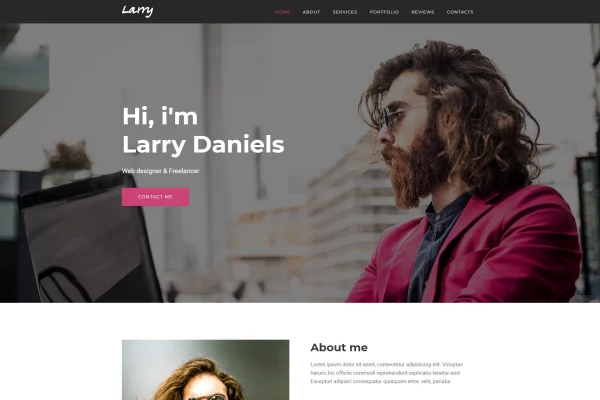
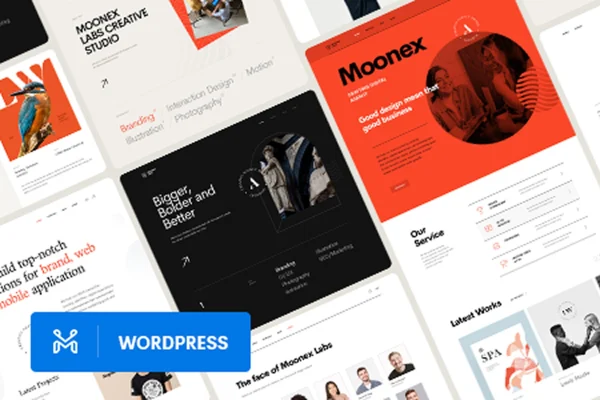
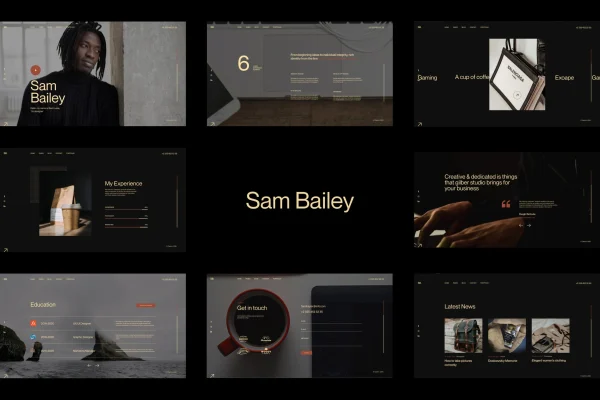
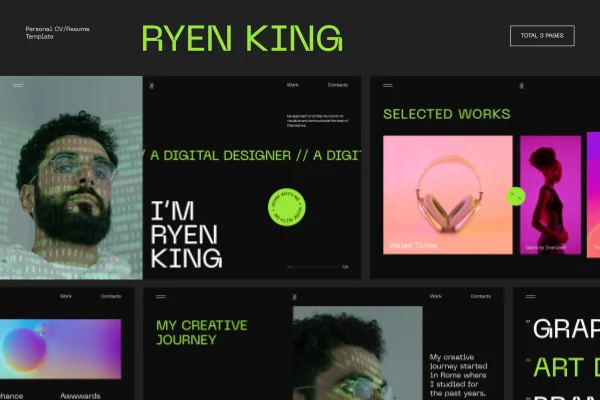
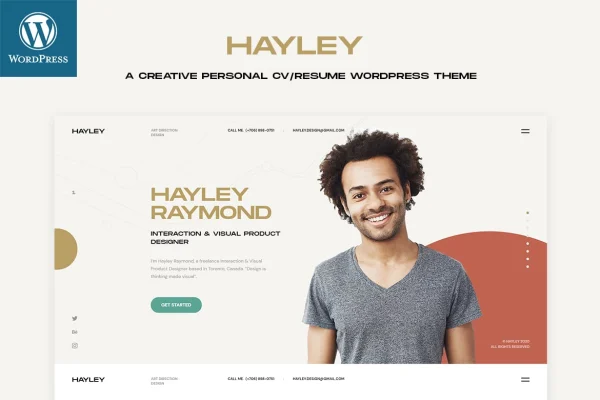
Hayley is a personal CV and resume WordPress theme for people who want to put their professional profile online. It gives you clean, responsive layouts and customizable sections for your skills, experience and portfolio, with page building handled through Elementor.
- Version
- 1.1.0
- Released
- Aug 13, 2026
- Developer
- paul_tf
- Type
- WordPress theme
- Licence
- GPL
- Included in
- Every plan, or $3.99 on its own
What’s new in Hayley 1.1.0
Version 1.1.0
Latest
- FixedFull PHP 8.x compatibility
- ImprovedWordPress 6.x Supported
- ImprovedImport demo process
- ImprovedPlugins
What it does
A resume site needs to do a few things well: present your background clearly, show examples of your work and look right on phones as well as desktops. This theme is built around that job. It provides responsive, retina ready layouts and sections you can adjust to fit your own story, so job seekers, freelancers, developers and creative professionals can set up a personal site without starting from a blank page.
Customization runs through Elementor, with drag and drop editing and a set of pre-designed widgets for portfolios, galleries, video sections and blogs. The theme also works with Advanced Custom Fields (ACF Pro) and the Bootstrap framework if you want to extend what your pages can hold. Under the hood it is built on HTML5, CSS3 and jQuery with clean, semantic code, and it comes with documentation that walks you through setup and customization.
Best for
- Job seekers building an online CV or resume
- Freelancers who want a personal portfolio site
- Developers and creative professionals presenting their skills
Features
Responsive, retina ready layouts
Pages adapt to phones, tablets and desktops, and graphics display sharply on high resolution screens, so your CV looks consistent on any device.
Elementor page building
Edit your pages with Elementor's drag and drop editor and a range of pre-built widgets, so you can arrange sections without writing code.
Portfolio and gallery widgets
Pre-designed portfolio and gallery widgets let you display samples of your work alongside your resume details on the same site.
Video and blog sections
Add video sections to introduce yourself or present projects, and use the blog widget to publish articles or updates on your professional activity.
Customizable resume sections
Sections for skills, experience and achievements can be adjusted to match your background, giving your digital resume a clear structure.
ACF Pro and Bootstrap compatibility
The theme works with Advanced Custom Fields (ACF Pro) and the Bootstrap framework, giving you room to extend fields and layouts as needed.
Clean, semantic code
Built with HTML5, CSS3 and jQuery using clean, semantic markup, which gives search engines and browsers a well-structured page to read.
Setup documentation
Detailed guides cover how to set up the theme and customize your site, which helps if you are building a personal site for the first time.
Questions about Hayley
Do I need to know how to code to customize this theme?
No coding is needed for typical changes. The theme integrates with Elementor, so you can edit layouts with drag and drop and use pre-built widgets for portfolios, galleries, video and blog sections.
Can I show my portfolio as well as my resume?
Yes. Along with sections for skills, experience and achievements, the theme includes pre-designed portfolio and gallery widgets, so you can present examples of your work on the same site as your CV.
Will my resume site look good on mobile devices?
The layouts are fully responsive and retina ready, so pages adjust to different screen sizes and images stay sharp on high resolution displays, from phones to large desktop monitors.
Does Hayley work with Advanced Custom Fields?
Yes. Hayley is compatible with Advanced Custom Fields (ACF Pro) and the Bootstrap framework, which you can use to extend the theme with extra fields and layout options.
Is Hayley free?
The code of Hayley is licensed under the GPL, so anyone may use, change and share it. GPL Feast is a paid service: a plan or a single purchase gives you the download and automatic updates. The developer's own support, licence key and online services are not included.
Which version of Hayley is this?
Version 1.1.0, released Aug 13, 2026. New versions appear here when the developer publishes them, and members get them as automatic updates.
How do I update Hayley?
Install the free GPL Feast Updater on your site and connect it with your API key. It installs new versions of Hayley automatically and keeps a backup, so you can roll back.