Theme
Updated
Munfarid
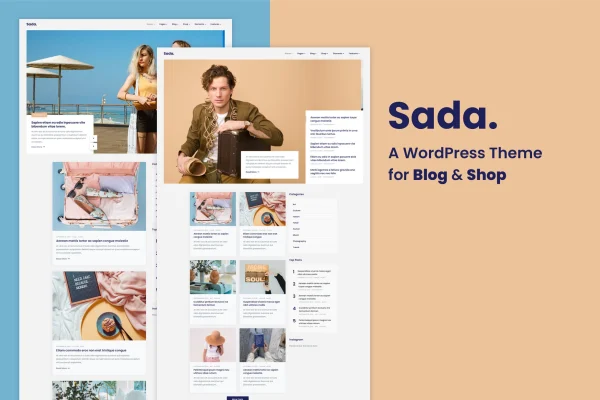
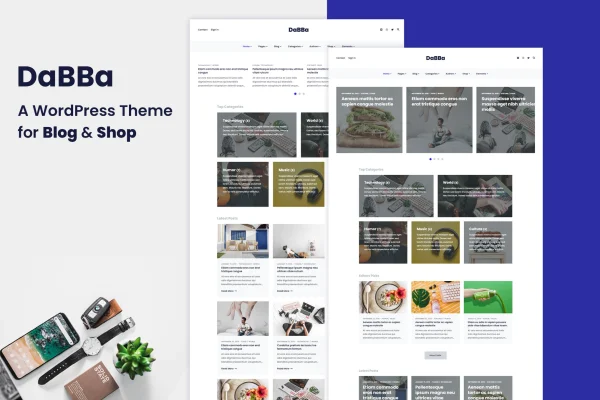
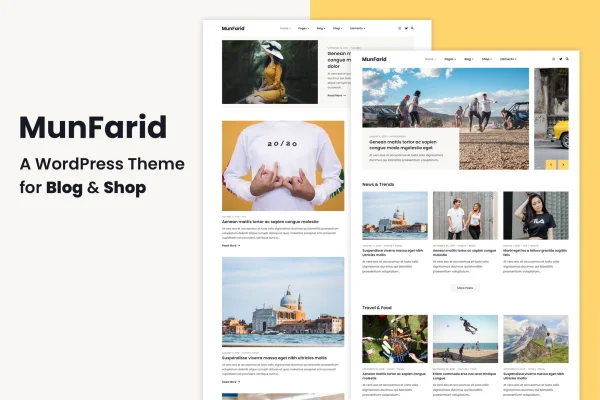
Munfarid is a minimalist WordPress theme built for people who want to run a blog, an online shop or both on one site. It works with the Gutenberg block editor, supports WooCommerce and gives you header, menu and blog layout options without writing code.
- Version
- 2.0.0
- Released
- Nov 1, 2018
- Developer
- energeticthemes
- Type
- WordPress theme
- Licence
- GPL
- Included in
- Every plan, or $3.99 on its own
What’s new in Munfarid 2.0.0
Version 2.0.0 · Nov 1, 2018
Latest
- NewMigrate theme to Block based theme
What it does
Many site owners start with a blog and later want to sell products, or run a small store that also needs a place for articles. This theme covers both jobs in one clean, modern design. You write and build pages with the WordPress block editor, and WooCommerce support lets you add a shop alongside your posts. The layout is responsive and retina ready, so text and images stay sharp on phones, tablets and desktop screens.
Customization happens through an admin interface, where you can adjust headers, menus and blog layouts to match your brand. Each page can use its own header style, including a full-screen menu or a side menu area. Posts can appear as a standard list or as cards. The theme has been moved to a block-based structure, is built with HTML5 and CSS3, and includes call to action areas for newsletters or promotions, plus online documentation to help you get set up.
Best for
- Personal bloggers who want a clean, minimalist design
- Small niche online stores running WooCommerce
- Creators combining a blog and a shop on one site
Features
Gutenberg block editor support
Build and edit pages and posts with the WordPress block editor, with full compatibility for creating and arranging content using blocks.
WooCommerce shop integration
Add an online store to your blog using WooCommerce, so products and articles can live together on the same website.
Per-page header styles
Give each page its own header style, with options that include a full-screen menu or a side menu area for navigation.
Standard and card blog lists
Display your posts as a classic standard blog list or as a card-based list, depending on how you want readers to browse.
Responsive and retina ready
The layout adapts to desktops, tablets and smartphones, and graphics are prepared for high-resolution retina screens.
Customization without coding
Change headers, menus and blog layouts through the theme's admin interface instead of editing code by hand.
Call to action areas
Dedicated sections let you place newsletter signups, promotions or product launch messages where visitors will see them.
Online documentation
Written guides and tutorials walk you through the theme's settings and features as you build your site.
Questions about Munfarid
Can I run a blog and a store with this theme at the same time?
Yes. The theme is designed for blogging and online shopping together. You publish posts with the block editor and use WooCommerce to sell products, so both parts of your business share one consistent design.
Does it work with the Gutenberg block editor?
It does. The theme offers full compatibility with the WordPress block editor and has been migrated to a block-based theme structure, so you create and customize pages and posts using blocks.
What layout options do I get for my blog posts?
You can show posts as a standard blog list or as a card blog list. Combined with per-page header styles, a full-screen menu and a side menu area, this gives you several ways to shape how readers move through your content.
Will my site look right on mobile devices?
The theme uses a responsive layout that adjusts to smartphones, tablets and desktops. It is also retina ready, so images and graphics stay crisp on high-resolution screens.
Is Munfarid free?
The code of Munfarid is licensed under the GPL, so anyone may use, change and share it. GPL Feast is a paid service: a plan or a single purchase gives you the download and automatic updates. The developer's own support, licence key and online services are not included.
Which version of Munfarid is this?
Version 2.0.0, released Nov 1, 2018. New versions appear here when the developer publishes them, and members get them as automatic updates.
How do I update Munfarid?
Install the free GPL Feast Updater on your site and connect it with your API key. It installs new versions of Munfarid automatically and keeps a backup, so you can roll back.