Theme
Updated
Verno
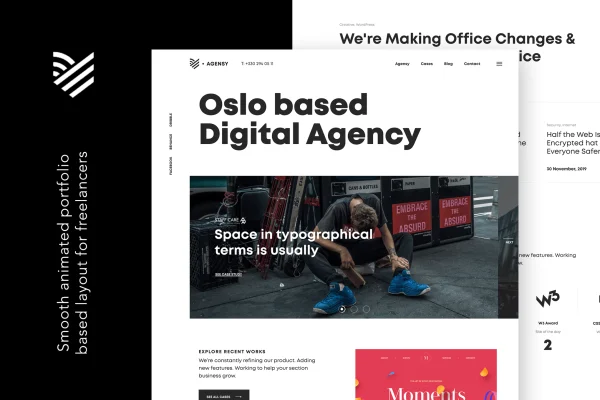
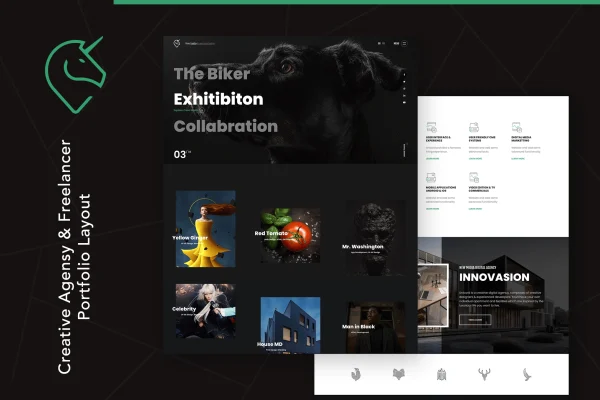
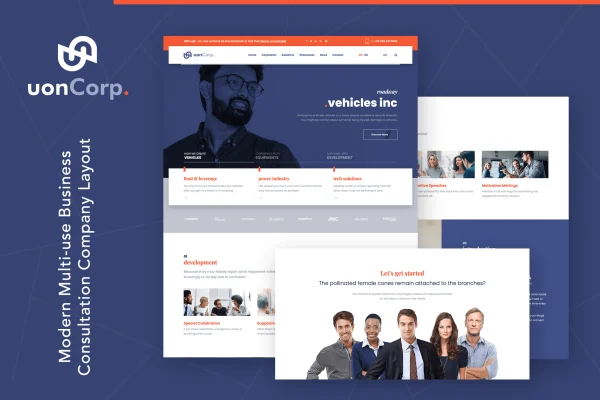
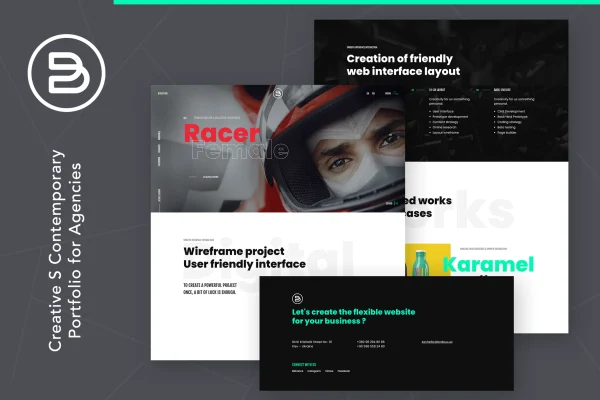
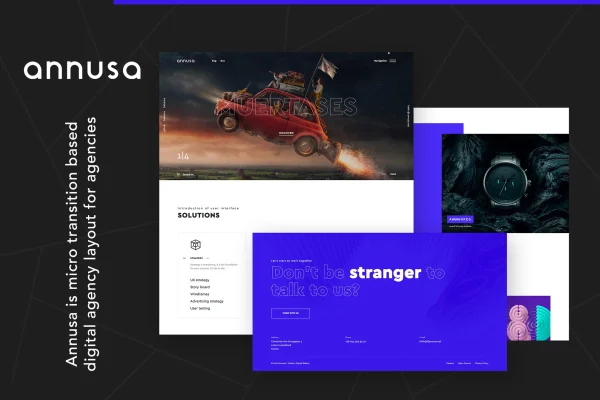
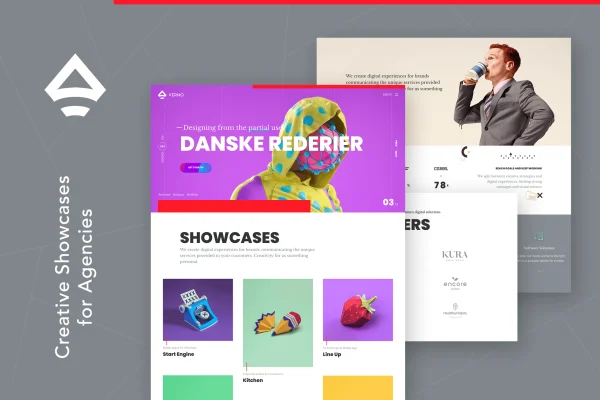
Verno is a WordPress theme by themezinho built for digital agencies, creative studios and freelancers who want to present their portfolio and services. It pairs modern portfolio layouts with animation, parallax and video features, and pages are built with the WPBakery Page Builder.
- Version
- 1.0.8
- Developer
- themezinho
- Type
- WordPress theme
- Licence
- GPL
- Included in
- Every plan, or $3.99 on its own
What’s new in Verno 1.0.8
Version 1.0.8
Latest
What it does
Creative businesses usually sell on the strength of their past work, so the website has to present projects clearly and with some personality. This theme gives agencies and freelancers ready portfolio layouts, hero sections and motion effects designed around that job. You can put a project gallery, a services page or a studio introduction in front of visitors without building the visual style from scratch.
Page building runs through WPBakery Page Builder, so you arrange and edit layouts with drag and drop instead of writing code. From there you can add parallax and transition effects, set up a preloader, place a hero image or video at the top of a page and embed other media to explain your projects. Layouts are responsive and retina ready, and step by step documentation with examples covers setting up the site.
Best for
- Digital and creative agencies presenting client work
- Design studios that want animated, media rich portfolios
- Freelancers building a personal portfolio site
Features
Portfolio layouts
Prebuilt portfolio layouts let you present projects in a clean, modern style suited to agencies, studios and freelancers who want their work to lead the site.
WPBakery Page Builder editing
Pages are built and customized with the WPBakery Page Builder drag and drop interface, so you can adjust layouts without writing any code.
Animation and parallax effects
Add smooth transitions, layered animations and parallax scrolling to pages so project presentations feel more interactive as visitors scroll through them.
Custom preloader and hero sections
Set up a preloader and a hero section with an image or video at the top of a page to shape the first thing visitors see.
Video and multimedia embeds
Embed videos and other rich media alongside your projects to demonstrate work in motion instead of relying on still images alone.
Responsive and retina ready
Layouts adapt to desktops, tablets and smartphones, and graphics are prepared for retina displays so portfolio images stay sharp on high resolution screens.
Step by step documentation
Included documentation walks through setup with guides and examples, helping you configure the theme and use its features without guesswork.
Questions about Verno
Which page builder does Verno use?
The theme is built around WPBakery Page Builder. You design and edit pages through its drag and drop interface, which means you can rearrange sections and adjust layouts without touching code.
Can I put a video at the top of my homepage?
Yes. The hero section can use either an image or a video, and you can pair it with a customizable preloader. Videos and other media can also be embedded elsewhere on your pages to present projects.
Will my portfolio look right on phones and high resolution screens?
The layouts are responsive, so they adjust to desktops, tablets and smartphones. The theme is also retina ready, which keeps images and graphics crisp on high resolution displays.
Do I need coding skills to customize the theme?
No coding is required for typical changes. Layouts are edited with drag and drop, effects like parallax and transitions are applied through the theme options, and the documentation offers step by step guides and examples.
Is Verno free?
The code of Verno is licensed under the GPL, so anyone may use, change and share it. GPL Feast is a paid service: a plan or a single purchase gives you the download and automatic updates. The developer's own support, licence key and online services are not included.
Which version of Verno is this?
Version 1.0.8. New versions appear here when the developer publishes them, and members get them as automatic updates.
How do I update Verno?
Install the free GPL Feast Updater on your site and connect it with your API key. It installs new versions of Verno automatically and keeps a backup, so you can roll back.