Theme
Updated
Busia
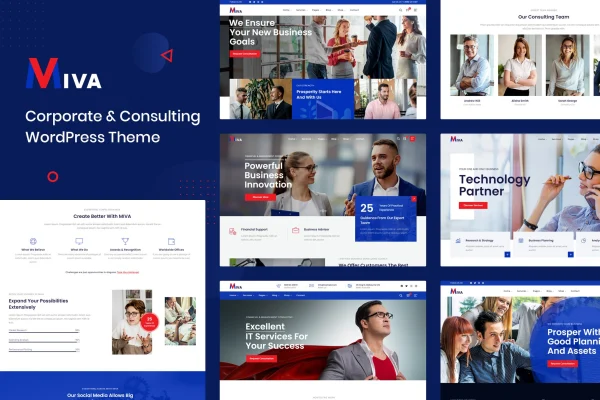
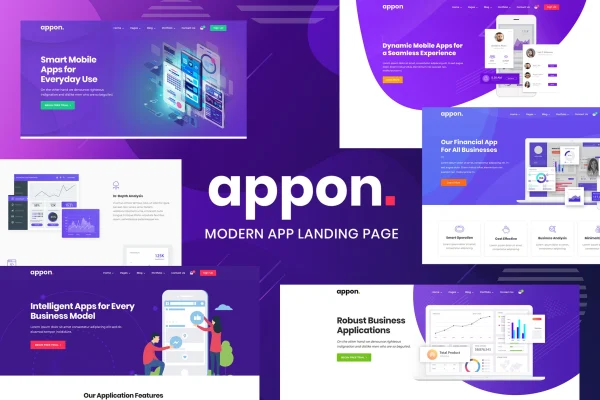
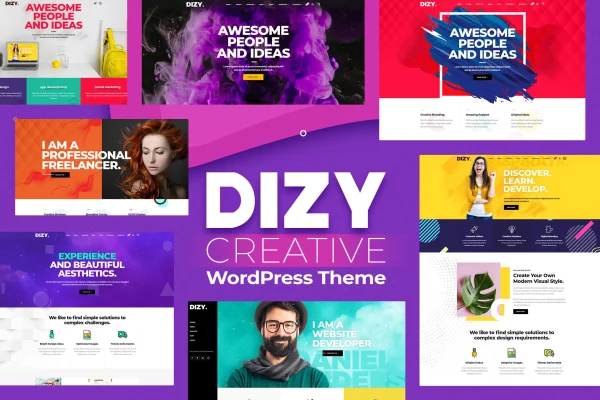
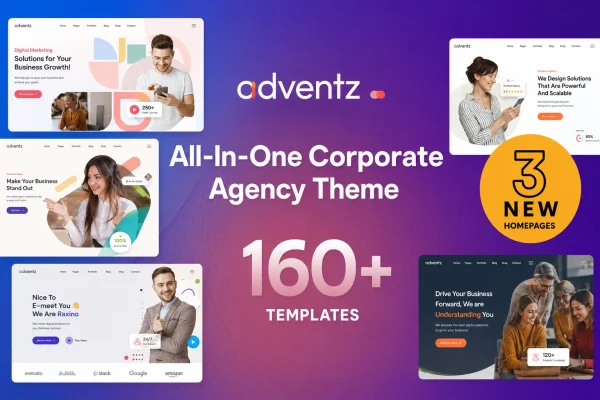
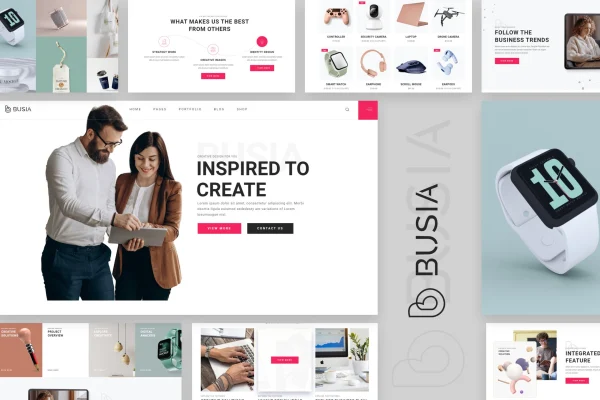
Busia is a WordPress theme by radiantthemes, built for creative agencies, portfolios and modern business websites. It gives you clean, contemporary layouts that you edit with the Elementor drag and drop builder, so you can present your work, services and brand without writing code.
- Version
- 1.4.0
- Released
- Aug 14, 2026
- Developer
- radiantthemes
- Type
- WordPress theme
- Licence
- GPL
- Included in
- Every plan, or $3.99 on its own
What’s new in Busia 1.4.0
Version 1.4.0 · Aug 14, 2026
Latest
What it does
Agencies and creative studios need a site that presents their portfolio and services clearly and looks right on every screen. This theme starts you off with pre-built demo designs that you import and then adjust to fit your brand. Page editing runs through Elementor, so changing layouts, sections and content happens visually by dragging elements into place. Responsive, retina-ready layouts mean the site adapts to desktops, tablets and phones, and the theme is built to work consistently across browsers.
The theme suits marketing firms, consulting businesses, creative professionals and corporate teams that want a professional web presence centered on their work. Because it is compatible with WooCommerce, you can add an online store later and sell products or services from the same site. Documentation with step-by-step guides is included to help you set things up and make changes as your agency's needs grow.
Best for
- Creative agencies presenting a portfolio and services
- Marketing firms and consulting businesses
- Freelancers and designers building client agency sites
Features
Modern agency layouts
Clean, contemporary designs made for presenting an agency's branding, portfolio and services in a professional way that suits creative and business sites.
Elementor drag and drop editing
Customize pages visually with the Elementor page builder, moving and adjusting elements without any coding knowledge so you can try design changes quickly.
Demo import
Import pre-built demo designs to get a working site in place, then tailor the content, images and layout to match your own agency.
Responsive and retina ready
Layouts adapt to desktops, tablets and smartphones, and visuals are prepared for high-resolution retina screens so images stay sharp.
WooCommerce compatibility
Works with WooCommerce, letting you add an online store to your agency site and sell products or services directly to visitors.
Cross-browser compatibility
Built to give visitors a consistent experience no matter which browser they prefer to use when they visit your site.
Step-by-step documentation
Includes documentation with step-by-step guides that walk you through setting up the theme and making the most of its options.
Busia older versions
- 1.3.0Feb 10, 2024
Members and buyers of this product can download older versions.
Questions about Busia
Do I need to know how to code to customize this theme?
No. The theme uses the Elementor drag and drop page builder, so you can change layouts, sections and content visually. It is designed for users with no coding knowledge, and the included documentation offers step-by-step guides if you need help.
Can I sell products or services on a site built with Busia?
Yes. The theme is compatible with WooCommerce, so you can add an online store to your agency site and sell products or services directly from it alongside your portfolio and service pages.
Will my site look good on phones and tablets?
The layouts are fully responsive and adapt to desktops, tablets and smartphones. The theme is also retina ready, so visuals stay sharp on high-resolution screens, and it is built for consistent display across browsers.
Is there a quick way to get started with a finished design?
Yes. You can import one of the pre-built demo designs, which gives you a complete starting layout. From there you edit the content and styling in Elementor to match your agency's brand.
Is Busia free?
The code of Busia is licensed under the GPL, so anyone may use, change and share it. GPL Feast is a paid service: a plan or a single purchase gives you the download and automatic updates. The developer's own support, licence key and online services are not included.
Which version of Busia is this?
Version 1.4.0, released Aug 14, 2026. New versions appear here when the developer publishes them, and members get them as automatic updates.
How do I update Busia?
Install the free GPL Feast Updater on your site and connect it with your API key. It installs new versions of Busia automatically and keeps a backup, so you can roll back.