Theme
Updated
Jayden
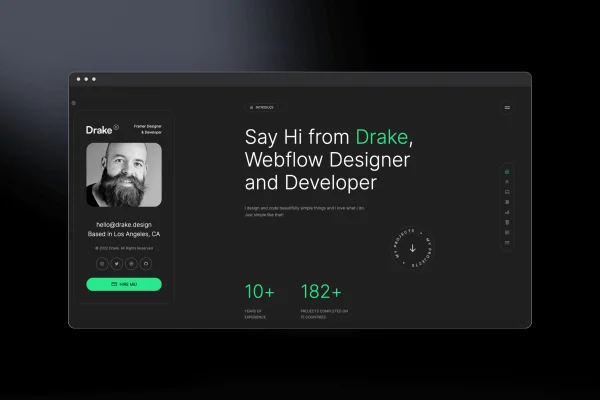
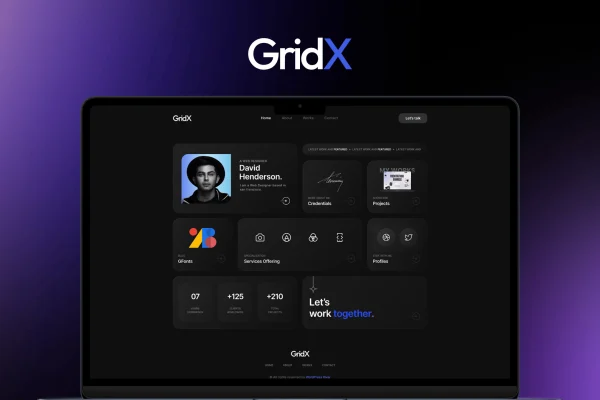
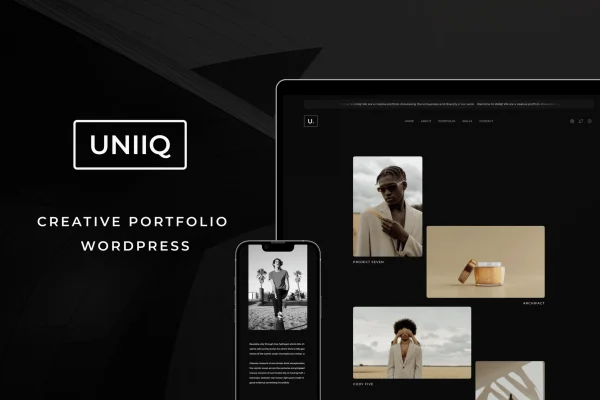
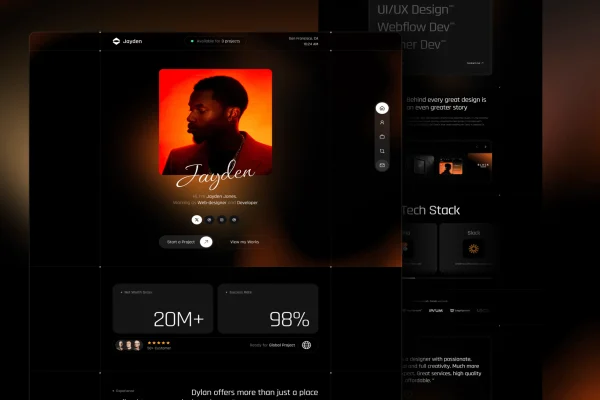
Jayden is a personal portfolio theme for WordPress. It gives creatives, freelancers and professionals a clean, minimal layout for presenting their projects and skills, with project galleries and customization options that work without editing code.
- Version
- 1.9
- Released
- Dec 30, 2025
- Developer
- WPRiver
- Type
- WordPress theme
- Licence
- GPL
- Included in
- Every plan, or $3.99 on its own
What’s new in Jayden 1.9
Version 1.9 · Dec 30, 2025
Latest
- New404 Page Edit Options
What it does
A personal portfolio has one main job: let visitors see your work clearly and understand what you do. This theme keeps the design minimal so projects and skills stay in focus, without busy decoration competing for attention. It suits designers, developers, photographers and other people who want a professional home for their personal brand, where potential clients or employers can browse past work and get a sense of their abilities quickly.
The theme includes project galleries with several layout options, so you can choose how your work is arranged. Colors, fonts and layout styles can be adjusted through its customization options without writing code. The layout is responsive and adapts to desktops, tablets and phones. A one-click demo import loads sample content you can then replace with your own, and the theme works alongside common WordPress plugins for things like contact forms and social media.
Best for
- Freelance designers and developers presenting client work
- Photographers and other creatives building a personal portfolio
- Professionals who want an online resume and project gallery
Features
Clean minimalist design
A simple, uncluttered layout keeps attention on your projects and gives visitors a distraction-free way to browse your portfolio.
Project galleries
Present your work in project galleries with multiple layout options, so you can pick the arrangement that fits your type of work.
No-code customization
Change colors, fonts and layout styles through the theme's options without touching code, so the site matches your personal style.
Responsive layout
Pages adapt to different screen sizes, so your portfolio displays properly on desktops, tablets and smartphones.
One-click demo import
Import the demo content with a single click, then swap in your own projects, text and images to build your site from a ready starting point.
Plugin compatibility
The theme works with popular WordPress plugins, including ones for contact forms and social media, so you can add those features to your portfolio.
Lightweight code
The theme is built with clean, semantic code and a lightweight design, which gives you a tidy foundation for your portfolio site.
Questions about Jayden
What kind of website is Jayden made for?
It is designed for personal portfolio sites. Creatives, freelancers and professionals such as designers, developers and photographers can use it to present their projects and skills in a clean, minimal layout that keeps the focus on their work.
Can I change the look without knowing how to code?
Yes. The theme includes customization options for colors, fonts and layout styles, and these can be adjusted without editing code. That lets you shape the design around your own style and professional identity.
How can I display my projects?
The theme includes project galleries with multiple layout options. You can choose the arrangement that suits your work, whether that is design pieces, development projects or photography, and highlight the projects you are most proud of.
Can I start from the demo design?
Yes. A one-click demo import brings in the sample content so your site starts out looking like the demo. From there you can replace the text, images and projects with your own and adjust the styling.
Is Jayden free?
The code of Jayden is licensed under the GPL, so anyone may use, change and share it. GPL Feast is a paid service: a plan or a single purchase gives you the download and automatic updates. The developer's own support, licence key and online services are not included.
Which version of Jayden is this?
Version 1.9, released Dec 30, 2025. New versions appear here when the developer publishes them, and members get them as automatic updates.
How do I update Jayden?
Install the free GPL Feast Updater on your site and connect it with your API key. It installs new versions of Jayden automatically and keeps a backup, so you can roll back.