Theme
Updated
Obour
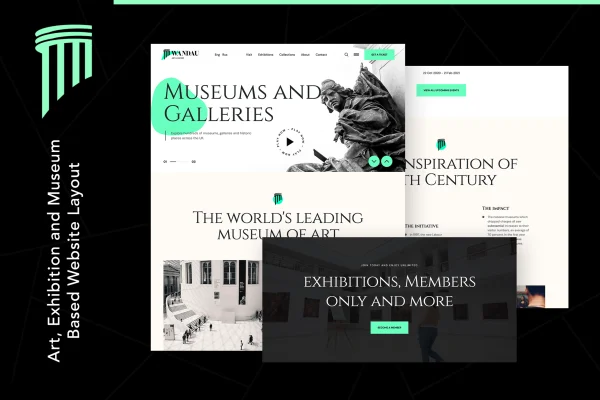
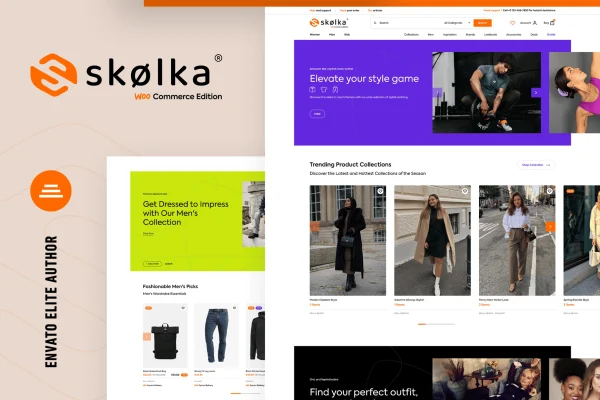
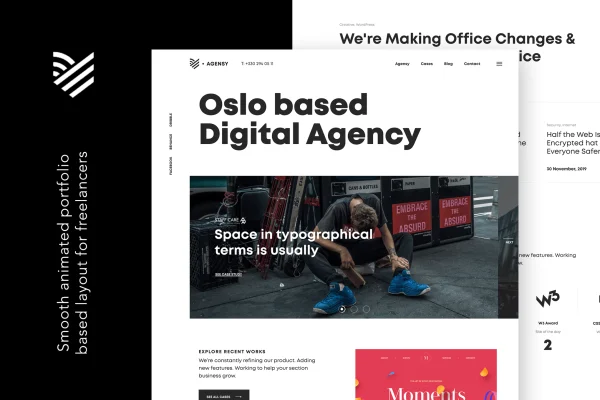
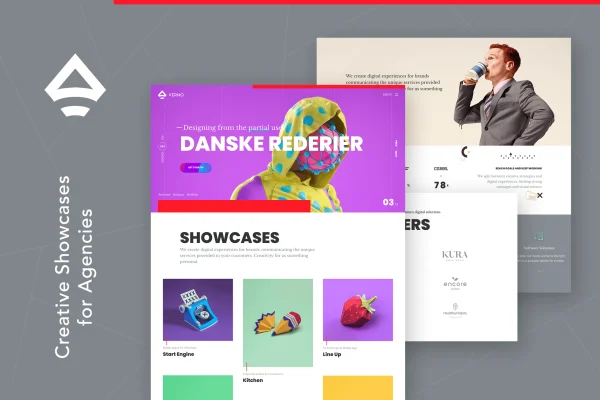
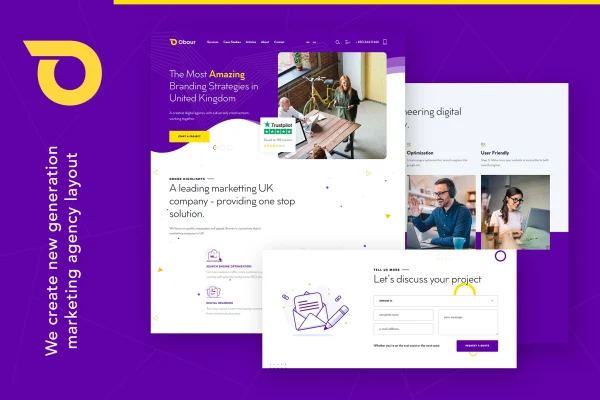
Obour is a WordPress theme by themezinho built for digital marketing agencies and creative businesses. It gives you a modern agency layout that you edit visually with WPBakery Page Builder, so you can present your services, team and portfolio without writing code.
- Version
- 1.2.0
- Developer
- themezinho
- Type
- WordPress theme
- Licence
- GPL
- Included in
- Every plan, or $3.99 on its own
What’s new in Obour 1.2.0
Version 1.2.0
Latest
What it does
Marketing agencies need a site that explains what they offer, introduces the people behind the work and points to past campaigns. Building that from a general-purpose theme often means a lot of setup. This theme starts from an agency-focused design, with components made for presenting services, campaigns and portfolio pieces, plus a set of color schemes you can choose from to match your brand.
Page editing runs through WPBakery Page Builder, which lets you create and adjust pages with drag-and-drop tools instead of code. Layouts are responsive and retina ready, so text and graphics stay sharp on phones, tablets and high-resolution screens. The theme is built to work across major browsers, and online documentation covers setup and customization. It suits agencies launching a new site as well as those refreshing an existing one.
Best for
- Digital marketing agencies presenting services and campaigns
- Creative studios that want to display a portfolio
- Freelancers building agency websites for clients
Features
WPBakery Page Builder editing
Build and edit pages visually with WPBakery Page Builder's drag-and-drop tools, so you can change layouts and content without touching any code.
Responsive layouts
Pages adapt to different screen sizes, so your agency site reads properly on desktops, tablets and phones.
Retina ready graphics
Visuals are prepared for high-resolution displays, keeping logos, icons and images crisp on retina screens.
Multiple color schemes
Choose from a set of modern color scheme options to give your agency site a look that fits your brand.
Agency-focused page elements
Specialized components let you present campaigns, services and portfolio work in layouts designed around how marketing and creative agencies describe what they do.
Cross-browser compatibility
The theme is built to display consistently across major web browsers, so visitors see the same design regardless of what they use.
Online documentation
Step-by-step documentation walks you through setting up the theme and customizing its pages and options.
Questions about Obour
Which page builder does Obour use?
The theme works with WPBakery Page Builder. You build and customize pages through its drag-and-drop interface, which means you can adjust layouts, add sections and edit content visually without needing to write code.
Will my site look right on phones and tablets?
Yes. The layouts are fully responsive, so they adjust to different screen sizes. The theme is also retina ready, which keeps graphics sharp on high-resolution displays such as modern phones and laptops.
Can I show my team, services and portfolio with this theme?
It is designed for that. The theme includes agency-focused elements for presenting services, campaigns and portfolio work, and it is set up to help you introduce your team and the work your agency does.
Can I change the colors to match my agency's brand?
The theme comes with several modern color scheme options. You can pick the one that suits your brand and then fine-tune individual pages through WPBakery Page Builder.
Is Obour free?
The code of Obour is licensed under the GPL, so anyone may use, change and share it. GPL Feast is a paid service: a plan or a single purchase gives you the download and automatic updates. The developer's own support, licence key and online services are not included.
Which version of Obour is this?
Version 1.2.0. New versions appear here when the developer publishes them, and members get them as automatic updates.
How do I update Obour?
Install the free GPL Feast Updater on your site and connect it with your API key. It installs new versions of Obour automatically and keeps a backup, so you can roll back.