
Theme
Updated
Shadowcat
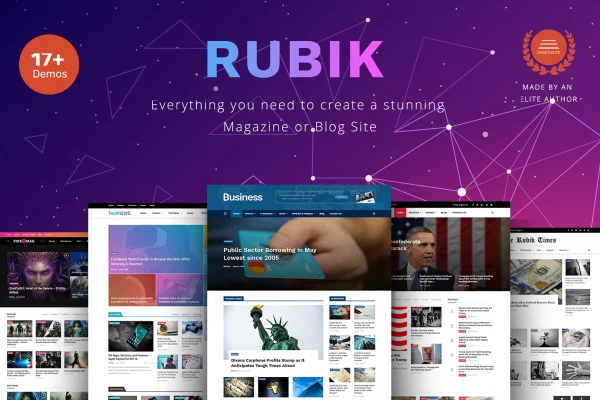
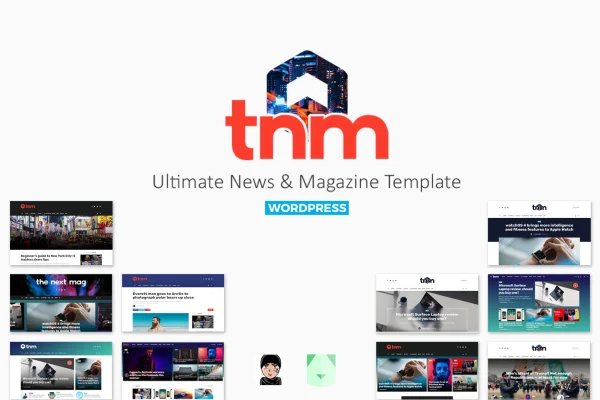
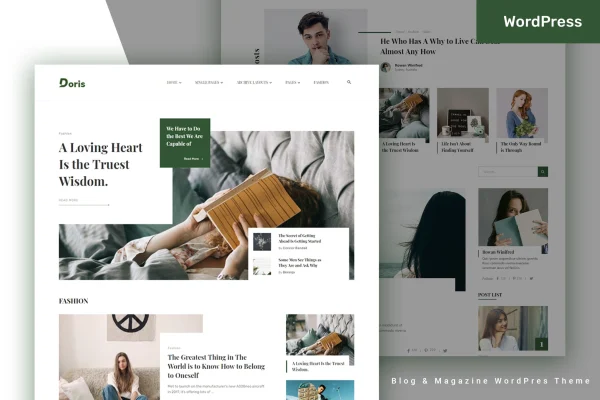
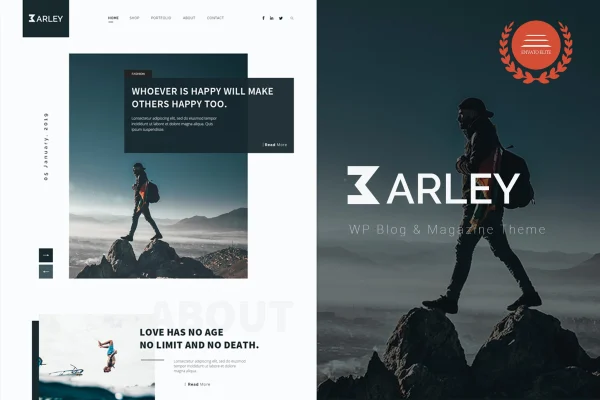
Shadowcat is a WordPress theme by bkninja built for news and magazine websites. It gives publishers, bloggers and media teams a clean, modern layout and a drag-and-drop composer for building custom homepages without writing code.
- Version
- 2.7
- Released
- Feb 3, 2024
- Developer
- bkninja
- Type
- WordPress theme
- Licence
- GPL
- Included in
- Every plan, or $3.99 on its own
What’s new in Shadowcat 2.7
Version 2.7
Latest
- FixedFixed social counter
- FixedFixed Gallery Post Type
- FixedFixed some CSS issues
- ImprovedBIG UPDATE: Improved the speed of the theme, Optimize for SEO
What it does
Running a news or magazine site means fitting a lot of content onto the homepage while keeping it easy to browse. This theme handles that with its BKNinja Composer, a drag-and-drop module system for building homepage layouts. You arrange modules to suit your content, so a tech news site, a breaking news outlet or a product review blog can each get a front page shaped around how it publishes.
Beyond the homepage, the theme adds tools that help readers move through your articles. Mega menus show category posts right inside dropdown navigation, Ajax loading brings in more posts without a page refresh, and a sticky sidebar keeps your widgets in view while visitors scroll. The layout is responsive across desktops and phones, and the theme works with WooCommerce and bbPress if you want to add a shop or a community forum.
Best for
- News and magazine websites
- Tech news and product review blogs
- Media teams wanting custom homepage layouts
Features
BKNinja Composer page builder
A drag-and-drop module system for creating as many homepage layouts as you need, arranged around your content without touching any code.
Mega menus with category posts
Dropdown mega menus can display posts from your categories, giving readers a preview of articles directly from the site navigation.
Ajax post loading
Additional articles load dynamically on the page without a full refresh, so readers can keep browsing your news without interruption.
Sticky sidebar
Sidebar widgets stay visible as visitors scroll down long articles, keeping things like popular posts or announcements in view.
Responsive layout
The design adapts to different screen sizes, so your news site displays and works properly on desktops, tablets and smartphones.
WooCommerce and bbPress compatibility
The theme works with WooCommerce for selling products and bbPress for running discussion forums alongside your published content.
Clean, modern styling
Modern typography and minimal design elements keep the focus on headlines and articles, giving news and magazine pages a tidy look.
Questions about Shadowcat
Can I build my own homepage layout without coding?
Yes. The theme includes the BKNinja Composer, a drag-and-drop module system. You place and arrange modules to create homepage layouts that fit your content, and you can build as many layouts as you need without writing code.
Will it work if I want to sell products or run a forum?
The theme is compatible with WooCommerce and bbPress. That means you can add an online shop through WooCommerce or set up a community discussion area with bbPress alongside your news and magazine content.
How does it help readers find more articles?
Several features support browsing. Mega menus show category posts inside dropdown navigation, Ajax loading brings in more posts without refreshing the page, and a sticky sidebar keeps your widgets visible while readers scroll through articles.
Does the theme look good on mobile devices?
Yes. The layout is responsive, so pages adjust to different screen sizes. Your site displays and functions properly on desktops, tablets and smartphones, which matters for news readers who often browse on their phones.
Is Shadowcat free?
The code of Shadowcat is licensed under the GPL, so anyone may use, change and share it. GPL Feast is a paid service: a plan or a single purchase gives you the download and automatic updates. The developer's own support, licence key and online services are not included.
Which version of Shadowcat is this?
Version 2.7, released Feb 3, 2024. New versions appear here when the developer publishes them, and members get them as automatic updates.
How do I update Shadowcat?
Install the free GPL Feast Updater on your site and connect it with your API key. It installs new versions of Shadowcat automatically and keeps a backup, so you can roll back.
More from bkninja