Plugin
Updated
BookingPress Google Captcha
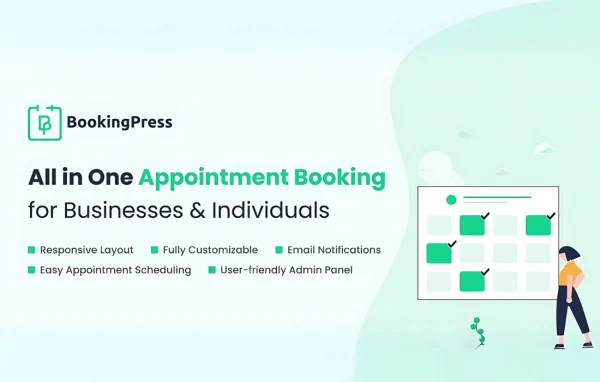
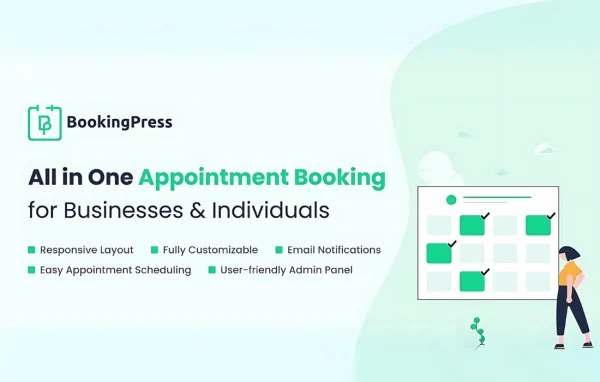
BookingPress Google Captcha is an addon plugin by Repute Infosystems for the BookingPress appointment booking plugin. It adds Google reCAPTCHA to your booking forms so automated bots and spam submissions are filtered out before they reach your schedule.
- Version
- 1.7
- Released
- Aug 20, 2026
- Developer
- BookingPress
- Type
- WordPress plugin
- Licence
- GPL
- Included in
- Every plan, or $1.59 a year on its own
What’s new in BookingPress Google Captcha 1.7
Version 1.7 · Aug 20, 2026
Latest
What it does
Appointment forms are an easy target for bots. Fake bookings, bogus inquiries and automated spam entries clutter your calendar, waste staff time and make it harder to trust the appointments you see. This addon places Google reCAPTCHA on your BookingPress forms, so a visitor has to pass a quick human check before the booking goes through. Genuine customers get a simple challenge, and automated scripts are stopped at the form.
You can choose between the classic "I'm not a robot" checkbox and image-based puzzle challenges, depending on how much friction you want for visitors. Settings are handled from your WordPress dashboard. The addon is built for sites already running BookingPress, and it is available with the Standard, Professional and Enterprise BookingPress plans, which makes it a fit for any business that relies on online scheduling.
Best for
- Service businesses taking appointments through BookingPress
- Salons, clinics and consultants troubled by spam bookings
- Agencies managing booking sites for clients
Features
Google reCAPTCHA on booking forms
Adds Google reCAPTCHA bot protection directly to BookingPress appointment forms, so each submission is checked before a booking is created.
Checkbox challenge option
Use the familiar "I'm not a robot" checkbox, a quick verification step most visitors already recognize and can complete in a moment.
Image puzzle challenges
Switch to image-based puzzle challenges when you want a stronger check against automated form submissions on your booking pages.
Blocks fake bookings and spam
Filters out fake registrations, fraudulent bookings and automated spam entries, keeping your appointment list limited to real customers.
Dashboard configuration
Turn on and adjust the reCAPTCHA integration from controls inside your WordPress dashboard, without editing form code by hand.
Works across BookingPress plans
Available with the Standard, Professional and Enterprise BookingPress plans, so it fits sites at different stages of their booking setup.
BookingPress Google Captcha older versions
- 1.6Jul 21
- 1.4May 16, 2025
- 1.3Mar 11, 2024
Members and buyers of this product can download older versions.
Questions about BookingPress Google Captcha
Do I need BookingPress for this addon to work?
Yes. This is an addon for the BookingPress appointment booking plugin, and it adds reCAPTCHA protection to BookingPress forms. It is meant for sites that already use BookingPress to take appointments.
Which types of captcha can I use?
You can use the classic "I'm not a robot" checkbox or image-based puzzle challenges. The checkbox is quicker for visitors, while image puzzles add a stronger check, so you can pick the one that suits your audience and spam level.
Will the captcha make booking harder for real customers?
The challenges are simple and meant to verify human visitors quickly. Most people pass the checkbox with a single click, so genuine customers can finish their booking while bots are filtered out.
Which BookingPress plans include this addon?
The addon is available with the Standard, Professional and Enterprise BookingPress plans, so you can use it whichever of those plans your booking site runs on.
Is BookingPress Google Captcha free?
The code of BookingPress Google Captcha is licensed under the GPL, so anyone may use, change and share it. GPL Feast is a paid service: a plan or a single purchase gives you the download and automatic updates. The developer's own support, licence key and online services are not included.
Which version of BookingPress Google Captcha is this?
Version 1.7, released Aug 20, 2026. New versions appear here when the developer publishes them, and members get them as automatic updates.
How do I update BookingPress Google Captcha?
Install the free GPL Feast Updater on your site and connect it with your API key. It installs new versions of BookingPress Google Captcha automatically and keeps a backup, so you can roll back.
More from BookingPress