Plugin
Updated
Eventin AI
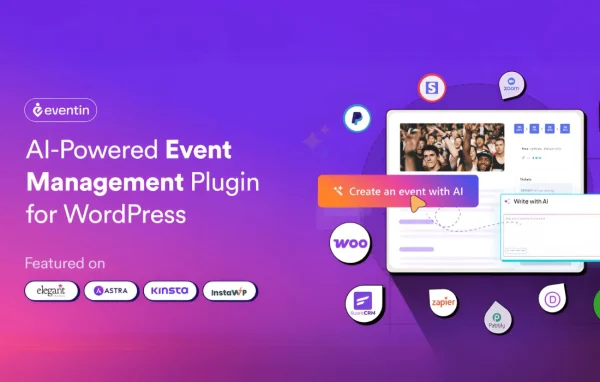
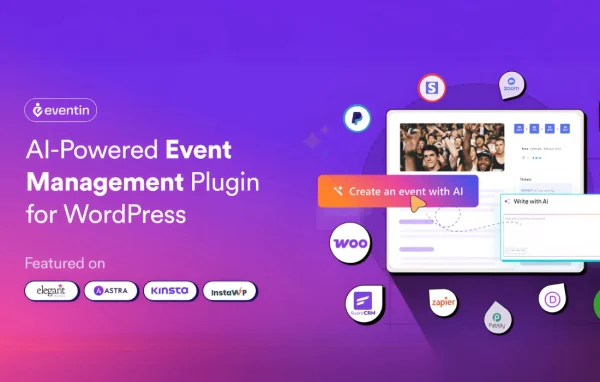
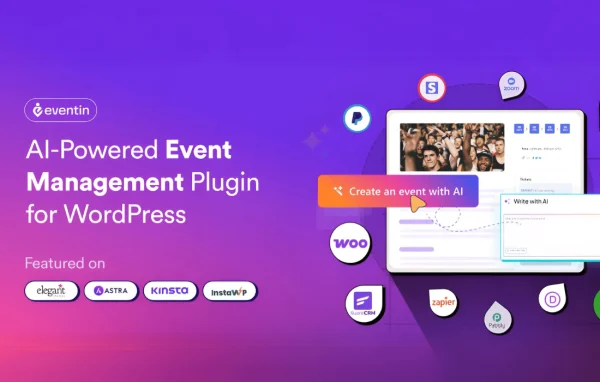
Eventin AI is a WordPress plugin that brings artificial intelligence into event management built on Eventin. It helps organizers automate planning tasks, write event titles and descriptions, generate banners and tailor communication to attendees, so less of the setup work has to be done by hand.
- Version
- 1.2.1
- Released
- Jan 12, 2026
- Developer
- Eventin Pro
- Type
- WordPress plugin
- Requires
- Eventin and Classic Editor
- Licence
- GPL
- Included in
- Every plan, or $1.03 on its own
What’s new in Eventin AI 1.2.1
Version 1.2.1 · Jan 12, 2026
Latest
- NewGenerate banners using AI directly within events
- ImprovedRefined AI title and description generation modal design
- ImprovedEnhanced AI validation modal for a better user experience
What it does
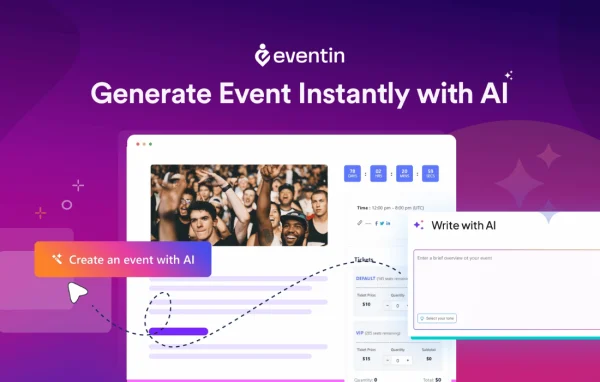
Running events on a WordPress site means a lot of repetitive work: writing event copy, preparing visuals, scheduling sessions, handling sign-ups and following up afterward. Eventin AI targets that workload by adding AI-assisted tools to the event workflow. You can generate event titles and descriptions through a dedicated modal, and create banners with AI directly inside an event. Those are the kinds of jobs that usually take time away from the planning itself, and they fit naturally into a busy organizer's routine.
The plugin also covers broader event operations. Its feature set includes smart scheduling for session timing and resources, registration and ticketing with payments, automated follow-up campaigns and engagement analytics that track how attendees interact. Team members can coordinate through shared calendars and task lists, and the interface works on mobile devices. It suits anything from a small workshop to a large conference. Eventin AI works alongside the Eventin event plugin, so it fits sites that already use or plan to use Eventin.
Best for
- Event organizers running workshops or conferences on WordPress
- Sites already using the Eventin event plugin
- Agencies managing event sites for multiple clients
Features
AI banner generation
Create event banners with AI directly from within an event, so you can produce a visual without leaving the editing screen or opening a separate design tool.
AI titles and descriptions
Generate event titles and descriptions through a dedicated modal, with a validation step that helps you review the AI output before using it.
Task automation
AI-powered automation handles repetitive planning work, reducing the manual steps involved in getting an event ready to publish and run.
Smart scheduling
Scheduling tools help you plan session timing and allocate resources, which keeps a multi-session event organized from start to finish.
Registration and ticketing
An integrated registration and ticketing system handles attendee sign-ups and secure payments as part of the same event setup.
Personalized attendee communication
Tailor messages to attendees based on their preferences, allowing more targeted communication instead of the same message sent to everyone.
Automated follow-up campaigns
Set up follow-up campaigns that run automatically after an event to keep in touch with attendees and invite them to future events.
Engagement analytics and collaboration
Monitor attendee interaction in real time, and coordinate with your team using shared calendars and task lists available from any device.
Questions about Eventin AI
Can it write my event descriptions for me?
Yes. The plugin includes an AI generation modal for event titles and descriptions. A validation modal sits alongside it, giving you a chance to review what the AI produces before you place it on your event page, so you stay in control of the final wording.
Can I create event banners with it?
Yes. You can generate banners with AI directly within an event. This saves you from building a graphic in a separate tool when you need a quick visual for an event listing or page.
Does it handle ticket sales and registrations?
The feature set includes an integrated registration and ticketing system that supports attendee sign-ups and secure payments. It works together with scheduling, follow-up campaigns and engagement analytics, so registration is part of the same event workflow.
Is it suitable for team-run events?
Yes. It includes collaboration features such as shared calendars and task lists, which help several people coordinate the planning. The mobile-friendly interface also lets team members check and manage events from different devices.
Is Eventin AI free?
The code of Eventin AI is licensed under the GPL, so anyone may use, change and share it. GPL Feast is a paid service: a plan or a single purchase gives you the download and automatic updates. The developer's own support, licence key and online services are not included.
Which version of Eventin AI is this?
Version 1.2.1, released Jan 12, 2026. New versions appear here when the developer publishes them, and members get them as automatic updates.
How do I update Eventin AI?
Install the free GPL Feast Updater on your site and connect it with your API key. It installs new versions of Eventin AI automatically and keeps a backup, so you can roll back.
What does Eventin AI need?
Eventin AI needs Eventin and Classic Editor installed and active.
More from Eventin Pro