Plugin
Updated
Eventin Pro
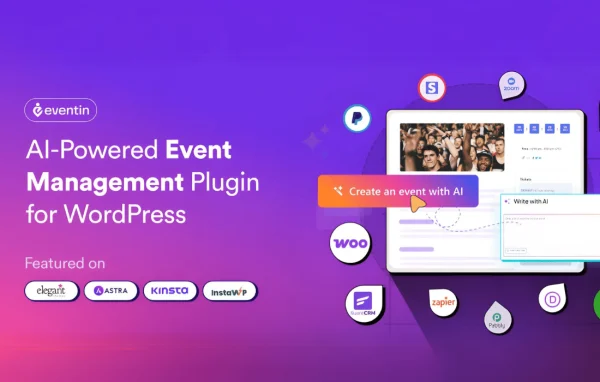
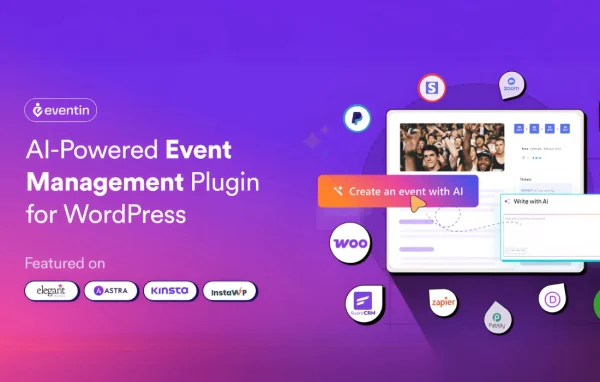
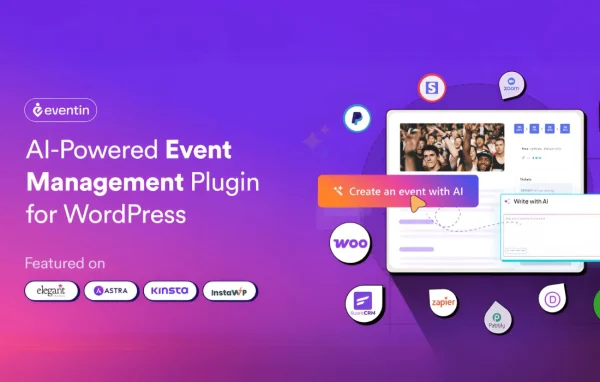
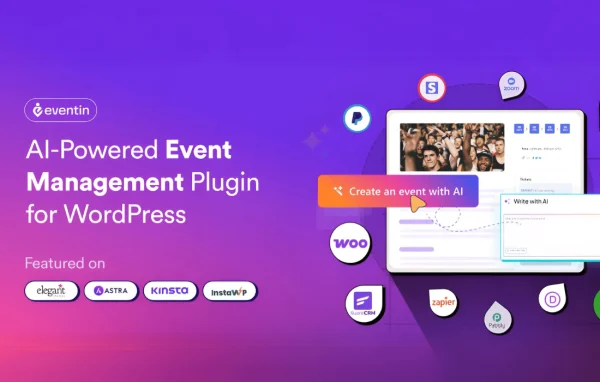
Eventin Pro by Themewinter is a WordPress plugin for creating, managing and selling tickets to events from your own website. It handles virtual, hybrid and in-person events, with ticketing, RSVP forms, QR code check-in, seat maps and attendee reports in one place.
- Version
- 4.1.20
- Released
- Oct 5, 2026
- Developer
- Eventin Pro
- Type
- WordPress plugin
- Requires
- Eventin and Classic Editor
- Licence
- GPL
- Included in
- Every plan, or $3.99 a year on its own
What’s new in Eventin Pro 4.1.20
Version 4.1.20 · Oct 5, 2026
Latest
- NewIntegration - Send buyers and attendees to HubSpot when an order is completed.
- NewIntegration - Send buyer and attendee data to Zapier.
- NewSEO - Rank Math and Yoast SEO scores inside the event editor.
- NewEvent - Send a reminder email to all attendees with one click.
- FixedAdmin - Eventin scripts no longer load on other plugins' admin pages.
- FixedDashboard - "My Bookings" now shows again for customers.
- FixedWebhook - The "order created" webhook now fires for local-payment and admin-created orders.
What it does
Running events usually means juggling a ticketing service, a video platform, a calendar and a spreadsheet of attendees. Eventin Pro brings those jobs into WordPress. You create and schedule events with custom details, dates and times, then sell multi-tier tickets with seat selection and purchase limits. Payments run through PayPal and Stripe, and the plugin works with WooCommerce. Online events connect to Zoom or Google Meet, so webinars and hybrid conferences can be handled alongside in-person gatherings.
After tickets are sold, the plugin keeps helping. Attendees check in with unique QR codes, calendar sync covers Google Calendar, iCal and Outlook, and you can email reminders to every attendee at once. Recurring events can repeat daily, weekly or monthly, and PDF certificates can be issued automatically. Larger setups can run a multivendor marketplace where several vendors sell tickets. Buyer and attendee data can go to FluentCRM, Groundhogg, HubSpot or Zapier. It is an add-on to the free Eventin plugin and expects the Classic Editor plugin.
Best for
- Organizers selling tickets to conferences, workshops or concerts
- Businesses hosting webinars or hybrid events on Zoom
- Platforms letting multiple vendors sell event tickets
Features
Multi-tier ticketing
Offer several ticket types with their own pricing, seat selection and minimum or maximum purchase limits, with payments through PayPal, Stripe and WooCommerce.
Customizable RSVP forms
Build RSVP forms that track attendees, collect the information you need for planning and send automated email reminders before the event.
QR code check-in
Each ticket gets a unique QR code, so staff can scan and validate entries quickly at the door. Bulk ticket sales are also supported.
Visual seat maps
Seat plans powered by WP Timetics let attendees pick their preferred seats on a visual map while booking their tickets.
Recurring events
Set events to repeat daily, weekly or monthly, and the plugin creates and schedules each occurrence without you rebuilding it by hand.
PDF certificate builder
Design custom certificates and issue them to attendees automatically as PDF files, straight from your WordPress dashboard.
Zoom and Google Meet
Connect online and hybrid events to Zoom or Google Meet so attendees can join virtual sessions linked to their event registration.
CRM and automation links
Send buyer and attendee data to FluentCRM, Groundhogg, HubSpot or Zapier to run follow-up campaigns and other automated workflows.
Eventin Pro older versions
- 4.1.19Sep 212 new
- 4.1.18Sep 113 fixes
- 4.1.17Aug 61 fix
- 4.1.16Aug 4
- 4.1.15Jul 12
- 4.1.14Jul 9
- 4.1.13Jun 19
- 4.1.12Jun 3
- 4.1.11May 20
- 4.1.10May 5
Members and buyers of this product can download older versions.
55 older versions in all. If you need one that is not listed, ask support.
Questions about Eventin Pro
Can I run online and in-person events with the same plugin?
Yes. Eventin Pro supports virtual, hybrid and in-person formats. Online sessions connect through Zoom or Google Meet, while in-person events can use seat maps and QR code tickets for check-in at the venue.
Does it need any other plugins to work?
It runs as an add-on to the Eventin plugin (wp-event-solution) and also lists the Classic Editor plugin as a requirement. WooCommerce is supported for payments, and PayPal and Stripe are available for accepting payments.
Can attendees add events to their own calendars?
Yes. Calendar sync covers Google Calendar, iCal and Outlook, so attendees can keep your events in the calendar they already use. RSVP email alerts and one-click reminder emails help keep them informed.
Can other people create events on my site?
Yes. A front-end dashboard lets users or team members create and manage events without the WordPress admin area, and the multivendor marketplace lets several vendors sell tickets and share profits.
Is Eventin Pro free?
The code of Eventin Pro is licensed under the GPL, so anyone may use, change and share it. GPL Feast is a paid service: a plan or a single purchase gives you the download and automatic updates. The developer's own support, licence key and online services are not included.
Which version of Eventin Pro is this?
Version 4.1.20, released Oct 5, 2026. New versions appear here when the developer publishes them, and members get them as automatic updates.
How do I update Eventin Pro?
Install the free GPL Feast Updater on your site and connect it with your API key. It installs new versions of Eventin Pro automatically and keeps a backup, so you can roll back.
What does Eventin Pro need?
Eventin Pro needs Eventin and Classic Editor installed and active.
More from Eventin Pro