Theme
Updated
BlogShare Pro
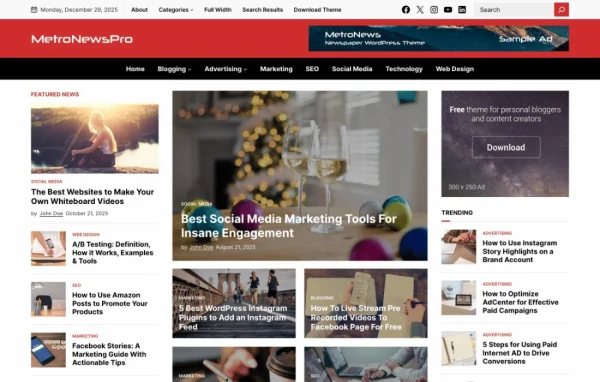
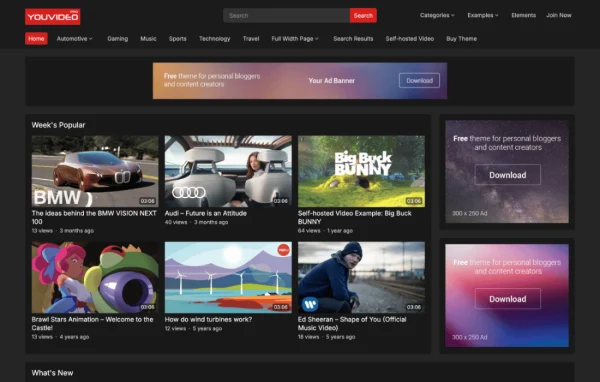
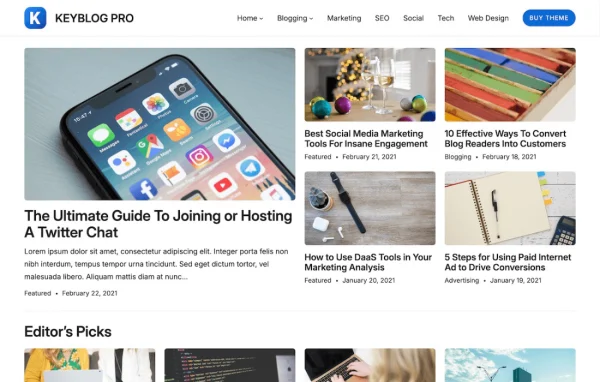
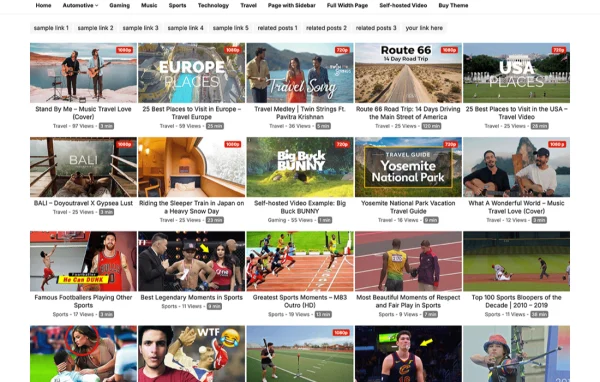
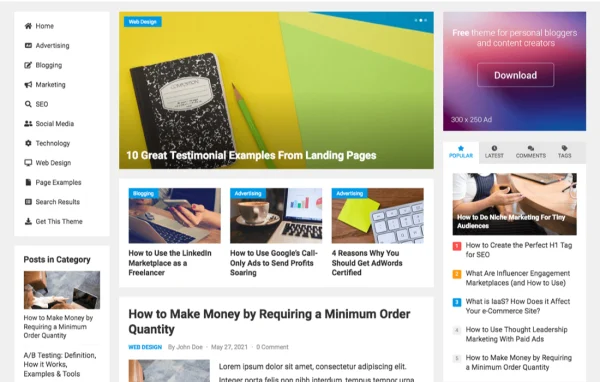
BlogShare Pro by WPEnjoy is a WordPress theme built for bloggers, writers and content creators. It gives you a clean, responsive layout for posts, plus built-in spots for ads or AdSense code so you can place advertising without editing template files.
- Version
- 1.0.5
- Released
- Feb 4, 2025
- Developer
- WPEnjoy
- Type
- WordPress theme
- Licence
- GPL
- Included in
- Every plan, or $3.99 a year on its own
What’s new in BlogShare Pro 1.0.5
Version 1.0.5
Latest
- ImprovedUpdated theme framework
- ImprovedPHP 8.x compatible
- FixedBug fixes
What it does
Many blog themes look fine but leave you hunting for places to put ads, or force you into code to change fonts and colors. This theme handles both from a theme options panel. You can drop ads or AdSense code below the featured content slider, within post lists, in sidebars, and before or after post content. The same panel covers colors, fonts and layouts, so you can shape the look of the site without touching theme files.
The theme suits personal blogs as well as larger content sites that publish a steady stream of posts. A one click demo import lets you start from ready-made demo content and adjust from there. You get archive and single post options, thumbnail and excerpt controls, social share icons on posts, a mobile header search and a footer text editor. A custom code editor lets you add your own CSS or scripts when you need a small change the options do not cover.
Best for
- Personal bloggers who want ad spots ready to use
- Content creators and writers publishing regular articles
- Content hubs that run AdSense or display ads
Features
Multiple ad positions
Place ads or AdSense code below the featured content slider, inside post lists, in sidebars, and before or after post content.
Large font library
Choose from over 1000 Google Fonts and add unlimited site fonts to match the typography to your brand.
Theme options panel
Adjust colors, color skins, fonts and layouts from one control panel, with no coding needed for everyday changes.
One click demo import
Start your site from ready-made demo content, then replace the sample posts and settings with your own material.
Archive and single post options
Fine-tune how post lists and individual posts are laid out, along with thumbnail sizes and excerpt lengths.
Social share icons
Add share icons to posts so readers can pass your articles along on popular social networks.
Custom code editor
Add your own CSS or scripts through the theme without modifying its core files, keeping custom tweaks separate.
Mobile search and footer editor
Show a search option in the mobile header, and edit footer text or copyright details to fit your site.
BlogShare Pro older versions
- 1.0.4Jan 1, 2024
- 1.0.3Apr 18, 2023
Members and buyers of this product can download older versions.
Questions about BlogShare Pro
Where can I place ads with this theme?
The theme includes ad positions below the featured content slider, within post lists, in the sidebars, and before or after post content. You can paste ad code or AdSense code into these spots from the theme settings.
Can I change fonts and colors without writing code?
Yes. The theme options panel lets you pick from over 1000 Google Fonts, add unlimited site fonts, switch between multiple color skins and adjust layouts. For anything beyond those options, there is a custom code editor for CSS or scripts.
Will my blog work well on phones?
The design is responsive, so layouts adapt from desktop screens down to smartphones. It also adds a search option in the mobile header so visitors on small screens can look up posts.
Can I start from a demo layout?
Yes. BlogShare Pro includes a one click demo import that loads ready-made demo content. You can then swap in your own posts, fonts, colors and ad code to make the site your own.
Is BlogShare Pro free?
The code of BlogShare Pro is licensed under the GPL, so anyone may use, change and share it. GPL Feast is a paid service: a plan or a single purchase gives you the download and automatic updates. The developer's own support, licence key and online services are not included.
Which version of BlogShare Pro is this?
Version 1.0.5, released Feb 4, 2025. New versions appear here when the developer publishes them, and members get them as automatic updates.
How do I update BlogShare Pro?
Install the free GPL Feast Updater on your site and connect it with your API key. It installs new versions of BlogShare Pro automatically and keeps a backup, so you can roll back.
More from WPEnjoy