Theme
Updated
Boutique Theme
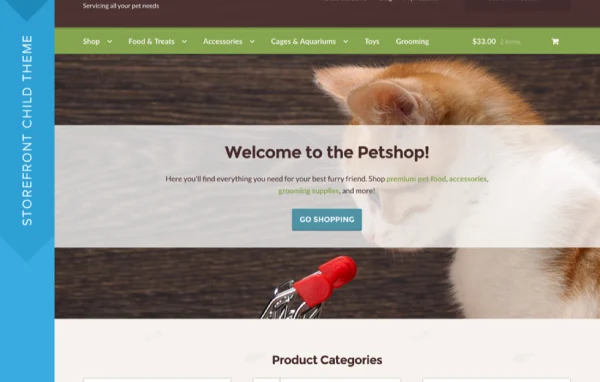
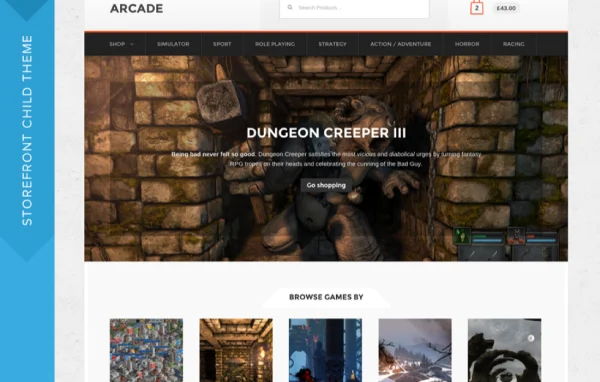
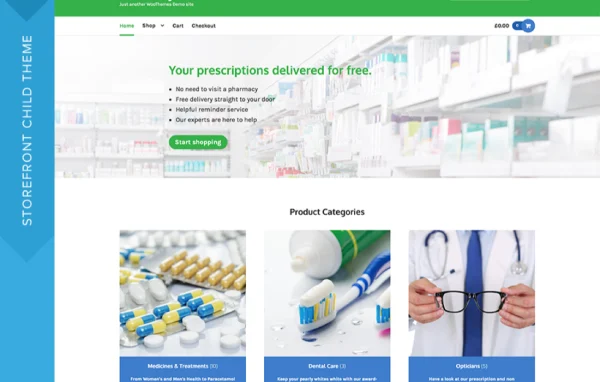
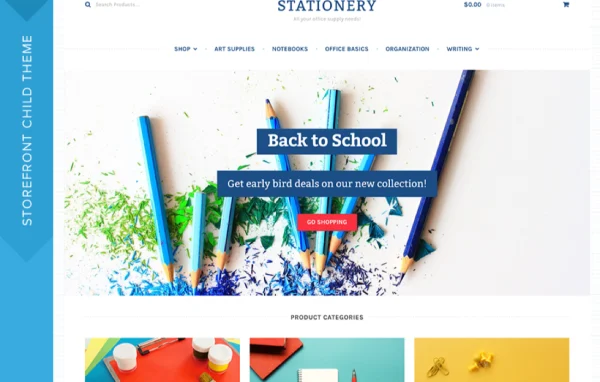
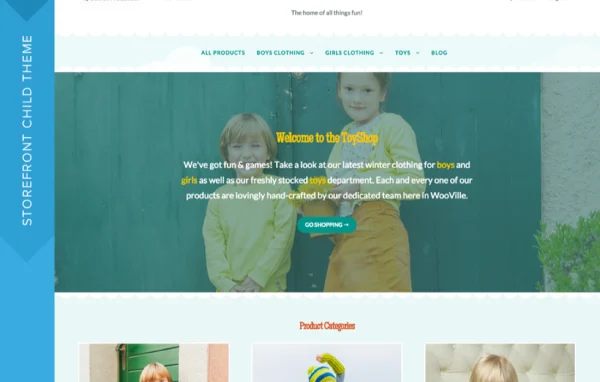
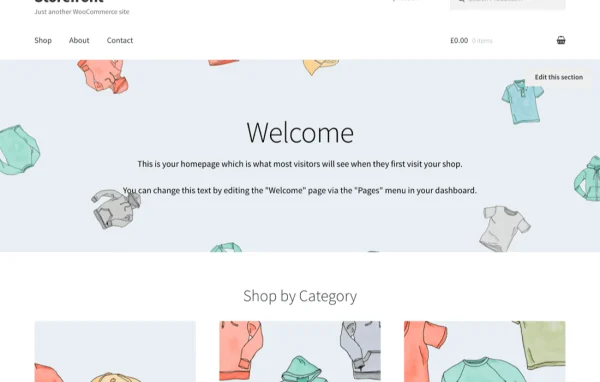
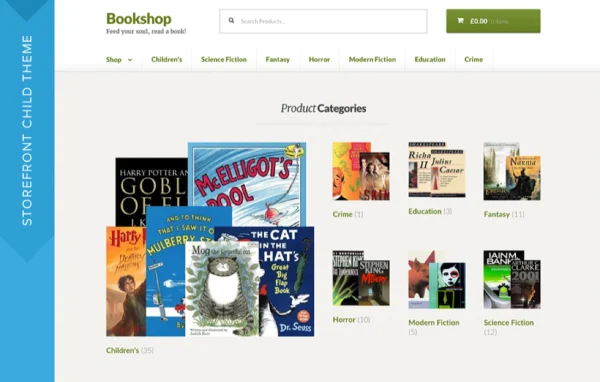
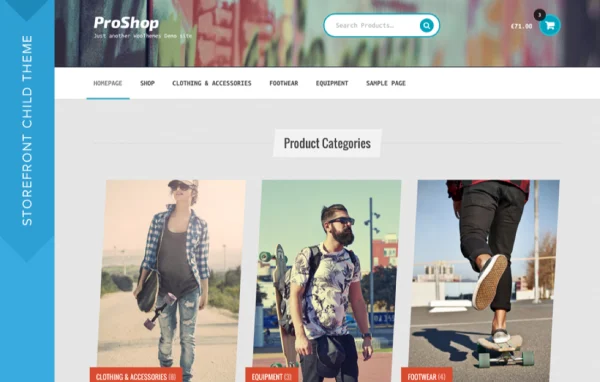
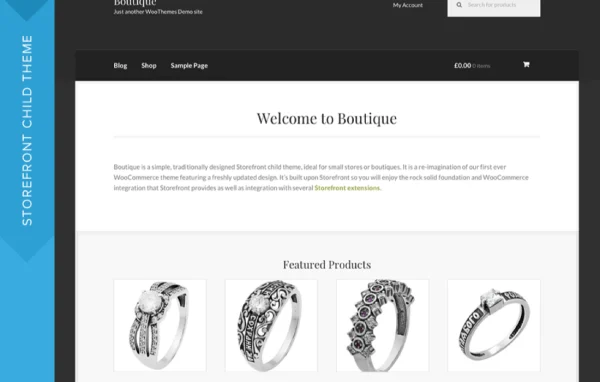
Boutique Theme is a WordPress theme by WooCommerce, built as a child theme of Storefront. It gives small stores and boutiques a clean, traditional design that keeps products front and center, with simple options for adding a logo and setting your own colors.
- Version
- 2.0.17
- Released
- May 8, 2019
- Developer
- Storefront Child Theme
- Type
- WordPress theme
- Licence
- GPL
- Included in
- Every plan, or $0.79 a year on its own
What’s new in Boutique Theme 2.0.17
Version 2.0.17 · May 8, 2019
Latest
- FixedCorrectly return default setting values in storefront_setting_default_values().
What it does
Many small shop owners want a store that looks polished without spending days on design choices. Boutique Theme handles that with a classic layout that puts products first, so customers can browse and buy without distractions. It is a fresh take on the first WooCommerce theme from Woo Boutique, keeping a traditional style while giving it a cleaner, updated feel. The setup is kept simple, so you can get a store running quickly and spend your time on products and customers.
Because it is a Storefront child theme, it sits on top of the Storefront parent theme and works with WooCommerce features out of the box. It also works with Storefront extensions, so you can add capabilities to your shop as your needs grow. Customization covers your logo and a color scheme that matches your brand. The responsive design adjusts to phones and tablets, which suits shoppers who browse on mobile devices. It fits shops of any location, from a local boutique to a niche store selling worldwide.
Best for
- Small boutiques selling clothing, gifts or accessories online
- Niche WooCommerce stores wanting a clean, classic look
- Shop owners who prefer a simple setup over heavy customization
Features
Built on Storefront
As a Storefront child theme, it uses the Storefront parent theme as its base and works directly with WooCommerce store features.
Classic boutique design
A traditional yet fresh look designed for small stores and boutiques, with a clean layout that keeps attention on your products.
Custom logo support
Add your own logo to the site header so the store carries your brand identity from the first page visitors see.
Your own color scheme
Create a color scheme that matches your brand, giving the store a personal look without editing theme code.
Works with Storefront extensions
Compatible with Storefront extensions, so you can add more functionality to your shop as it grows over time.
Responsive layout
The design adapts to different screen sizes, so the store works well for customers shopping on smartphones and tablets.
Simple setup
Designed with minimal setup in mind, so a small shop can get its storefront ready and start selling quickly.
Questions about Boutique Theme
Do I need Storefront to use this theme?
Yes. Boutique Theme is a child theme of Storefront, so it runs on top of the Storefront parent theme. Storefront supplies the base structure and WooCommerce integration, while Boutique adds its own classic boutique styling.
Can I change the colors and add my logo?
Yes. The theme lets you add your own logo and create a unique color scheme, so the store can match your brand identity without needing custom code.
Will it work with Storefront extensions?
It does. Because it is built as a Storefront child theme, it works with Storefront extensions, which lets you extend what your store can do as your needs change.
Does the theme look good on mobile devices?
The theme has a fully responsive design that adjusts to different screen sizes, so customers can browse and shop comfortably on smartphones and tablets as well as desktops.
Is Boutique Theme free?
The code of Boutique Theme is licensed under the GPL, so anyone may use, change and share it. GPL Feast is a paid service: a plan or a single purchase gives you the download and automatic updates. The developer's own support, licence key and online services are not included.
Which version of Boutique Theme is this?
Version 2.0.17, released May 8, 2019. New versions appear here when the developer publishes them, and members get them as automatic updates.
How do I update Boutique Theme?
Install the free GPL Feast Updater on your site and connect it with your API key. It installs new versions of Boutique Theme automatically and keeps a backup, so you can roll back.
More from Storefront Child Theme