Theme
Updated
Storefront Theme
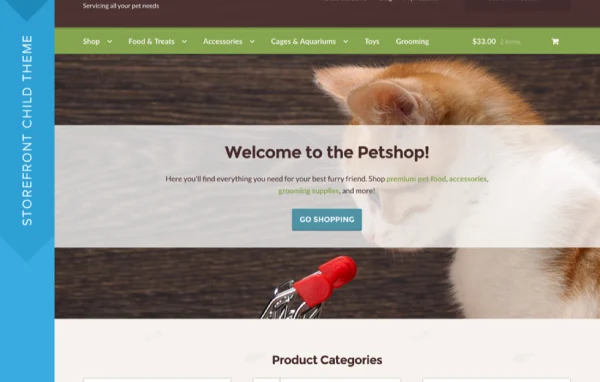
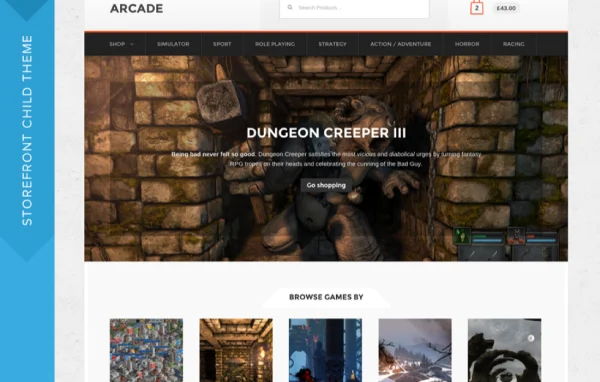
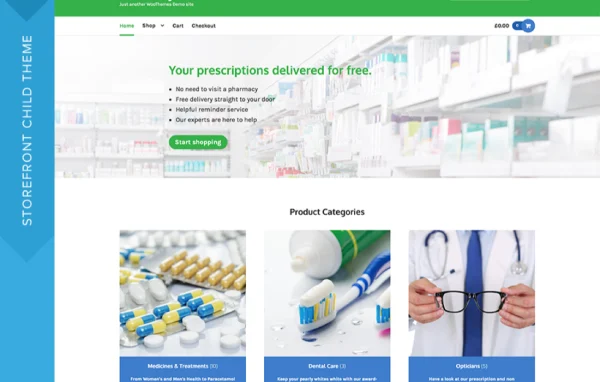
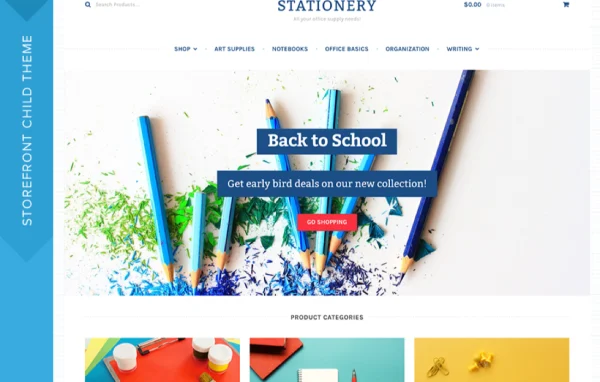
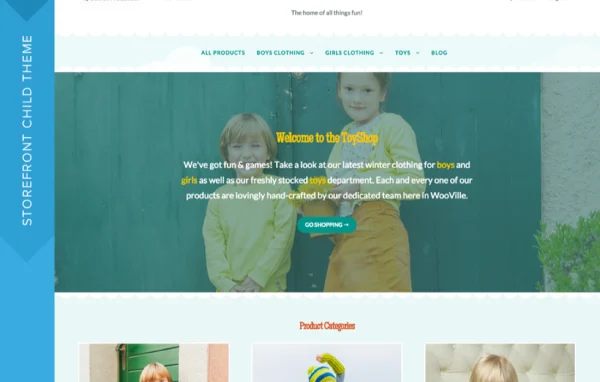
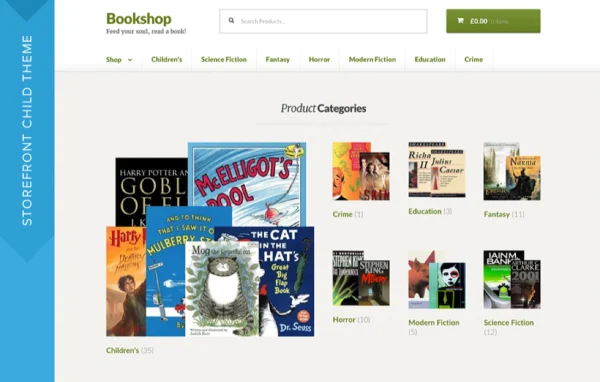
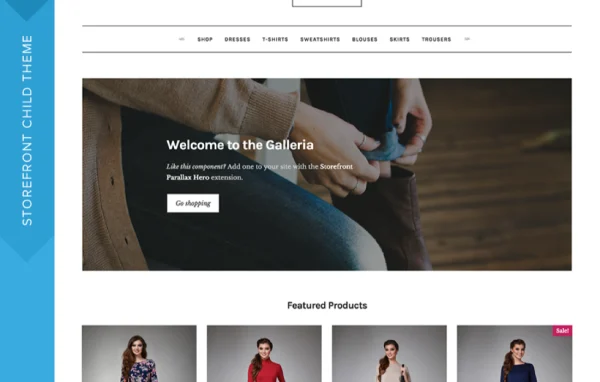
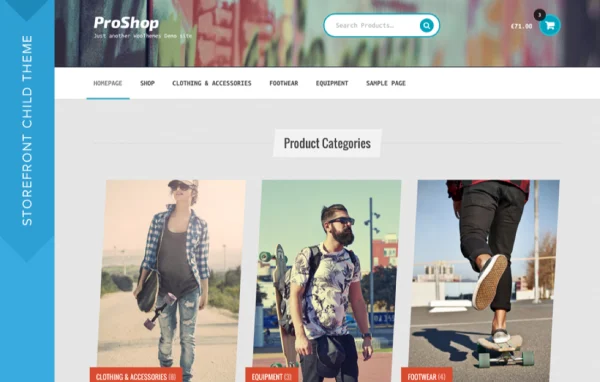
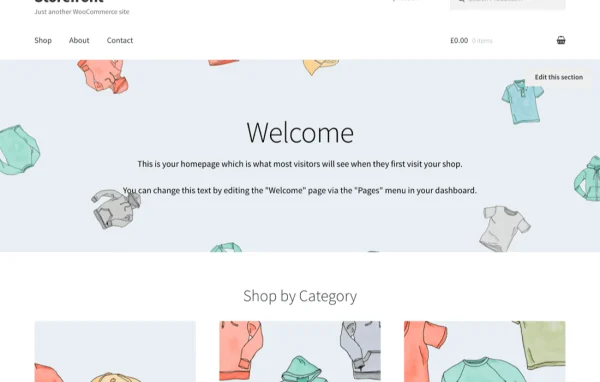
Storefront Theme is a WordPress child theme built on the Storefront framework for stores that run on WooCommerce. It gives an online shop a clean, modern starting point with responsive layouts, product search filters and a checkout flow that works with payment gateways such as RazorPay.
- Version
- 4.1.3
- Released
- Aug 23, 2022
- Developer
- Storefront Child Theme
- Type
- WordPress theme
- Licence
- GPL
- Included in
- Every plan
What’s new in Storefront Theme 4.1.3
Version 4.1.3 · Aug 23, 2022
Latest
- ImprovedRemove styling from No Products filter results. ([#2026](https://github.com/woocommerce/storefront/pull/2026))
What it does
Starting a WooCommerce store from a generic theme often means a lot of patching before product pages, search and checkout look like they belong together. This child theme sits on top of the Storefront framework and is designed around WooCommerce, so product listings, cart and checkout pages share one consistent look. Search filters help shoppers narrow down products, and the layout adjusts for desktops, tablets and phones.
Because it is a child theme, your design changes live in their own layer, and you can personalize the look and feel while the parent Storefront framework stays intact. The theme is lightweight and written with clean code. It works with popular WooCommerce extensions and plugins, so you can add store features as you need them. It suits new shops that want a tidy foundation and existing stores that want a refreshed design.
Best for
- New WooCommerce stores needing a clean starter theme
- Shop owners accepting payments through RazorPay
- Developers customizing stores on the Storefront framework
Features
Built for WooCommerce
Product displays, cart and checkout pages are styled to work with WooCommerce, so the shopping pages feel like a natural part of the site.
Responsive layouts
The design adapts to desktops, tablets and mobile devices, so shoppers can browse products and check out comfortably on any screen size.
Product search filters
Search filters let customers narrow down the catalog and find the products they want, and empty filter results display without extra styling clutter.
Checkout with RazorPay support
The checkout process is set up to work with secure payment gateways, including RazorPay, for online payment processing.
Child theme structure
Customizations stay in the child theme, so you can change the look and feel of your store without disturbing the parent Storefront framework.
Lightweight clean code
The theme is built with clean, lightweight code that keeps the front end of your store simple and easy to work with.
Works with WooCommerce extensions
It is compatible with popular WooCommerce extensions and plugins, so you can add more store functionality as your shop grows.
Questions about Storefront Theme
Do I need WooCommerce to use this theme?
Yes, in practice. It is a child theme designed specifically for WooCommerce-powered stores, and its product display, search filters and checkout styling are built around WooCommerce. It also sits on top of the Storefront parent framework.
Will my store look right on phones and tablets?
The theme uses a fully responsive design, so product pages, navigation and checkout adjust to desktops, tablets and mobile devices. Shoppers get a layout that fits their screen without you building separate mobile pages.
Can I accept payments through RazorPay?
Yes. The checkout process supports secure payment gateways, and RazorPay is named among them. You set up the gateway through WooCommerce, and the theme styles the checkout so the transaction steps look consistent with the rest of your store.
Can I customize the design without breaking the parent theme?
Yes. As a child theme, it keeps your design changes separate from the Storefront parent framework. You can personalize colors, layout and styling in the child theme while the underlying framework stays untouched.
Is Storefront Theme free?
The code of Storefront Theme is licensed under the GPL, so anyone may use, change and share it. GPL Feast is a paid service: a plan gives you the download and automatic updates. The developer's own support, licence key and online services are not included.
Which version of Storefront Theme is this?
Version 4.1.3, released Aug 23, 2022. New versions appear here when the developer publishes them, and members get them as automatic updates.
How do I update Storefront Theme?
Install the free GPL Feast Updater on your site and connect it with your API key. It installs new versions of Storefront Theme automatically and keeps a backup, so you can roll back.
More from Storefront Child Theme