Theme
Updated
CoffeeBean
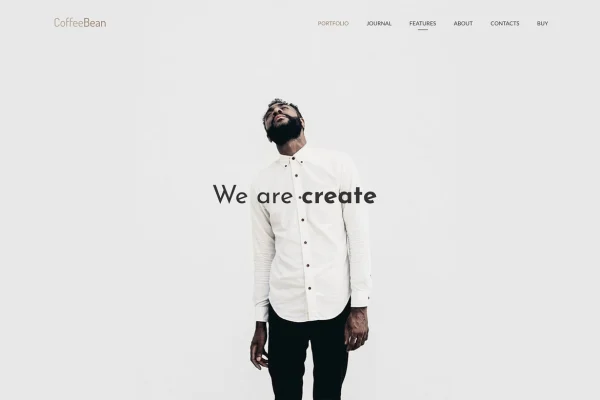
CoffeeBean is a minimal WordPress theme built for portfolio websites. It gives freelancers, photographers, agencies and studios a clean way to present photography, video and design projects, with portfolio options set through page settings instead of shortcodes.
- Version
- 1.25
- Released
- Aug 18, 2026
- Developer
- mallini
- Type
- WordPress theme
- Licence
- GPL
- Included in
- Every plan, or $3.99 on its own
What’s new in CoffeeBean 1.25
Version 1.25 · Aug 18, 2026
Latest
What it does
Many creatives want a portfolio site that puts their work first without a long setup or a pile of shortcodes to remember. This theme keeps the design simple and modern so images and videos carry the page. Portfolio options live in the page settings, which means you choose layouts and display choices from the editor screen. The layouts are responsive, so grids and galleries adjust to different screen sizes, and retina ready graphics keep visuals sharp on high-resolution displays.
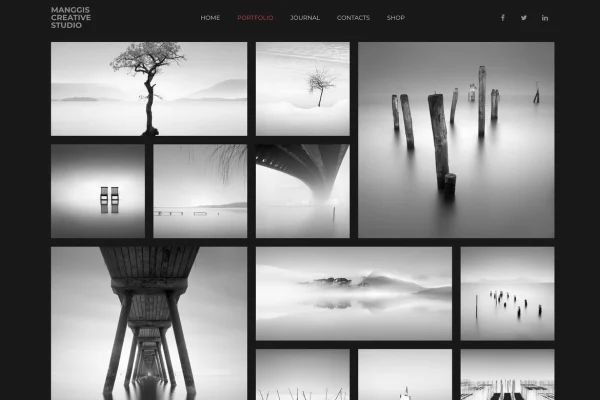
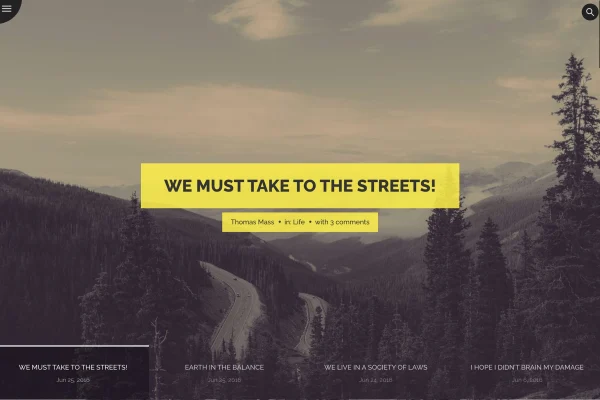
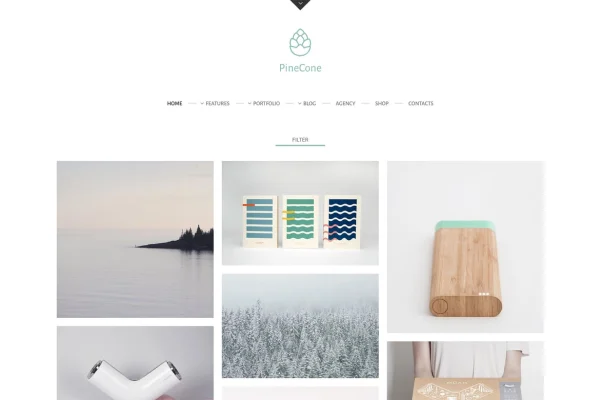
You can lay out projects in 3 or 4 column grids or a full-width masonry style, and add video portfolio items that open in popups with autoplay and captions. Header galleries come in slider, tiled and masonry styles for the top of your pages. A blog with video support sits alongside the portfolio for updates and behind-the-scenes posts. The theme works with Gutenberg and Visual Composer for building pages, and custom widgets cover Instagram, Twitter, contact info and your latest portfolio projects.
Best for
- Photographers and videographers presenting their work
- Freelance designers building a personal portfolio
- Creative agencies and studios with project galleries
Features
Column and masonry portfolios
Display projects in 3 or 4 column layouts or a full-width masonry grid that adjusts to different screen sizes.
Video popups with captions
Video portfolio items open in popups that support autoplay and captions, so visitors can watch your work without leaving the page.
No shortcodes needed
All portfolio options are handled through page settings, giving you direct control over layouts without typing or managing shortcodes.
Header gallery styles
Choose a slider, tiled or masonry gallery for the header area to open your pages with a strong set of images.
Page builder compatibility
Build and adjust pages with Gutenberg or Visual Composer using drag and drop editing, with no coding required.
Social and portfolio widgets
Custom widgets add Instagram and Twitter feeds, contact info and a list of your latest portfolio projects to sidebars and widget areas.
Blog with video support
Publish blog posts that include video, useful for sharing project stories, studio news and behind-the-scenes content.
Retina ready graphics
Graphics are prepared for high-resolution screens so your site looks crisp on modern phones, tablets and monitors.
CoffeeBean older versions
- 1.24Nov 17, 2025
Members and buyers of this product can download older versions.
Questions about CoffeeBean
Can I show video projects in my portfolio?
Yes. The theme supports video portfolio items that open in popups with autoplay and captions. The blog also supports video, so you can post clips alongside written updates.
Do I need to use shortcodes to set up the portfolio?
No. Portfolio options are managed through page settings, so you pick layouts and display choices from the page editor without adding shortcodes.
Which page builders does it work with?
The theme is compatible with Gutenberg and Visual Composer. Both let you arrange page content with drag and drop editing, so you can customize layouts without writing code.
What portfolio layouts are included?
You can use 3 column, 4 column or full-width masonry portfolio layouts. For page headers, there are slider, tiled and masonry gallery styles, and all layouts are responsive.
Is CoffeeBean free?
The code of CoffeeBean is licensed under the GPL, so anyone may use, change and share it. GPL Feast is a paid service: a plan or a single purchase gives you the download and automatic updates. The developer's own support, licence key and online services are not included.
Which version of CoffeeBean is this?
Version 1.25, released Aug 18, 2026. New versions appear here when the developer publishes them, and members get them as automatic updates.
How do I update CoffeeBean?
Install the free GPL Feast Updater on your site and connect it with your API key. It installs new versions of CoffeeBean automatically and keeps a backup, so you can roll back.
You might also like