Theme
Updated
VisualBlocks Pro
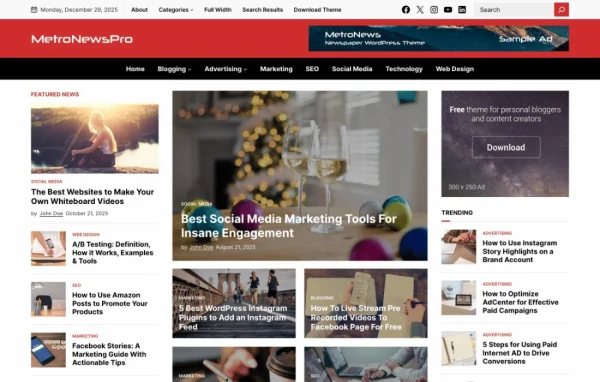
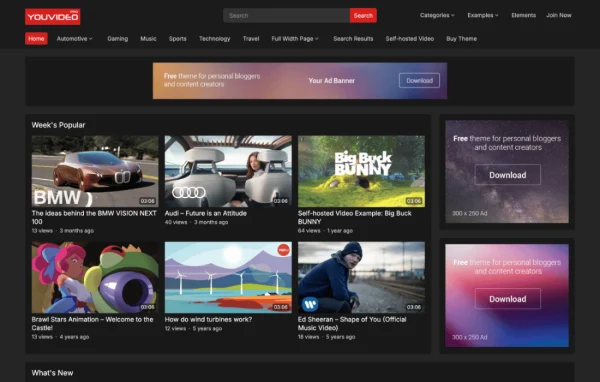
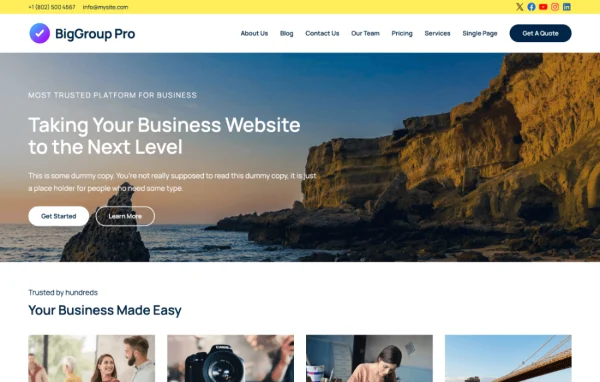
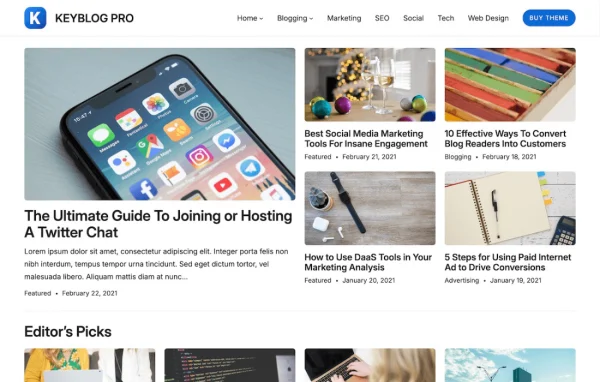
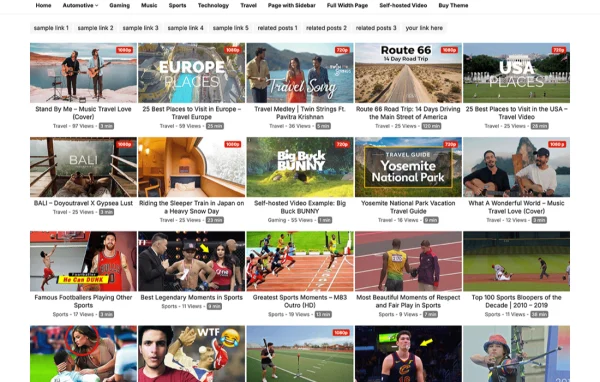
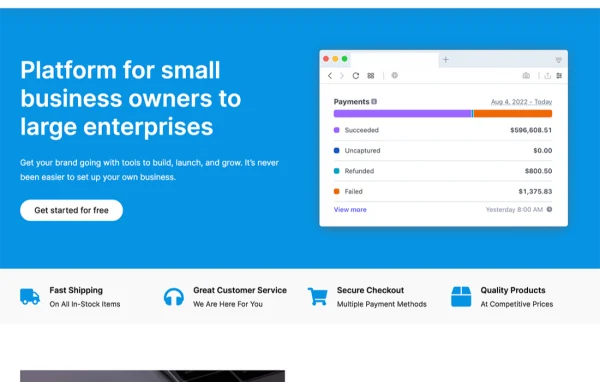
VisualBlocks Pro is a WordPress theme built around a modular, drag-and-drop approach to page design. It lets you put together custom layouts without writing code, and it gives you control over fonts, colors, headers, footers and widgets so the site matches your brand.
- Version
- 1.0.0
- Released
- Jan 29, 2024
- Developer
- WPEnjoy
- Type
- WordPress theme
- Licence
- GPL
- Included in
- Every plan, or $3.99 a year on its own
What’s new in VisualBlocks Pro 1.0.0
Version 1.0.0 · Jan 29, 2024
Latest
- NewFirst Release
What it does
Building a site that looks like your own usually means either hiring a developer or settling for a rigid layout. This theme takes a different route by splitting pages into modules you arrange with a drag-and-drop builder. You pick blocks, place them where you want and adjust them visually. A library of pre-built templates and content blocks gives you a starting point, so you can begin with a finished layout and change it instead of starting from an empty page.
The theme suits personal blogs, business sites and online portfolios, and it is meant to work for beginners as well as experienced site builders. Customization covers typography, color schemes, headers, footers and widgets, along with layout structure. Pages are responsive, so they adapt to desktops, tablets and phones. It is also built to work alongside common plugins, including WooCommerce, Contact Form 7 and Yoast SEO, which makes it a reasonable base for adding a shop, contact forms or SEO settings.
Best for
- Personal bloggers who want custom layouts without code
- Small businesses building a branded company website
- Creatives and freelancers putting together an online portfolio
Features
Modular drag-and-drop builder
Arrange page sections by dragging modules into place, so you can build custom layouts visually without writing any code.
Pre-built templates and blocks
Start from a library of ready-made templates and content blocks, then adjust them to fit your content and brand.
Font and color controls
Set typography and color schemes across the site so the design reflects your brand identity.
Custom headers and footers
Adjust headers, footers and widget areas to match your style and organize navigation and supporting content.
Responsive layouts
Pages adjust their display for desktops, tablets and smartphones, so visitors on any of these devices see a usable layout.
Clean, SEO-minded structure
The theme uses clean code and a structure designed with search engine best practices in mind.
Works with popular plugins
Built to be compatible with WooCommerce, Contact Form 7 and Yoast SEO, so you can add a store, forms and SEO tools.
Questions about VisualBlocks Pro
Do I need coding skills to design pages with this theme?
No. Pages are built with a modular drag-and-drop builder, and you can start from pre-built templates and content blocks. Fonts, colors, headers, footers and widgets are adjusted through customization options instead of code.
Can I run an online store with it?
The theme is described as compatible with WooCommerce, so you can pair it with that plugin to add store features. It is also listed as working with Contact Form 7 and Yoast SEO.
Will my site look right on phones and tablets?
Yes. The theme uses a responsive design intended to display properly on desktops, tablets and smartphones, so layouts adapt to the screen your visitors are using.
What kinds of websites is this theme meant for?
It is aimed at personal blogs, business websites and online portfolios. The template library and modular layout tools let you shape it around any of these, and it is designed for both beginners and experienced users.
Is VisualBlocks Pro free?
The code of VisualBlocks Pro is licensed under the GPL, so anyone may use, change and share it. GPL Feast is a paid service: a plan or a single purchase gives you the download and automatic updates. The developer's own support, licence key and online services are not included.
Which version of VisualBlocks Pro is this?
Version 1.0.0, released Jan 29, 2024. New versions appear here when the developer publishes them, and members get them as automatic updates.
How do I update VisualBlocks Pro?
Install the free GPL Feast Updater on your site and connect it with your API key. It installs new versions of VisualBlocks Pro automatically and keeps a backup, so you can roll back.
More from WPEnjoy