
Theme
Updated
VisualBlog Pro
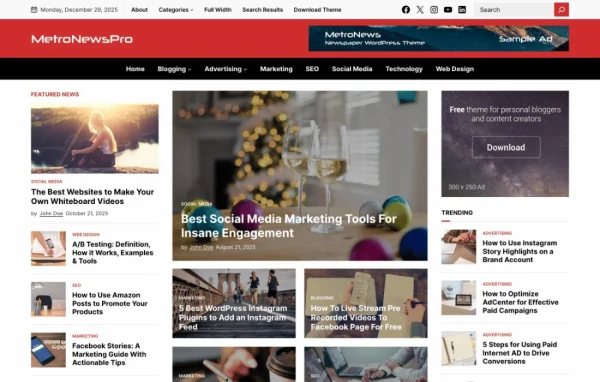
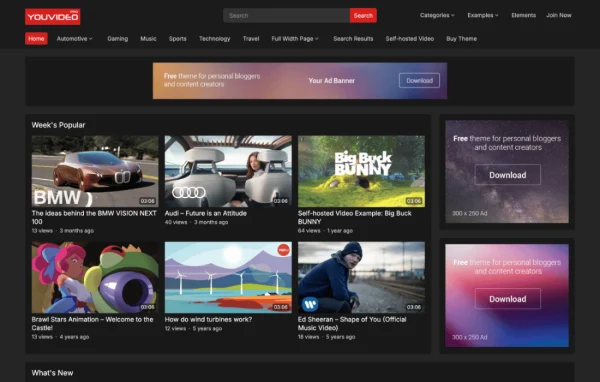
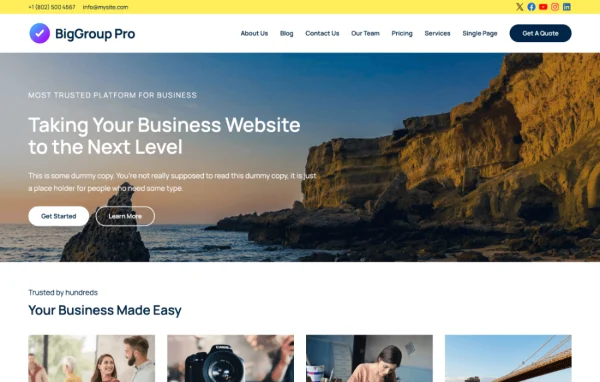
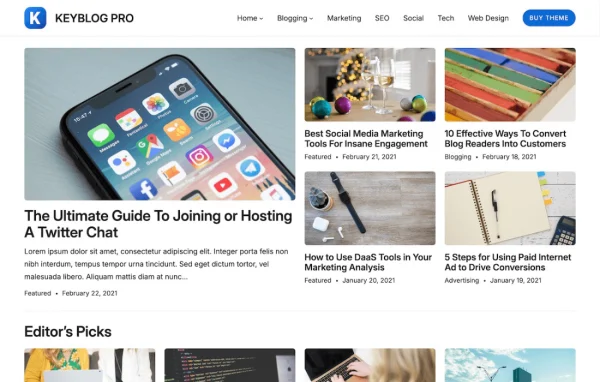
VisualBlog Pro is a WordPress blogging theme built entirely with the WordPress Site Editor. It gives bloggers, writers and content creators ready-made homepage styles and block patterns, so they can put together a clean, professional-looking blog without writing code.
- Version
- 1.0.9
- Released
- Feb 4, 2025
- Developer
- WPEnjoy
- Type
- WordPress theme
- Licence
- GPL
- Included in
- Every plan, or $3.99 a year on its own
What’s new in VisualBlog Pro 1.0.9
Version 1.0.9
Latest
- ImprovedUpdated theme framework
- ImprovedPHP 8.x compatible
- FixedBug fixes
What it does
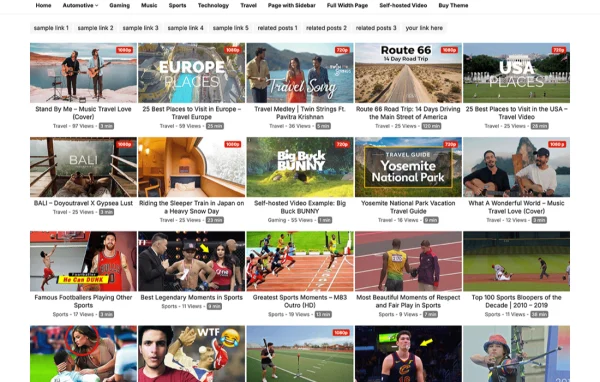
Setting up a blog that looks polished usually means either hiring a developer or wrestling with layout code. This theme takes a different route by working inside the native WordPress Site Editor, so every part of the site can be adjusted with drag-and-drop editing. You start from one of more than ten homepage styles, then mix in any of the 19 pre-designed block patterns to shape pages around your own content and style.
The theme suits a range of blogging projects, from a minimalist personal journal or travel diary to a niche magazine with more content on the front page. A theme options panel covers colors, fonts and layouts, and over 1000 Google Fonts give plenty of typography choices. Single post options let you style individual articles, a custom code editor handles extra tweaks, and one click demo import recreates the demo site as a starting point.
Best for
- Personal bloggers who want a clean site without coding
- Travel diaries and lifestyle writers
- Niche magazine sites built on the block editor
Features
Full site editing
Every part of the blog can be customized in the native WordPress Site Editor using drag-and-drop editing, with no coding needed to change layouts or design.
More than ten homepage styles
Pick from over ten pre-built homepage designs to get a blog started quickly and match the look to your niche or personal taste.
Pre-designed block patterns
Nineteen ready block patterns can be mixed and matched to build article listings, sections and page layouts without starting from a blank canvas.
Theme options panel
An options panel lets you adjust colors, fonts, layouts and other settings from one place, which keeps routine design changes simple.
Large Google Fonts library
Access to more than 1000 Google Fonts lets you set typography that fits your blog's personality while keeping posts readable.
Single post options
Individual blog posts can get their own layouts and styling, so a featured story or long read can look different from everyday entries.
Built-in custom code editor
Developers and confident users can add custom code through a built-in editor to extend the theme's design or behavior.
One click demo import
Import the complete demo content in one step to replicate the demo site, then swap in your own posts, images and text.
VisualBlog Pro older versions
- 1.0.8Jan 1, 2024
- 1.0.6Jul 10, 2023
- 1.0.2Apr 18, 2023
Members and buyers of this product can download older versions.
Questions about VisualBlog Pro
Do I need coding skills to customize this theme?
No. The theme is built with the WordPress Site Editor, so you can change layouts and design with drag-and-drop editing. A theme options panel handles colors, fonts and layouts. A custom code editor is there if you do want to add code.
How many homepage designs come with it?
There are more than ten homepage styles to choose from, plus 19 pre-designed block patterns. You can combine the patterns with any homepage style to build a layout that fits your content.
Will my blog look right on phones and tablets?
Yes. VisualBlog Pro uses a responsive, mobile-friendly design, so posts and pages adapt to desktops, tablets and smartphones without separate layouts for each device.
Can I make my site look like the demo?
Yes. The one click demo import brings in the complete demo content, giving you a copy of the demo site that you can then edit with your own posts and branding.
Is VisualBlog Pro free?
The code of VisualBlog Pro is licensed under the GPL, so anyone may use, change and share it. GPL Feast is a paid service: a plan or a single purchase gives you the download and automatic updates. The developer's own support, licence key and online services are not included.
Which version of VisualBlog Pro is this?
Version 1.0.9, released Feb 4, 2025. New versions appear here when the developer publishes them, and members get them as automatic updates.
How do I update VisualBlog Pro?
Install the free GPL Feast Updater on your site and connect it with your API key. It installs new versions of VisualBlog Pro automatically and keeps a backup, so you can roll back.
More from WPEnjoy