
Plugin
Updated
Blog Revolution for Gutenberg
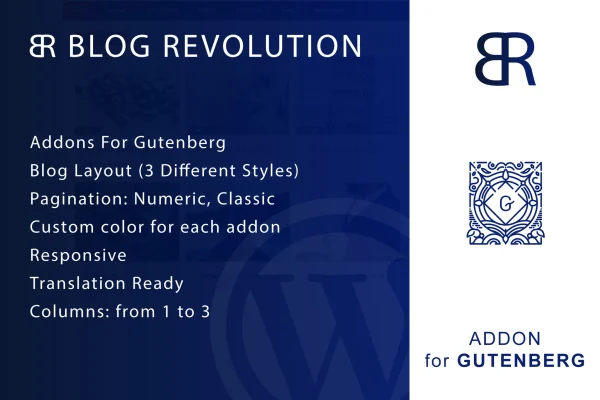
Blog Revolution for Gutenberg is a WordPress plugin that adds a blog layout block to the native block editor. It lets you build blog listing pages from a single block with three styles, column choices, color settings and pagination, without a separate page builder or custom code.
- Version
- 1.0
- Released
- May 2, 2023
- Type
- WordPress plugin
- Licence
- GPL
- Included in
- Every plan, or $3.99 on its own
What’s new in Blog Revolution for Gutenberg 1.0
Version 1.0 · May 2, 2023
Latest
What it does
Many WordPress sites need a blog page that looks more deliberate than the default post list, and getting there often means custom code or a third-party page builder. This plugin handles that job inside the block editor itself. You add one block to a page, pick one of its three blog styles, and adjust the layout from the block settings. The options cover a classic news-style look, a grid layout and a cleaner article-focused design, so you can match the listing to the kind of content you publish.
Once the block is on the page, you can set your posts in one, two or three columns, apply custom colors to different layout elements to fit your brand, and choose numeric or classic pagination so readers can move through older posts. The layouts are responsive and retina ready, so they adapt to different screen sizes and display clearly on high-resolution screens. The plugin is also translation ready, which helps if you run a blog in a language other than English or across several languages.
Best for
- Bloggers who build pages in the WordPress block editor
- Content sites wanting news-style or grid post listings
- Designers building client blogs without a page builder
Features
Three blog styles
One block holds three layout styles, including a classic news-style option, a modern grid and a clean article-focused design, so you can pick the look that suits your posts.
Works in the block editor
You build and adjust blog layouts directly in the native WordPress block editor, with no third-party page builder needed for the job.
Numeric and classic pagination
Choose between numeric pagination and classic previous and next links so visitors can browse through older posts in the way that fits your site.
One to three columns
Arrange your post listings in 1, 2 or 3 columns, giving you a single-column reading list or a wider grid depending on the page.
Custom colors per element
Apply your own colors to various elements of the layout so the blog listing matches your brand colors and the rest of your theme.
Responsive and retina ready
Layouts adapt to different screen sizes, and graphics are retina ready so they stay sharp on high-resolution displays.
Translation ready
The plugin supports translation, so its text can be adapted for blogs published in other languages or for multilingual sites.
Questions about Blog Revolution for Gutenberg
Do I need a page builder to use this plugin?
No. The plugin works inside the native WordPress block editor. You add its block to a page and configure the layout there, so you do not need a third-party page builder to create your blog listing.
What blog layouts are included?
The block comes with three blog styles. The descriptions cover a classic news-style layout, a modern grid layout and a clean article-focused design. You can also set posts in one to three columns and adjust colors on layout elements.
Can visitors page through older posts?
Yes. The block includes pagination options, and you can choose between numeric pagination and classic pagination depending on how you want readers to move through your post archive.
Will the layouts work on phones and tablets?
The layouts are fully responsive, so they adapt to different screen sizes. They are also retina ready, which keeps graphics clear on high-resolution screens.
Is Blog Revolution for Gutenberg free?
The code of Blog Revolution for Gutenberg is licensed under the GPL, so anyone may use, change and share it. GPL Feast is a paid service: a plan or a single purchase gives you the download and automatic updates. The developer's own support, licence key and online services are not included.
Which version of Blog Revolution for Gutenberg is this?
Version 1.0, released May 2, 2023. New versions appear here when the developer publishes them, and members get them as automatic updates.
How do I update Blog Revolution for Gutenberg?
Install the free GPL Feast Updater on your site and connect it with your API key. It installs new versions of Blog Revolution for Gutenberg automatically and keeps a backup, so you can roll back.
You might also like






