
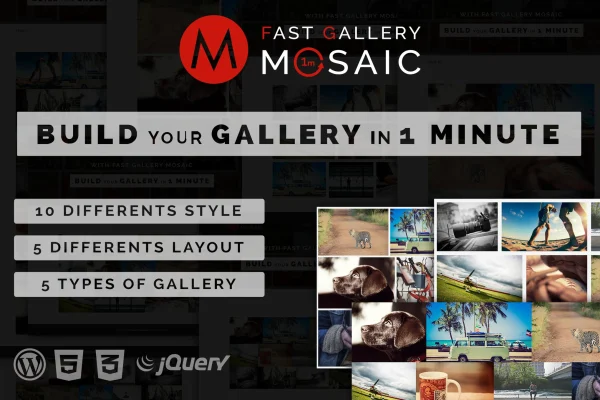
Plugin
Updated
Fast Gallery Mosaic
Fast Gallery Mosaic is a WordPress plugin for building image galleries in a mosaic layout. It gives you a choice of lightbox types, styles and layouts, and lets you set colors and thumbnails for each gallery without writing code.
- Version
- 1.0
- Released
- May 2, 2023
- Type
- WordPress plugin
- Licence
- GPL
- Included in
- Every plan, or $3.99 on its own
What’s new in Fast Gallery Mosaic 1.0
Version 1.0 · May 2, 2023
Latest
What it does
Displaying a large set of photos in a plain grid can look flat, and setting up a good lightbox often takes extra work. This plugin handles both parts. You arrange images in one of five mosaic layouts, pick from 10 pre-designed gallery styles, and choose how visitors open each image: PrettyPhoto, PhotoBox, Magnific Popup, LightGallery or a custom URL. Galleries are responsive and retina ready, so they adapt to desktops, tablets and phones.
Each gallery gets its own settings, which matters when you place several on one page. You can set main and secondary colors with opacity control, use custom thumbnails for previews, and match the look to your site's branding. Galleries can also go into sidebars or footers through widget support. The plugin ships with .po and .mo files for translation, plus documentation and video tutorials to help you learn the options.
Best for
- Photographers building portfolio pages
- Bloggers who publish photo-heavy posts
- Creative professionals displaying visual work
Features
Five lightbox gallery types
Open images with PrettyPhoto, PhotoBox, Magnific Popup or LightGallery, or send clicks to a custom URL instead of a popup.
Ten gallery styles
Start from one of 10 pre-designed styles to set the overall look of a gallery quickly, then adjust the details to suit your site.
Five mosaic layouts
Arrange your photos in five different mosaic layouts, giving image collections a varied, tiled presentation instead of a uniform grid.
Custom colors with opacity
Set main and secondary colors for each gallery, with opacity control, so galleries fit your brand colors and site design.
Multiple galleries per page
Place several galleries on the same page, each with its own style, layout, colors and thumbnails, for pages that mix different collections.
Custom thumbnails
Assign custom thumbnails to gallery items so visitors get clearer previews before they open an image in the lightbox.
Widget support
Embed galleries in sidebars or footer areas using the built-in widget, so images can appear outside your main content.
Responsive and translation ready
Galleries adapt to different screen sizes and retina displays, and included .po and .mo files let you translate the plugin's text.
Questions about Fast Gallery Mosaic
Which lightbox options can I choose from?
There are five gallery types: PrettyPhoto, PhotoBox, Magnific Popup, LightGallery and custom URL. The first four open images in a popup lightbox, while the custom URL option links an image to a page or address you set.
Can I put more than one gallery on a single page?
Yes. Multiple galleries can sit on the same page, and each one keeps its own settings for style, layout, colors and thumbnails. That makes it practical to show separate collections side by side with different looks.
Will the galleries look right on phones and high-resolution screens?
The plugin is built to be responsive and retina ready. Galleries adjust to desktops, tablets and mobile devices, and images are displayed with support for high-resolution screens.
Can I show a gallery in my sidebar or footer?
Yes. The plugin includes widget support, so you can add galleries to sidebar or footer widget areas as well as to regular posts and pages.
Is Fast Gallery Mosaic free?
The code of Fast Gallery Mosaic is licensed under the GPL, so anyone may use, change and share it. GPL Feast is a paid service: a plan or a single purchase gives you the download and automatic updates. The developer's own support, licence key and online services are not included.
Which version of Fast Gallery Mosaic is this?
Version 1.0, released May 2, 2023. New versions appear here when the developer publishes them, and members get them as automatic updates.
How do I update Fast Gallery Mosaic?
Install the free GPL Feast Updater on your site and connect it with your API key. It installs new versions of Fast Gallery Mosaic automatically and keeps a backup, so you can roll back.
You might also like






