
Plugin
Updated
PageLoader by Bonfire
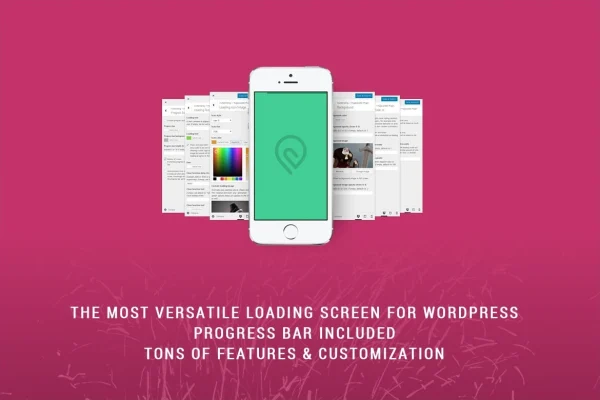
PageLoader by Bonfire is a WordPress plugin that shows a loading screen or progress bar while your pages load. You can style the colors, fonts, animation type and speed in the live Customizer, so the loading view matches the rest of your site without writing code.
- Version
- 4.6
- Released
- Mar 12, 2024
- Type
- WordPress plugin
- Licence
- GPL
- Included in
- Every plan, or $3.99 on its own
What’s new in PageLoader by Bonfire 4.6
Version 4.6 · Mar 12, 2024
Latest
What it does
When a page takes a moment to appear, visitors often see a blank or half-built screen. This plugin fills that gap with a branded loading animation or a simple progress bar that stays in place until the content is ready. You pick the style you want, from a slim bar to a full-screen loader, and adjust it to fit your design. It works with any WordPress theme, displays properly on all devices and supports retina screens.
All styling happens in the WordPress live Customizer, where you can preview changes as you make them. Beyond appearance, you get control over behavior: a timeout safeguard keeps the loader from hanging, custom delays set how long it stays, and a once-per-session option keeps returning visitors from seeing it on every page. Post-load animations smooth the shift to your content, and Multisite networks are supported too.
Best for
- Brand-focused sites wanting a styled loading animation
- Freelancers and agencies building client websites
- WordPress Multisite network owners
Features
Loading screen and progress bar
Choose between a full-screen loading animation or a simpler progress bar, both fully customizable so the loading view fits your brand and site style.
Live Customizer previews
Adjust colors, fonts, animation types and speeds inside the WordPress live Customizer and see each change instantly before you publish it.
Post-load content animations
Add animations that play as the loading screen clears, giving a smoother transition from the loader to your actual page content.
Timeout safeguard
Set a timeout so the loading screen does not stay on screen indefinitely, which helps visitors on slow connections still reach your content.
Custom delay settings
Control how long the loading screen displays by setting your own delay, so the animation timing suits your pages and design.
Once-per-session display
Show the loading screen only once per visitor session, so people browsing several pages are not shown the same animation over and over.
Works with any theme
The plugin is compatible with any WordPress theme and displays on all devices, with responsive layout and retina-ready support for sharp results.
Multisite support
Use the plugin on WordPress Multisite installations to manage loading animations across the sites in your network.
Questions about PageLoader by Bonfire
Do I need to know how to code to customize the loader?
No. All customization is point and click inside the WordPress live Customizer. You can change colors, fonts, animation types and speeds, and you see a live preview of each change as you make it.
Will it work with my current theme?
The plugin is described as compatible with any WordPress theme. It also displays on all devices, with responsive behavior and retina-ready support, so the loader should look right on phones, tablets and desktop screens.
Can I stop the loading screen from showing on every page?
Yes. A once-per-session display option shows the loading screen a single time per visitor session. After that, people moving between pages go straight to the content without seeing the animation again.
What happens if a page takes a long time to load?
A timeout safeguard limits how long the loading screen stays visible, so visitors are not stuck behind it on a slow connection. You can also set a custom delay to control how long the loader displays on your pages.
Is PageLoader by Bonfire free?
The code of PageLoader by Bonfire is licensed under the GPL, so anyone may use, change and share it. GPL Feast is a paid service: a plan or a single purchase gives you the download and automatic updates. The developer's own support, licence key and online services are not included.
Which version of PageLoader by Bonfire is this?
Version 4.6, released Mar 12, 2024. New versions appear here when the developer publishes them, and members get them as automatic updates.
How do I update PageLoader by Bonfire?
Install the free GPL Feast Updater on your site and connect it with your API key. It installs new versions of PageLoader by Bonfire automatically and keeps a backup, so you can roll back.
You might also like






