
Plugin
Updated
Pixel Form Builder
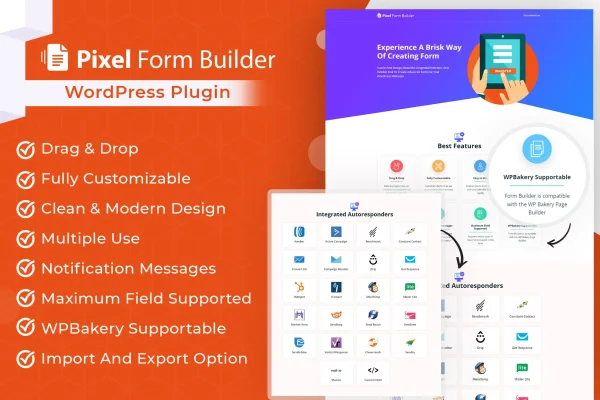
Pixel Form Builder is a WordPress plugin for building contact forms, signup forms, feedback forms and other custom forms with a drag and drop editor. It also connects your forms to autoresponder services, so new submissions can flow straight into your email marketing lists.
- Version
- 1.0.2
- Released
- Aug 26, 2026
- Type
- WordPress plugin
- Requires
- Elementor
- Licence
- GPL
- Included in
- Every plan, or $3.99 on its own
What’s new in Pixel Form Builder 1.0.2
Version 1.0.2 · Aug 26, 2026
Latest
What it does
Many sites need more than one form, and each one usually has to talk to an email marketing tool. This plugin handles both jobs. You build forms visually by dragging fields into place, with no code required, then adjust fields, layouts, colors and fonts to match your site. Contact forms, subscription signups, feedback forms and custom layouts all come from the same builder, which keeps form work in one place.
On the email side, forms can connect to 21 autoresponder services, including Mailchimp, Aweber, GetResponse, Active Campaign, HubSpot and ConvertKit, so subscribers land in your lists for automated follow-ups. Submitted data is also stored in your WordPress dashboard. You can clone forms to make variations, and import or export forms to reuse them on other projects. The plugin lists Elementor as a requirement, and forms are responsive and retina ready.
Best for
- Marketers growing email lists through site signup forms
- Bloggers who need contact and subscription forms
- Freelancers and agencies reusing forms across client sites
Features
Drag and drop builder
Create forms by dragging fields into place in a visual editor, so you can build contact, signup or feedback forms without writing any code.
21 autoresponder integrations
Connect forms to email services such as Mailchimp, Aweber, GetResponse, Active Campaign, HubSpot and ConvertKit to capture leads and trigger automated follow-ups.
Custom form styling
Adjust fields, layouts, colors and fonts on each form so it matches your website branding and the rest of your page design.
Import and export forms
Bring in pre-built forms or export your own forms, making it simple to reuse the same setups across different projects or sites.
Submission database
Store submitted form data inside your WordPress dashboard, where you can open and manage the user information people send through your forms.
Form cloning
Duplicate an existing form in a few clicks to create a variation, which saves rebuilding similar forms from scratch each time.
Responsive and retina ready
Forms are built to display well on desktop, tablet and mobile screens, including high resolution displays, so visitors get a clean layout anywhere.
Questions about Pixel Form Builder
Which email marketing services can I connect my forms to?
The plugin integrates with 21 autoresponder services. Named examples include Mailchimp, Aweber, GetResponse, Active Campaign, HubSpot and ConvertKit. Once a form is connected, new submissions can be added to your subscriber lists so your automated follow-up emails can take over from there.
Do I need coding skills to build forms?
No. Forms are built with a drag and drop interface, and you can change fields, layouts, colors and fonts through the editor. This makes it workable for business owners, bloggers and marketers who prefer not to touch code.
Where are form submissions saved?
Submitted data is stored within your WordPress dashboard through the plugin's user database management. You can access and manage the information people send without leaving your site's admin area, alongside sending it to a connected autoresponder.
Does it need any other plugins to work?
Yes, the plugin lists Elementor as a requirement, so you should have Elementor active on your WordPress site. Beyond that, it works as a standalone form builder with its own editor, form cloning and import and export tools.
Is Pixel Form Builder free?
The code of Pixel Form Builder is licensed under the GPL, so anyone may use, change and share it. GPL Feast is a paid service: a plan or a single purchase gives you the download and automatic updates. The developer's own support, licence key and online services are not included.
Which version of Pixel Form Builder is this?
Version 1.0.2, released Aug 26, 2026. New versions appear here when the developer publishes them, and members get them as automatic updates.
How do I update Pixel Form Builder?
Install the free GPL Feast Updater on your site and connect it with your API key. It installs new versions of Pixel Form Builder automatically and keeps a backup, so you can roll back.
What does Pixel Form Builder need?
Pixel Form Builder needs Elementor installed and active.
You might also like






