
Plugin
Updated
PressApps Modal Login
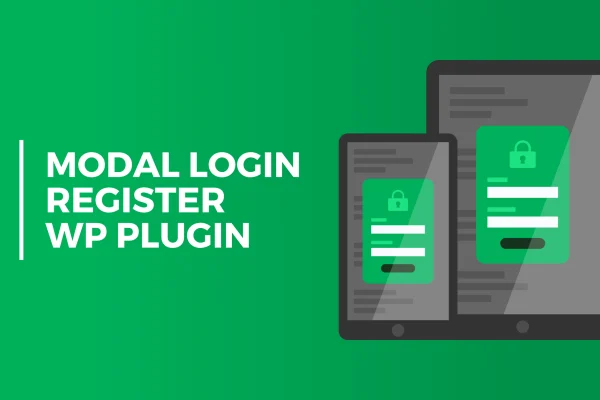
PressApps Modal Login is a WordPress plugin that puts login, registration and forgotten password forms into pop-up modals. Visitors can sign in, create an account or reset a password on the page they are already viewing, without being sent to a separate screen.
- Version
- 2.0.5
- Released
- Dec 22, 2019
- Type
- WordPress plugin
- Licence
- GPL
- Included in
- Every plan, or $3.99 on its own
What’s new in PressApps Modal Login 2.0.5
Version 2.0.5 · Dec 22, 2019
Latest
- FixedFixed minor styling bugs
What it does
The default WordPress login flow takes visitors away from the page they were reading and drops them onto a plain form. This plugin keeps account actions on the current page by opening login, registration and password recovery forms in a modal window. That keeps people where they were, which is handy on sites where signing in is a regular part of the visit. The forms adapt to different screen sizes, so they work on desktop and mobile alike.
You get control over how the forms look and behave. Color pickers let you match the modals to your site, and you can adjust form titles and subtitles. Registration can ask for first and last names and let users choose their own password, while Google reCAPTCHA helps keep spam and bot sign-ups out. You can also set redirect URLs for after login, logout or registration, customize the new user email, and translate the plugin with Poedit.
Best for
- Sites where visitors regularly log in or register
- Site owners wanting branded login and sign-up pop-ups
- Multilingual sites needing translatable account forms
Features
Modal forms for account actions
Login, registration and forgotten password forms open in pop-up modals, so visitors handle their accounts without leaving the page they are on.
Google reCAPTCHA protection
Built-in Google reCAPTCHA support on the registration form helps block spam and automated bot sign-ups from filling your user list.
Custom registration fields
Registration can collect a user's first and last name and let new users set their own password during sign-up.
Redirect URL settings
Choose where users land after they log in, log out or register by setting a custom redirect URL for each action.
Editable registration emails
Customize the email sent to new users when they register, so the message matches the tone and wording of your site.
Color and text controls
Use color pickers to style the forms and adjust form titles and subtitles so the modals fit your site's design.
Translation ready
The plugin is prepared for localization and works with Poedit, so you can translate the forms into the language your visitors use.
Responsive layout
The modal forms adapt to different screen sizes, giving visitors on phones, tablets and desktops a usable sign-in experience.
Questions about PressApps Modal Login
Can visitors reset their password from the pop-up?
Yes. Along with login and registration, the plugin includes a forgotten password form in its own modal, so users can start password recovery without being sent to a separate page.
Will the forms match my site's colors?
You can style the login and registration forms with color pickers and change form titles and subtitles. That lets you bring the modals in line with your site's look without writing custom code.
Does it help stop spam registrations?
It includes Google reCAPTCHA integration for the registration form. This helps filter out automated bots and spam sign-ups so your user list stays cleaner.
Can I control where users go after logging in?
Yes. You can define custom redirect URLs for after login, after logout and after registration, which lets you send users to the page that makes sense for each action.
Is PressApps Modal Login free?
The code of PressApps Modal Login is licensed under the GPL, so anyone may use, change and share it. GPL Feast is a paid service: a plan or a single purchase gives you the download and automatic updates. The developer's own support, licence key and online services are not included.
Which version of PressApps Modal Login is this?
Version 2.0.5, released Dec 22, 2019. New versions appear here when the developer publishes them, and members get them as automatic updates.
How do I update PressApps Modal Login?
Install the free GPL Feast Updater on your site and connect it with your API key. It installs new versions of PressApps Modal Login automatically and keeps a backup, so you can roll back.
You might also like






