
Plugin
Updated
Progress Ads
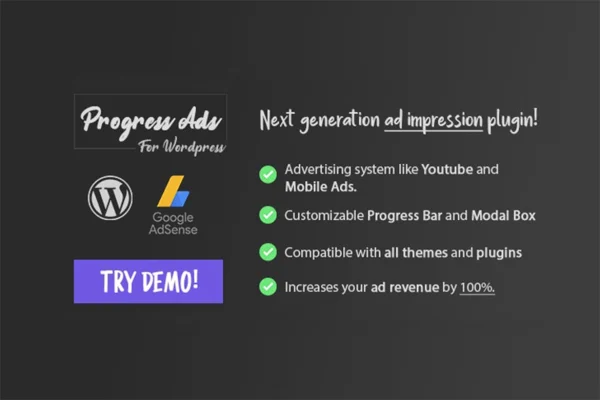
Progress Ads is a WordPress plugin for placing AdSense ads, custom banners, videos and shortcode content on your site. It borrows the format of video platform ads, showing content in a modal box with a progress bar and an optional waiting time before visitors continue.
- Version
- 1.3.2
- Released
- Nov 22, 2019
- Type
- WordPress plugin
- Licence
- GPL
- Included in
- Every plan, or $3.99 on its own
What’s new in Progress Ads 1.3.2
Version 1.3.2 · Nov 22, 2019
Latest
- FixedAll issues fixed
What it does
Running ads on a WordPress site often means pasting code snippets into widgets and hoping visitors notice them. This plugin takes a different approach modeled on the ad format of video platforms. An ad appears in a modal box, a progress bar tracks its duration, and you can require visitors to wait until it finishes before they reach your content. You set how often the ads appear to repeat visitors so the same people are not shown an ad on every visit.
The content of each ad is built in a rich text editor that accepts HTML, shortcodes, AdSense code, YouTube videos and other media. That makes the modal useful for more than paid ads. You can promote your own products, show a contact form or mail form, or drop in custom code. The progress bar can be styled to match your site, and the display is responsive and retina ready, so it works on phones, tablets and desktop screens.
Best for
- Bloggers running AdSense on their WordPress sites
- Businesses promoting their own products with banner ads
- Site owners collecting leads through modal contact forms
Features
Customizable progress bar
A progress bar tracks how long each ad runs, and you can adjust its look so it fits the style of your website.
Modal box display
Show ads, contact forms, mail forms or custom code inside a modal box that sits over the page and keeps attention on the content.
Ad waiting time
Require visitors to wait until an ad finishes before they can reach your content, following the familiar format used by video platforms.
Display frequency control
Decide how often ads appear to repeat visitors, so returning readers are not shown the same ad every time they load a page.
Rich text editor
Insert AdSense code, YouTube videos, shortcodes, HTML and other media directly in the plugin's editor to build each ad the way you want.
Responsive and retina ready
Ads are built to display clearly across devices and high resolution screens, from small phones up to large desktop monitors.
Questions about Progress Ads
Can I use it with Google AdSense?
Yes. The rich text editor accepts AdSense code, so you can paste your ad unit into it and the plugin will display it inside the modal box with the progress bar and any waiting time you set.
Can I show things other than ads in the popup?
Yes. The modal box can hold contact forms, mail forms, custom code, shortcodes, HTML, YouTube videos and other media. That lets you use it for lead capture or promoting your own products as well as paid ads.
Will repeat visitors see an ad on every page?
You control that with the display frequency setting. It lets you manage how often ads appear to returning visitors, which helps avoid showing the same ad over and over to your regular readers.
Does it work on mobile devices?
The plugin is responsive and retina ready, so ads and the modal box are designed to display properly on phones, tablets and desktop screens, including high resolution displays.
Is Progress Ads free?
The code of Progress Ads is licensed under the GPL, so anyone may use, change and share it. GPL Feast is a paid service: a plan or a single purchase gives you the download and automatic updates. The developer's own support, licence key and online services are not included.
Which version of Progress Ads is this?
Version 1.3.2, released Nov 22, 2019. New versions appear here when the developer publishes them, and members get them as automatic updates.
How do I update Progress Ads?
Install the free GPL Feast Updater on your site and connect it with your API key. It installs new versions of Progress Ads automatically and keeps a backup, so you can roll back.
You might also like






