
Plugin
Updated
Simple Countdown for WPBakery
This WordPress plugin adds countdown timers to pages built with WPBakery Page Builder. You pick a countdown type and a design, set your colors, and place the timer wherever a deadline matters, such as a sale ending, an event start or a product launch.
- Version
- 1.0
- Released
- May 2, 2023
- Type
- WordPress plugin
- Licence
- GPL
- Included in
- Every plan, or $3.99 on its own
What’s new in Simple Countdown for WPBakery 1.0
Version 1.0 · May 2, 2023
Latest
What it does
Many sites need a visible deadline: a promotion that ends at midnight, a webinar that starts next week, or a launch date visitors should remember. Building a timer by hand means custom code and styling work. Simple Countdown for WPBakery gives WPBakery Page Builder users a ready element for this job, so you can add a countdown to a layout the same way you add any other block, with no coding required.
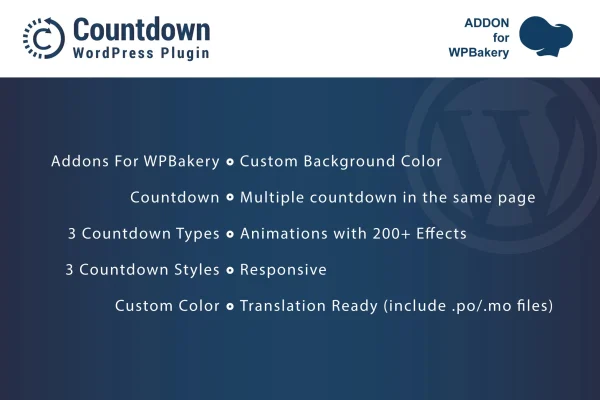
The plugin offers three countdown types and three designs, plus custom color settings so timers match your branding. You can place several countdowns on one page, which helps when you are promoting more than one offer or event at a time. More than 200 animation effects are available if you want movement. Timers are responsive and retina ready, and the plugin includes .po and .mo files for translation.
Best for
- WPBakery Page Builder sites running time-limited sales
- Event organizers counting down to start dates
- Freelancers building WPBakery sites for clients
Features
Three countdown types
Choose from three countdown formats so the timer fits the kind of event, sale or promotion you are counting down to.
Three countdown designs
Switch between three visual styles to keep timers consistent with the rest of your page layout and overall site look.
Custom colors
Set your own colors for each countdown so it lines up with your brand palette and the theme you are using.
Multiple timers per page
Add as many countdowns as you need on a single page, useful for listing several offers or events side by side.
Over 200 animation effects
Apply animation effects from a collection of more than 200 options to give your countdown timers movement and draw attention.
Responsive and retina ready
Countdowns adapt to desktop, tablet and phone screens and display sharply on high-resolution displays.
Translation ready
Included .po and .mo files let you translate the countdown text into the language your visitors use.
Questions about Simple Countdown for WPBakery
Do I need WPBakery Page Builder to use this?
Yes. The plugin is built specifically as an addon for WPBakery Page Builder, and the countdown timers are added through the WPBakery editor as page elements alongside your other content.
Can I show more than one countdown on the same page?
Yes. You can place multiple countdown timers on a single page, so you can count down to several offers, events or launch dates at once, each with its own settings.
Can I match the timers to my site's colors?
Yes. Each countdown has custom color options, and you can choose between three designs and three countdown types to get a look that fits your branding and layout.
Will the countdowns work on phones and in other languages?
The timers are fully responsive and retina ready, so they display well on phones, tablets and desktops. The plugin also includes .po and .mo files for translating countdown text.
Is Simple Countdown for WPBakery free?
The code of Simple Countdown for WPBakery is licensed under the GPL, so anyone may use, change and share it. GPL Feast is a paid service: a plan or a single purchase gives you the download and automatic updates. The developer's own support, licence key and online services are not included.
Which version of Simple Countdown for WPBakery is this?
Version 1.0, released May 2, 2023. New versions appear here when the developer publishes them, and members get them as automatic updates.
How do I update Simple Countdown for WPBakery?
Install the free GPL Feast Updater on your site and connect it with your API key. It installs new versions of Simple Countdown for WPBakery automatically and keeps a backup, so you can roll back.
You might also like






