
Plugin
Updated
SplitSlider
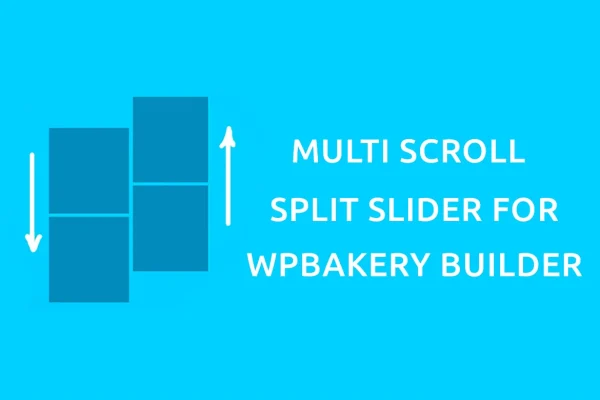
SplitSlider is a WordPress plugin that adds split-screen scrolling layouts to WPBakery Page Builder. It builds pages from two vertical panels that scroll at the same time but independently, so you can present paired content side by side without writing code.
- Version
- 1.0.3
- Released
- May 2, 2023
- Type
- WordPress plugin
- Licence
- GPL
- Included in
- Every plan, or $3.99 on its own
What’s new in SplitSlider 1.0.3
Version 1.0.3 · May 2, 2023
Latest
What it does
Most pages scroll as a single column, which works fine but can make it hard to present two related streams of content together. SplitSlider divides the screen into two vertical panels that move at the same time while staying independent of each other. That layout suits contrasting visuals, parallel stories, before and after comparisons, or a portfolio where images sit on one side and descriptions on the other. It gives a page a different browsing rhythm from a standard scroll site.
The plugin works inside WPBakery Page Builder, so you build multi scroll layouts with the same drag-and-drop tools you already use for the rest of your pages. You can adjust the scroll speed and direction of each panel to shape how visitors move through the content. Layouts are responsive and adapt to desktop, tablet and phone screens. It fits well on landing pages, service pages and portfolio sites built with WPBakery.
Best for
- Portfolio sites pairing images with project descriptions
- Agencies building landing pages in WPBakery Page Builder
- Service businesses presenting contrasting or parallel content
Features
Dual vertical panels
Splits the page into two vertical panels that scroll at the same time but independently, so you can pair content side by side on one screen.
Built into WPBakery
Create and customize multi scroll layouts directly in the WPBakery Page Builder interface using its drag-and-drop tools, with no coding needed.
Scroll speed control
Set how fast each panel scrolls so the movement matches your design and the pace you want visitors to take through the page.
Scroll direction settings
Choose the scrolling direction for each panel, which lets you create opposing or matching movement between the two sides of the layout.
Responsive layouts
Split scroll pages adapt to desktop, tablet and smartphone screens, so visitors on different devices can still browse the dual-panel design.
Lightweight build
The plugin is built to keep a small footprint on your site while adding the split-screen scrolling effect to your pages.
Documentation included
Comes with documentation that walks you through setting up and configuring split scroll layouts inside your page builder.
Questions about SplitSlider
Do I need WPBakery Page Builder to use this plugin?
Yes. The plugin is designed for WPBakery Page Builder and adds its split-screen multi scroll layouts inside that builder. You create and edit the dual-panel pages with WPBakery's drag-and-drop interface, so you will need it running on your site.
Can I control how each panel scrolls?
Yes. You can customize the scroll speed and the scroll direction of each panel. That lets you have both sides move together, move in opposite directions, or move at different paces depending on the effect you want.
Will split scroll pages work on phones and tablets?
The layouts are responsive and made to work across desktop, tablet and smartphone screens, so visitors on smaller devices can still move through your dual-panel content.
Do I need to know how to code to build a split scroll page?
No coding is required. You build the layouts with WPBakery Page Builder's drag-and-drop tools, and documentation is included to help you set up and configure the panels.
Is SplitSlider free?
The code of SplitSlider is licensed under the GPL, so anyone may use, change and share it. GPL Feast is a paid service: a plan or a single purchase gives you the download and automatic updates. The developer's own support, licence key and online services are not included.
Which version of SplitSlider is this?
Version 1.0.3, released May 2, 2023. New versions appear here when the developer publishes them, and members get them as automatic updates.
How do I update SplitSlider?
Install the free GPL Feast Updater on your site and connect it with your API key. It installs new versions of SplitSlider automatically and keeps a backup, so you can roll back.
You might also like






