
Plugin
Updated
Templines Progress Loader
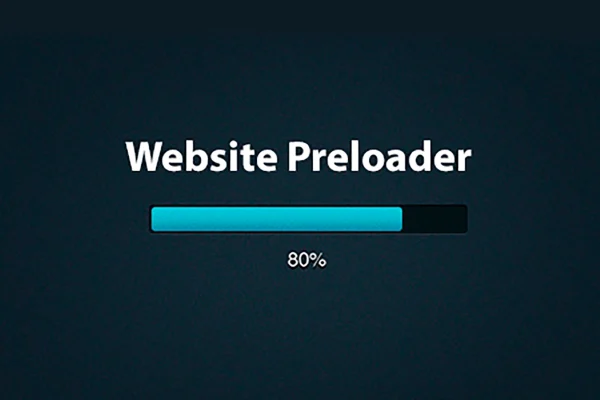
Templines Progress Loader is a WordPress plugin that adds a progress bar preloader to your site. While a page loads, visitors see a clear indicator of loading status instead of a blank screen. You can show it on the homepage alone or on every inner page.
- Version
- 1.0.4
- Released
- May 2, 2023
- Type
- WordPress plugin
- Licence
- GPL
- Included in
- Every plan, or $3.99 on its own
What’s new in Templines Progress Loader 1.0.4
Version 1.0.4 · May 2, 2023
Latest
What it does
Pages with lots of images or content can take a moment to appear, and during that gap visitors often stare at an empty or half-drawn screen. This plugin fills that gap with a progress bar that shows how loading is going. It gives people visual feedback that something is happening, which makes the wait feel clearer and gives the site a more finished look.
Setup does not call for advanced coding, so non-technical site owners can use it as easily as developers. You decide where the loader appears: only on the homepage, or across all inner pages, depending on how your site is structured. The bar is responsive, so it displays properly on different devices, and the plugin runs on lightweight CSS and JavaScript files to keep its own footprint small.
Best for
- Image-heavy portfolio and photography sites
- Content-rich blogs and magazine sites
- Site owners who want a loader without coding
Features
Responsive progress bar
The loading bar adapts to different screen sizes, giving visitors consistent visual feedback on phones, tablets and desktops while a page loads.
Homepage only option
Limit the preloader to your homepage if that is the page where you want a loading indicator and keep the rest of the site without one.
Site-wide display
Extend the loader across all inner pages so every page on the site shows the same progress bar while its content loads.
Lightweight CSS and JS
The plugin relies on small CSS and JavaScript files, so the preloader itself adds very little extra weight to your pages.
No coding needed
You can set up the loader without writing code, which makes it practical for site owners who are not developers.
Clear loading status
A visible progress indicator tells visitors the page is on its way, replacing blank screens on image-heavy or content-rich sites.
Questions about Templines Progress Loader
Can I show the loader on only some pages?
You can choose between two scopes. The preloader can appear on the homepage only, or it can run across all inner pages of the site. Pick whichever matches how your site is built and where loading feedback matters most.
Will the progress bar work on mobile devices?
Yes. The progress bar is responsive, so it adjusts to different screen sizes and keeps giving visitors visual feedback during page loads on phones and tablets as well as desktop screens.
Do I need to know how to code to use it?
No. The plugin is designed for setup without advanced coding, so non-technical site owners can add a loading indicator to their site. Developers can use it too when they want a quick preloader solution.
Does the preloader add a lot of weight to my pages?
The plugin uses lightweight CSS and JavaScript files, which keeps the preloader's own impact on your pages small. How fast your pages load overall still depends on your content, theme and hosting.
Is Templines Progress Loader free?
The code of Templines Progress Loader is licensed under the GPL, so anyone may use, change and share it. GPL Feast is a paid service: a plan or a single purchase gives you the download and automatic updates. The developer's own support, licence key and online services are not included.
Which version of Templines Progress Loader is this?
Version 1.0.4, released May 2, 2023. New versions appear here when the developer publishes them, and members get them as automatic updates.
How do I update Templines Progress Loader?
Install the free GPL Feast Updater on your site and connect it with your API key. It installs new versions of Templines Progress Loader automatically and keeps a backup, so you can roll back.
You might also like






