
Plugin
Updated
Testimonials Showcase
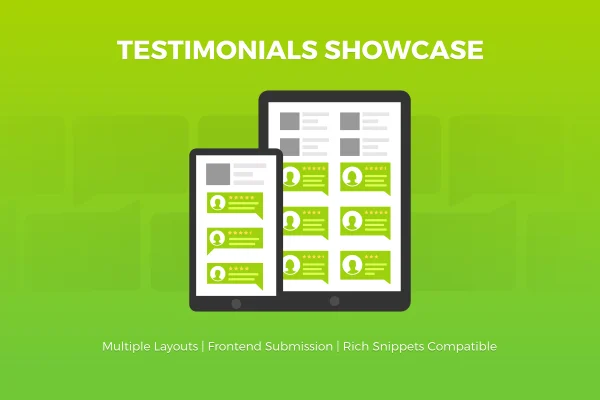
Testimonials Showcase is a WordPress plugin for displaying testimonials, reviews and quotes on your site. It arranges feedback in grid or slider layouts, adds star ratings and lets visitors submit their own testimonials through a front-end form.
- Released
- Aug 27, 2026
- Type
- WordPress plugin
- Licence
- GPL
- Included in
- Every plan, or $3.99 on its own
What’s new in Testimonials Showcase
Latest version · Aug 27, 2026
Latest
What it does
Most businesses collect kind words from clients, but those comments often sit in emails or scattered across pages. This plugin gives them a proper home. You can present client feedback, product reviews or a curated list of quotes in a consistent format that fits your design. Star ratings show satisfaction at a glance, and rich snippets support means testimonial details are marked up so search engines can read them.
You choose between grid and slider layouts, then adjust things like columns, image shapes, effects and color themes through more than 15 layout options. Sliders have their own controls for transition effects, the number of testimonials per slide and control styles. A front-end submission form lets clients add testimonials directly on your site. The output is responsive and retina ready, and the plugin is translation ready for sites in other languages.
Best for
- Service businesses displaying client feedback
- Shops highlighting product reviews
- Bloggers presenting curated quote collections
Features
Grid and slider layouts
Display testimonials as a static grid or a moving slider, depending on how much space you have and how you want visitors to browse feedback.
Over 15 layout options
Adjust columns, image shapes, effects and color themes so the testimonial display matches the look of the rest of your site.
Star ratings
Attach star ratings to testimonials so readers can see how satisfied each client was before reading the full comment.
Rich snippets support
Testimonial details are compatible with rich snippets, giving search engines structured information about the reviews on your pages.
Front-end submission form
Visitors and clients can send in their own testimonials through a form on your site, so you gather new feedback without collecting it by hand.
Slider controls
Set transition effects, choose how many testimonials appear per slide and pick a control style for the slider navigation.
Responsive and retina ready
Testimonial layouts adapt to different screen sizes and display sharply on high-resolution screens.
Translation ready
The plugin can be translated, which helps when your site serves visitors who read in languages other than English.
Testimonials Showcase older versions
- 1.9.18Sep 18, 2025
- Testimonials Showcase v.1.9.14May 2, 2023
Members and buyers of this product can download older versions.
Questions about Testimonials Showcase
Can customers submit testimonials themselves?
Yes. The plugin includes a front-end submission form, so visitors and clients can send in testimonials directly from your site. This gives you a steady way to gather new feedback instead of copying it over from emails or messages.
What layouts can I use to display testimonials?
You can choose grid or slider layouts. More than 15 customization options cover columns, image shapes, effects and color themes, and sliders add settings for transition effects, testimonials per slide and control styles.
Does it support star ratings and rich snippets?
It does. Each testimonial can carry a star rating, and the plugin is compatible with rich snippets so testimonial details are structured in a way search engines can read.
Will the testimonials look right on phones?
The layouts are responsive, so they adjust to smaller screens, and they are retina ready for sharp display on high-resolution devices.
Is Testimonials Showcase free?
The code of Testimonials Showcase is licensed under the GPL, so anyone may use, change and share it. GPL Feast is a paid service: a plan or a single purchase gives you the download and automatic updates. The developer's own support, licence key and online services are not included.
How do I update Testimonials Showcase?
Install the free GPL Feast Updater on your site and connect it with your API key. It installs new versions of Testimonials Showcase automatically and keeps a backup, so you can roll back.
You might also like






