
Plugin
Updated
Wiloke 3D Slider
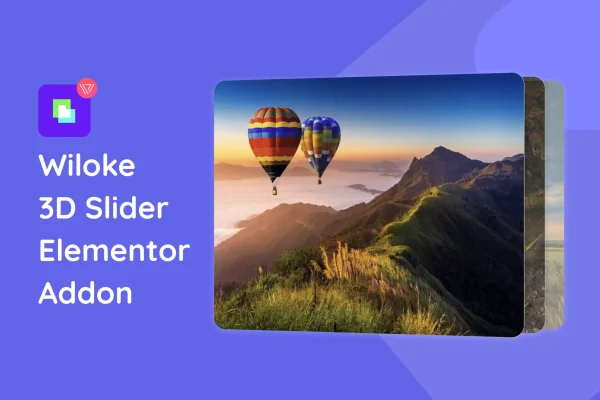
Wiloke 3D Slider is an Elementor addon plugin by Wiloke that turns image and content sliders into interactive 3D displays. It uses CSS3 transforms to add depth, rotation and perspective, and you build and adjust everything inside the Elementor editor.
- Version
- 1.0.1
- Released
- Sep 20, 2023
- Type
- WordPress plugin
- Requires
- Elementor
- Licence
- GPL
- Included in
- Every plan, or $3.99 on its own
What’s new in Wiloke 3D Slider 1.0.1
Version 1.0.1 · Sep 20, 2023
Latest
What it does
Flat sliders are common, and many designers want a carousel with more depth and movement for portfolio pieces, products or gallery images. This plugin adds 3D sliders built with CSS 3D and transform properties, so images appear to rotate and shift in space as visitors move through them. It requires Elementor and works as a drag-and-drop element in the page builder, so you place a slider on a page the same way you would any other widget.
Once a slider is on the page, you can choose from several slider and carousel layouts with different patterns and orientations. The settings panel lets you adjust rotation, perspective and transition speed to match the look of your site, and no coding is needed. Sliders are responsive, adapting to desktops, tablets and phones. It suits web designers and developers building portfolio sites, product pages and image galleries who want a more dimensional way to present visual content.
Best for
- Designers building portfolio websites in Elementor
- Online stores highlighting products with eye-catching carousels
- Photography and image gallery sites
Features
CSS3 3D effects
Sliders use CSS3 3D and transform properties to give images and content depth, rotation and a sense of perspective as visitors move between slides.
Works inside Elementor
The slider is used directly in the Elementor page builder interface, so you can drag it onto a page and configure it alongside your other elements.
Adjustable 3D animations
Control the rotation, perspective and transition speed of each slider so the motion fits your site's branding and overall design style.
Multiple slider and carousel layouts
Pick from several slider and carousel layouts with different patterns and orientations to suit the type of content you want to present.
Responsive sliders
Sliders are built to adapt across desktops, tablets and mobile devices, so the 3D display holds up on different screen sizes.
No-code settings panel
An easy settings panel lets you configure sliders without writing code, which makes the plugin approachable for designers of different skill levels.
Lightweight code
The plugin is built with lightweight code, keeping the slider's footprint small while it delivers its 3D visual effects on the page.
Questions about Wiloke 3D Slider
Do I need Elementor to use this slider?
Yes. Wiloke 3D Slider is an Elementor addon and requires the Elementor plugin. You add and configure the slider directly inside the Elementor page builder using drag and drop.
Can I change how the 3D animation looks?
Yes. You can adjust the rotation, perspective and transition speed of the 3D animations. There are also several slider and carousel layouts with different patterns and orientations to choose from, so you can match the effect to your design.
Will the 3D sliders work on phones and tablets?
The sliders are responsive and built to display and function across desktops, tablets and mobile devices, so visitors on smaller screens still see the 3D effect.
Do I need coding skills to set it up?
No. The plugin has a settings panel that requires no coding knowledge. You place the slider in Elementor and adjust its options through the interface.
Is Wiloke 3D Slider free?
The code of Wiloke 3D Slider is licensed under the GPL, so anyone may use, change and share it. GPL Feast is a paid service: a plan or a single purchase gives you the download and automatic updates. The developer's own support, licence key and online services are not included.
Which version of Wiloke 3D Slider is this?
Version 1.0.1, released Sep 20, 2023. New versions appear here when the developer publishes them, and members get them as automatic updates.
How do I update Wiloke 3D Slider?
Install the free GPL Feast Updater on your site and connect it with your API key. It installs new versions of Wiloke 3D Slider automatically and keeps a backup, so you can roll back.
What does Wiloke 3D Slider need?
Wiloke 3D Slider needs Elementor installed and active.
You might also like






