
Plugin
Updated
Wiloke Image Comparison
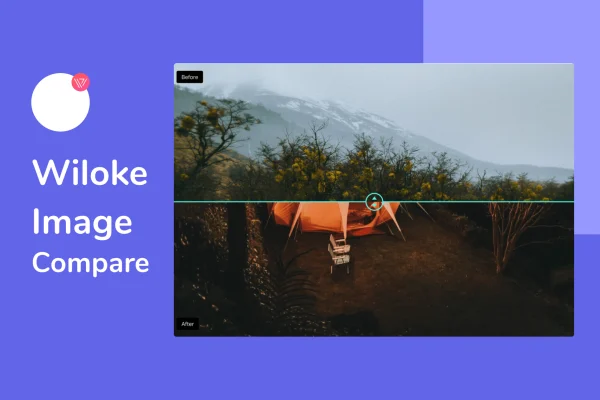
Wiloke Image Comparison by Wiloke is a WordPress plugin for Elementor that places two images side by side under a draggable slider. Visitors move the handle to reveal the before and after views, which makes changes and differences easy to see.
- Version
- 2.0.1
- Released
- May 2, 2023
- Type
- WordPress plugin
- Requires
- Elementor
- Licence
- GPL
- Included in
- Every plan, or $3.99 on its own
What’s new in Wiloke Image Comparison 2.0.1
Version 2.0.1 · May 2, 2023
Latest
What it does
Showing a change with two separate photos asks visitors to flip back and forth and spot the differences themselves. This plugin puts both images in the same frame with a slider handle between them. Visitors drag the handle to uncover one image over the other, so the contrast shows up in real time. It suits renovation results, seasonal changes, product improvements, customer success stories and any other visual change you want people to notice.
The plugin works inside the Elementor page builder, so you build comparisons in the same editor you already use for your layouts. You upload a before image and an after image, adjust the settings to match your design, and place the comparison wherever it belongs on the page. No coding is needed. The comparisons are responsive across desktops, tablets and phones, and they are retina-ready so high-resolution images stay sharp on high-density screens.
Best for
- Renovation, remodeling and home improvement businesses
- Stores comparing product versions or improvements
- Designers and agencies presenting before and after results
Features
Drag-to-compare slider
Visitors drag a slider handle across the image to compare the before and after versions directly, revealing more of one picture as they move it.
Simple before and after upload
Upload two images, one for before and one for after, and the plugin builds the comparison without any coding or technical setup.
Built for Elementor
The comparison works within the Elementor page builder, so you can customize it and embed it into your existing page layouts.
Responsive on any device
Comparisons adapt to desktops, tablets and smartphones, so the slider stays usable and properly sized on smaller screens.
Retina-ready images
Support for high-resolution images keeps your comparisons crisp on retina and other high-density displays.
Customizable to your design
Adjust the comparison's appearance so it matches the look of your site rather than standing apart from it.
Questions about Wiloke Image Comparison
Do I need Elementor to use this plugin?
Yes. The plugin requires Elementor and works inside the Elementor page builder. You add and customize image comparisons in the editor alongside the rest of your page content.
What kinds of images work well in a comparison?
Any pair of images showing a change fits well: renovation results, seasonal changes to a location, product improvements or customer success stories. Images taken from the same angle and framing give the clearest comparison when visitors drag the slider.
Will the slider work on phones and tablets?
Yes. The comparisons are responsive, so they adapt to desktops, tablets and smartphones. They are also retina-ready, which keeps high-resolution images looking sharp on high-density screens.
Do I need coding skills to set up a comparison?
No. You upload your before and after images, adjust the settings to match your design and place the comparison in your layout through Elementor, all without writing code.
Is Wiloke Image Comparison free?
The code of Wiloke Image Comparison is licensed under the GPL, so anyone may use, change and share it. GPL Feast is a paid service: a plan or a single purchase gives you the download and automatic updates. The developer's own support, licence key and online services are not included.
Which version of Wiloke Image Comparison is this?
Version 2.0.1, released May 2, 2023. New versions appear here when the developer publishes them, and members get them as automatic updates.
How do I update Wiloke Image Comparison?
Install the free GPL Feast Updater on your site and connect it with your API key. It installs new versions of Wiloke Image Comparison automatically and keeps a backup, so you can roll back.
What does Wiloke Image Comparison need?
Wiloke Image Comparison needs Elementor installed and active.
You might also like






