
Plugin
Updated
WooCommerce Pre-Sales / Time offers
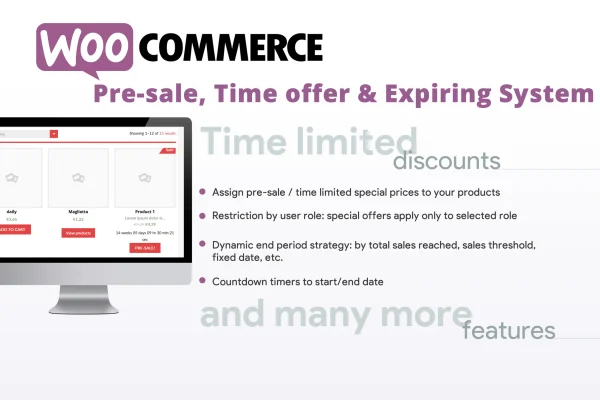
This WooCommerce plugin adds pre-sale periods and time-limited offers to your store. You set special prices that run between chosen dates and times, limit them to certain user roles, and have offers end once a sales goal is reached.
- Version
- 11.5
- Released
- Nov 2, 2023
- Type
- WordPress plugin
- Requires
- WooCommerce
- Licence
- GPL
- Included in
- Every plan, or $3.99 on its own
What’s new in WooCommerce Pre-Sales / Time offers 11.5
Version 11.5
Latest
- ImprovedAdded compability with HPOS
What it does
Running a launch discount or seasonal promotion by hand means remembering to change prices on time and keeping an eye on stock. This plugin handles that scheduling inside WooCommerce. You define a pre-sale window or a limited-time offer with start and end dates, and the special price applies only during that period. It works with simple products and with variable products at the variation level, so each variation can carry its own promotional pricing.
Beyond dates, you can target offers by user role, which suits member pricing, VIP deals or wholesale discounts. Offers can expire automatically once a sales goal or quantity threshold is met, which helps you control how much stock goes out at the promotional price. A per-customer purchase limit keeps one buyer from claiming too many discounted items during busy sales. Settings live in the WordPress admin and are meant to be manageable without technical skills.
Best for
- WooCommerce stores running product launches and pre-orders
- Shops offering member, VIP or wholesale pricing by role
- Retailers planning seasonal or limited-stock promotions
Features
Pre-sale scheduling
Set up pre-sale periods with special pricing ahead of an official launch, giving early buyers access to a reduced price for a defined window.
Time-limited offers
Create promotions with defined start and end dates and times, so discounted prices switch on and off on schedule without manual edits.
Role-based pricing
Restrict offers to specific user roles, such as members, VIP customers or wholesale buyers, so different customer groups can see different deals.
Goal threshold expiration
Have an offer expire automatically once a sales goal or quantity threshold is reached, helping you manage stock during a promotional window.
Per-customer purchase limits
Cap how many promotional items a single customer can buy, which keeps high-demand deals spread more fairly across your buyers.
Variable product support
Apply pre-sale and time-based offers to variable products at the item level, keeping flexible pricing across individual product variations.
Admin settings panel
Configure campaigns from backend settings in WordPress, designed so store owners without technical experience can set up dated and targeted offers.
Questions about WooCommerce Pre-Sales / Time offers
Does this plugin need WooCommerce?
Yes. It is built for WooCommerce and works with its products and pricing, so you need a WooCommerce store in place before you can create pre-sales or time-limited offers.
Can I give a discount only to certain customers?
Yes. Offers can be restricted to specific user roles. That lets you run separate deals for groups such as members, VIP customers or wholesale buyers while other shoppers see regular prices.
Can an offer end before its scheduled date?
It can. Besides start and end dates, you can set a sales goal or quantity threshold. Once that threshold is reached, the offer expires automatically, which helps limit how much stock sells at the promotional price.
Does it work with variable products?
Yes. Pre-sale and time-based offers can be applied to variable products at the item level, so individual variations can carry their own promotional pricing during a campaign.
Is WooCommerce Pre-Sales / Time offers free?
The code of WooCommerce Pre-Sales / Time offers is licensed under the GPL, so anyone may use, change and share it. GPL Feast is a paid service: a plan or a single purchase gives you the download and automatic updates. The developer's own support, licence key and online services are not included.
Which version of WooCommerce Pre-Sales / Time offers is this?
Version 11.5, released Nov 2, 2023. New versions appear here when the developer publishes them, and members get them as automatic updates.
How do I update WooCommerce Pre-Sales / Time offers?
Install the free GPL Feast Updater on your site and connect it with your API key. It installs new versions of WooCommerce Pre-Sales / Time offers automatically and keeps a backup, so you can roll back.
What does WooCommerce Pre-Sales / Time offers need?
WooCommerce Pre-Sales / Time offers needs WooCommerce installed and active.
You might also like






