Plugin
Updated
Post SMTP
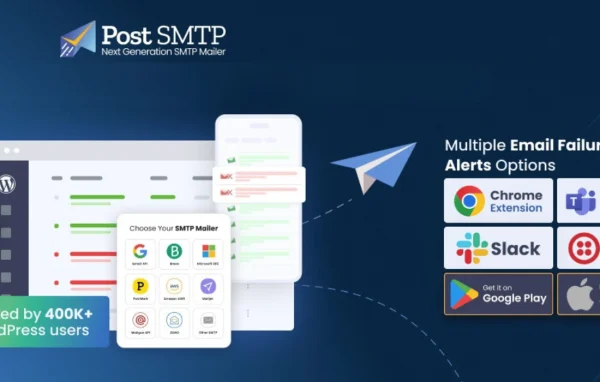
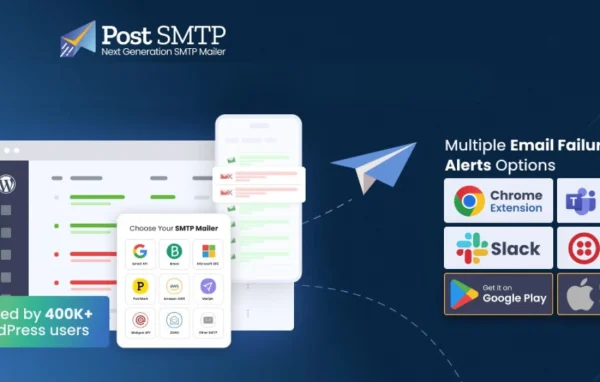
Post SMTP is a WordPress plugin by Post SMTP that changes how your site sends email. It swaps the default PHP mail function for a properly authenticated SMTP connection through providers such as Gmail, Microsoft 365, Amazon SES and SendGrid, and adds logging and error tracking so you can see what happened to each message.
- Version
- 4.0.1
- Released
- Aug 25, 2026
- Developer
- Post SMTP
- Type
- WordPress plugin
- Licence
- GPL
- Included in
- Every plan
What’s new in Post SMTP 4.0.1
Version 4.0.1 · Aug 25, 2026
Latest
- FixedRolled back from 4.0.0-beta.1
What it does
By default, WordPress sends email through the PHP mail function, which many mail servers treat with suspicion because the messages are not properly authenticated. That can leave password resets, order notices and form submissions sitting in spam or never arriving. This plugin routes your site's mail through an authenticated SMTP connection with a provider you choose, including Gmail, Microsoft 365, Amazon SES and SendGrid. For providers like Gmail it supports OAuth 2.0, so you can connect securely without relying on a plain password.
Setup runs through a guided wizard that walks you step by step through connecting your SMTP account and choosing settings, which helps if you are not comfortable with mail server details. Once it is running, detailed email logs record what was sent and its delivery status, and error tracking reports sending problems so you can fix them. You can also configure backup SMTP servers so mail keeps going out if your main service has downtime. It works alongside popular form plugins and lets you customize email headers.
Best for
- Site owners whose WordPress emails land in spam
- Sites relying on contact and other form submissions
- Agencies managing email delivery across client sites
Features
Authenticated SMTP sending
Replaces the default PHP mail function with a properly authenticated SMTP connection, so your site's messages are sent through a recognized mail service.
Support for major providers
Connects to popular sending services including Gmail, Microsoft 365, Amazon SES and SendGrid, giving you a choice of where your mail goes out from.
Guided setup wizard
A step-by-step assistant helps you connect your SMTP account and configure settings, which keeps the process approachable for people with limited technical experience.
Detailed email logs
Keeps a log of sent emails with their delivery status, so you can review your site's outgoing mail and troubleshoot messages that did not arrive.
Error tracking and notifications
Reports sending errors and sends notifications when something goes wrong, helping you spot and fix email problems before they affect your visitors.
Backup SMTP servers
Lets you set alternate SMTP servers so the plugin can switch over and keep delivering mail if your primary service experiences downtime.
OAuth 2.0 authentication
Supports OAuth 2.0 for secure sign-in with providers like Gmail, so you can authorize sending without storing a plain account password.
Customizable email headers
Allows you to adjust email headers for branding or technical requirements, giving you more control over how outgoing messages are presented.
Post SMTP older versions
- 3.9.5Jun 251 improvement
- 3.9.1Apr 281 improvement, 5 fixes
- 3.9.0Mar 191 improvement, 7 fixes
- 3.8.0Jan 23
- 3.6.2Nov 26, 2025
- 3.6.1Nov 12, 2025
Members and buyers of this product can download older versions.
Questions about Post SMTP
Which email services can I connect to?
The plugin supports a range of SMTP services, including Gmail, Microsoft 365, Amazon SES and SendGrid, among others. For providers like Gmail, it can use OAuth 2.0 authentication so you can connect securely.
Will it work with my contact form plugin?
It is built to work with popular WordPress form plugins. Because it handles the site's outgoing mail through authenticated SMTP, form submissions are sent through your chosen provider instead of the default PHP mail function.
How do I find out if an email failed to send?
The plugin keeps detailed logs of sent emails with their delivery status, and its error tracking reports sending problems and sends notifications. You can check the logs to see what went wrong and troubleshoot from there.
What happens if my SMTP provider goes down?
You can configure backup SMTP servers. If your main service experiences downtime, the plugin can switch to an alternate server so your site keeps sending email.
Is Post SMTP free?
The code of Post SMTP is licensed under the GPL, so anyone may use, change and share it. GPL Feast is a paid service: a plan gives you the download and automatic updates. The developer's own support, licence key and online services are not included.
Which version of Post SMTP is this?
Version 4.0.1, released Aug 25, 2026. New versions appear here when the developer publishes them, and members get them as automatic updates.
How do I update Post SMTP?
Install the free GPL Feast Updater on your site and connect it with your API key. It installs new versions of Post SMTP automatically and keeps a backup, so you can roll back.
You might also like






