
Plugin
Updated
wpDataTables
wpDataTables by TMS-Plugins is a WordPress plugin for creating and managing tables and charts. It pulls data from spreadsheets, databases and JSON, then turns it into responsive, filterable tables and charts you can place anywhere on your site with a shortcode or a block.
- Version
- 8.0.2
- Released
- Sep 9, 2026
- Developer
- TMS-Plugins
- Type
- WordPress plugin
- Licence
- GPL
- Included in
- Every plan, or $4.79 on its own
What’s new in wpDataTables 8.0.2
Version 8.0.2 · Sep 9, 2026
Latest
- FixedFixed fatal PHP errors when loading public Google Sheets and other namespaced data-processing paths.
- FixedFixed derived-table subqueries failing during server-side filtering and row counting.
- FixedFixed own-row editing permissions failing because the database connection class was resolved incorrectly.
- FixedFixed the User ID column selection not displaying after reload and not being possible to clear.
What it does
Publishing data on a WordPress site usually means pasting static tables by hand or writing custom code. This plugin gives you an interface for building tables and charts from data you already have. You can import from Excel, CSV, Google Sheets, MySQL and JSON, so the table reflects your source data. It works for people without coding skills and also gives developers room to customize styling and behavior.
Once a table is built, visitors can sort and filter it to find what they need, and conditional formatting highlights values that matter. Front-end editing lets permitted users change table data directly on the site, including setups where users edit only their own rows. Server-side processing handles large datasets, and chart types such as line, bar and pie turn the same data into visuals. Tables and charts adapt to different screen sizes for mobile visitors.
Best for
- Sites publishing reports, statistics or data-heavy listings
- Teams sharing editable data tables with logged-in users
- Freelancers building dashboards from spreadsheets or MySQL databases
Features
Import from many sources
Build tables from Excel files, CSV files, Google Sheets, MySQL queries or JSON data, so your content comes straight from the place where the data already lives.
Responsive tables and charts
Tables and charts adjust to different screen sizes, so visitors on phones and tablets can read and use your data comfortably.
Filtering and sorting
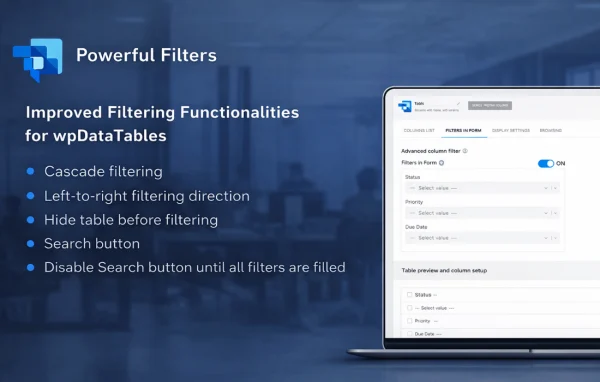
Advanced filtering and sorting options let visitors narrow a table down and reorder columns to find the specific rows they are looking for.
Conditional formatting
Set rules that highlight specific cells or rows based on their values, making important data points easier to spot in a large table.
Front-end table editing
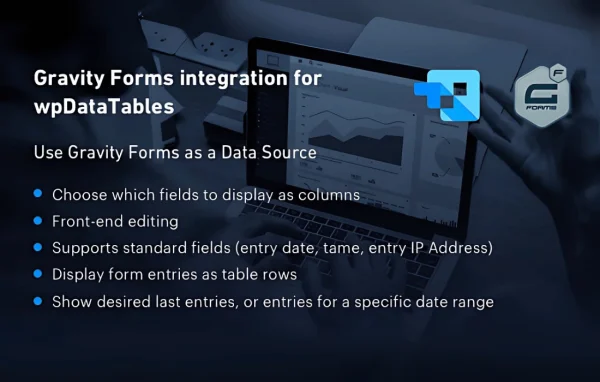
Allow users to modify table data directly on the site, with permission options such as limiting users to editing only their own rows.
Multiple chart types
Turn table data into line, bar, pie and other chart types to present the same information visually alongside or instead of a table.
Server-side processing
Large datasets are processed on the server, which includes server-side filtering and row counting for tables with many records.
Shortcode and block placement
Place tables and charts anywhere on your site using shortcodes or the Gutenberg block, and style them to match your site's design.
wpDataTables older versions
- 8.0.1Sep 92 fixes
- 7.5.2.3Aug 11 new, 1 improvement
- 7.5.2.2Jul 311 fix
- 7.5.2.1Jul 25
- 7.5.2Jul 23
- 7.5.1Jun 25
- 7.5Jun 24
- 7.4.1Jun 9
- 7.4May 20
- 7.3.6Apr 24
Members and buyers of this product can download older versions.
45 older versions in all. If you need one that is not listed, ask support.
Questions about wpDataTables
Can I connect a table to a Google Sheet?
Yes. Google Sheets is one of the supported data sources, along with Excel, CSV, MySQL and JSON. This lets you keep your data in a spreadsheet and display it on your site as a formatted, responsive table.
Can visitors edit the data in a table?
Yes. Front-end editing lets users change table data directly on the site. Permissions can be configured so that users edit only their own rows, which is handy for directories or submission lists where each person manages their own entries.
Will it handle tables with a lot of rows?
The plugin offers server-side processing for large datasets, so filtering and row counting happen on the server rather than loading every record in the browser at once. This suits tables backed by a MySQL database.
How do I add a table or chart to a page?
Each table and chart can be placed with a shortcode or with the Gutenberg block. That means you can drop them into posts, pages or any area that accepts shortcodes or blocks.
Is wpDataTables free?
The code of wpDataTables is licensed under the GPL, so anyone may use, change and share it. GPL Feast is a paid service: a plan or a single purchase gives you the download and automatic updates. The developer's own support, licence key and online services are not included.
Which version of wpDataTables is this?
Version 8.0.2, released Sep 9, 2026. New versions appear here when the developer publishes them, and members get them as automatic updates.
How do I update wpDataTables?
Install the free GPL Feast Updater on your site and connect it with your API key. It installs new versions of wpDataTables automatically and keeps a backup, so you can roll back.
You might also like