Plugin
Updated
Soliloquy Defaults
Soliloquy Defaults is an addon for the Soliloquy slider plugin. It lets you pick your preferred slider settings one time, and every new slider you create starts with those settings already in place, so you skip the repetitive setup work.
- Version
- 2.2.2
- Released
- Jul 28, 2026
- Developer
- Soliloquy
- Type
- WordPress plugin
- Licence
- GPL
- Included in
- Every plan, or $3.99 on its own
What’s new in Soliloquy Defaults 2.2.2
Version 2.2.2 · Jul 28, 2026
Latest
- FixedThe defaults slider AJAX action now verifies the request and requires permission to edit sliders.
What it does
If you build sliders often, you probably set the same size, speed and transition options again and again. This addon removes that repetition. You define your preferred configuration once, and each new slider picks it up automatically. It suits developers, designers and content creators who use Soliloquy across many pages or client sites and want every slider to start from the same baseline without rebuilding it by hand.
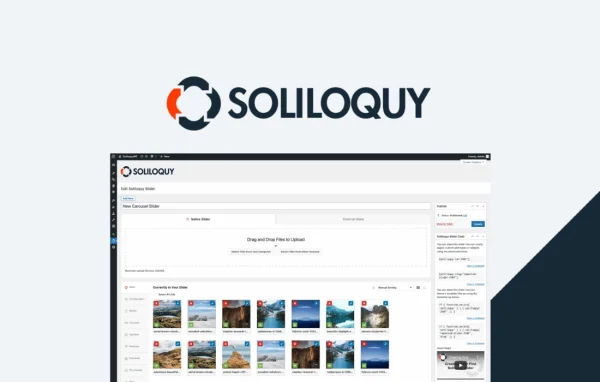
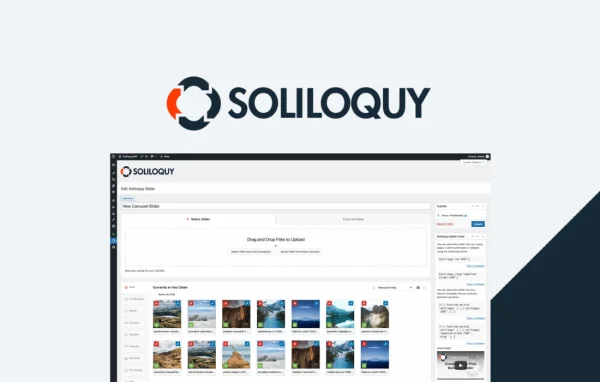
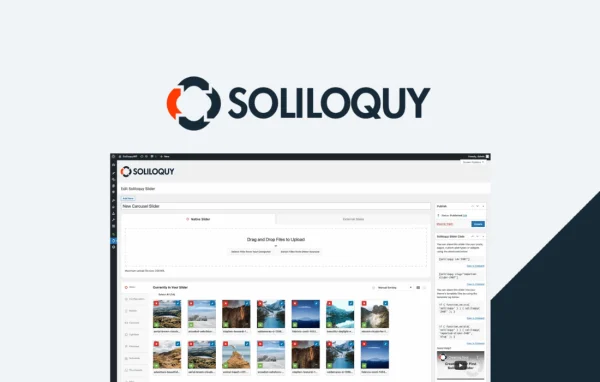
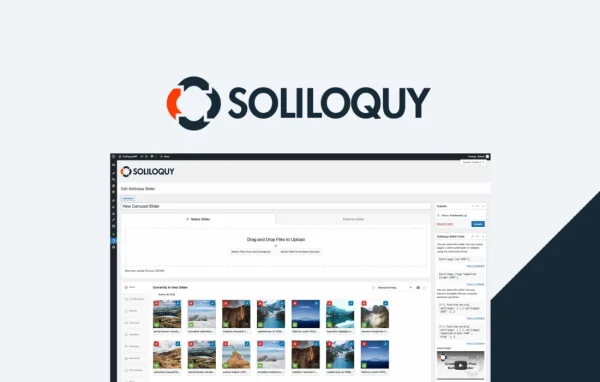
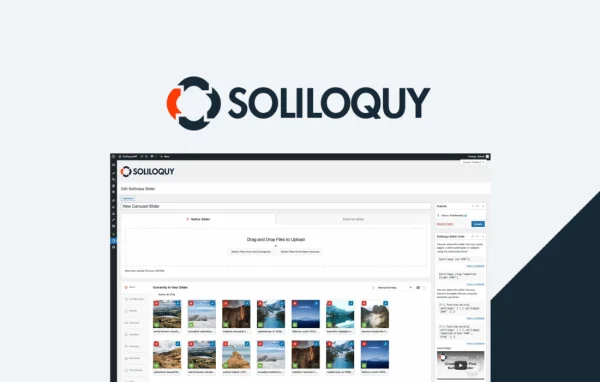
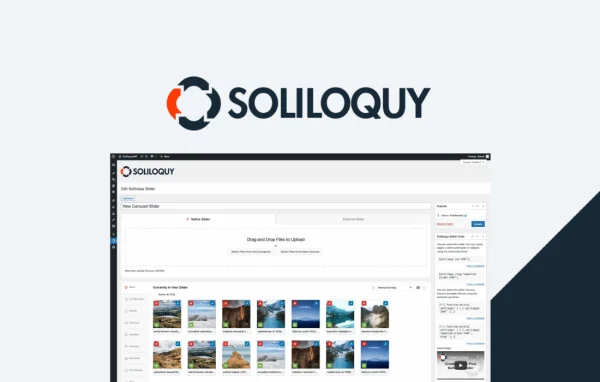
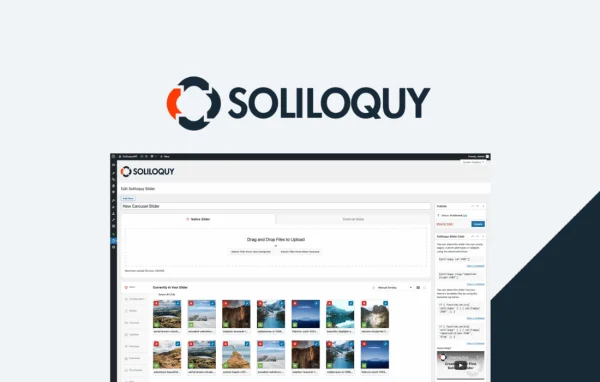
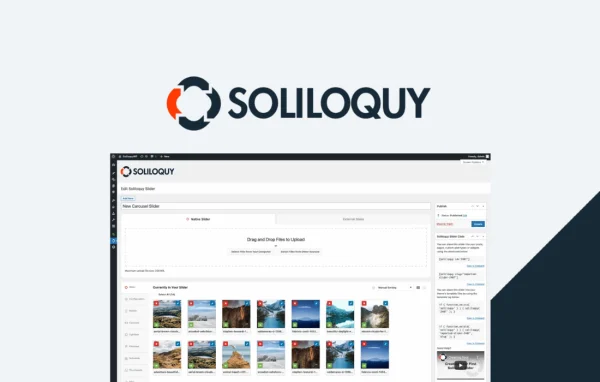
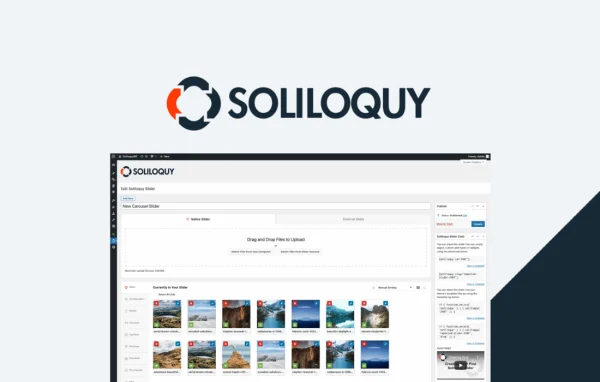
Once enabled, the addon creates a dedicated slider titled "Soliloquy Default Settings." You edit it using the same slider interface you already know, adjusting layout options, transitions and other settings. Those choices become the template for future sliders. The defaults also cover settings added by other Soliloquy addons you have active, so your extended options carry over too. Sliders keep Soliloquy's responsive behavior while starting from your saved preferences.
Best for
- Sites that use many Soliloquy sliders
- Agencies building sliders for multiple client sites
- Designers who want consistent slider styling
Features
Default settings for new sliders
Define your preferred slider configuration once, and every new slider you create starts with those settings instead of the plugin's standard values.
Dedicated defaults slider
The addon creates a slider called "Soliloquy Default Settings" that acts as the template for all future sliders you build.
Familiar editing interface
You adjust defaults in the same slider editing screen you already use, so there is no new interface or workflow to learn.
Works with other Soliloquy addons
Default values apply to settings from the core plugin and from any other Soliloquy addons you have activated on the site.
Presets for size, speed, transitions
Save your usual slider size, speed and transition choices as defaults so they are ready the moment a new slider is created.
Consistent sliders across a site
Because every slider starts from the same baseline, your sliders share uniform design and behavior from page to page.
Permission checks on saving
Requests made by the defaults slider are verified and require permission to edit sliders, keeping changes limited to authorized users.
Soliloquy Defaults older versions
- 2.2.1May 221 improvement
- 2.2.0Apr 18, 20231 fix
Members and buyers of this product can download older versions.
Questions about Soliloquy Defaults
Does this work on its own or do I need Soliloquy?
It is an addon for the Soliloquy slider plugin, so it works alongside Soliloquy. It adds a defaults slider to your existing Soliloquy setup and applies those saved settings to each new slider you create.
Will my existing sliders change when I set defaults?
The addon is described as applying your default settings to new sliders you build. It sets the starting point for future sliders, so your saved preferences appear whenever you create a new one.
Can the defaults include settings from other Soliloquy addons?
Yes. The defaults apply to the core Soliloquy settings and to settings from any other Soliloquy addons you have activated, so options those addons add can also be preset.
Where do I edit the default settings?
After enabling the addon, a slider titled "Soliloquy Default Settings" appears. You edit it like any other Soliloquy slider, and the options you save there become the defaults for new sliders.
Is Soliloquy Defaults free?
The code of Soliloquy Defaults is licensed under the GPL, so anyone may use, change and share it. GPL Feast is a paid service: a plan or a single purchase gives you the download and automatic updates. The developer's own support, licence key and online services are not included.
Which version of Soliloquy Defaults is this?
Version 2.2.2, released Jul 28, 2026. New versions appear here when the developer publishes them, and members get them as automatic updates.
How do I update Soliloquy Defaults?
Install the free GPL Feast Updater on your site and connect it with your API key. It installs new versions of Soliloquy Defaults automatically and keeps a backup, so you can roll back.
More from Soliloquy