Plugin
Updated
Soliloquy WooCommerce
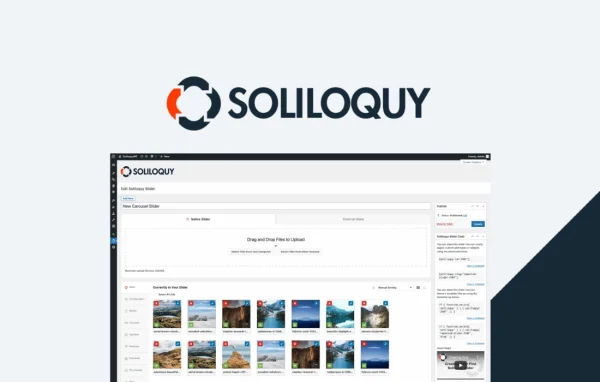
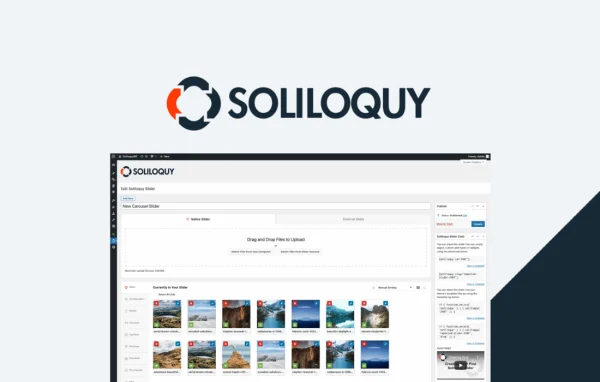
Soliloquy WooCommerce is an addon plugin that connects the Soliloquy slider plugin with WooCommerce. It builds responsive sliders from your store's products, so you can feature chosen items, new arrivals or special offers on any page without writing code.
- Version
- 1.2.2
- Released
- Jul 28, 2026
- Developer
- Soliloquy
- Type
- WordPress plugin
- Requires
- WooCommerce
- Licence
- GPL
- Included in
- Every plan, or $3.99 a year on its own
What’s new in Soliloquy WooCommerce 1.2.2
Version 1.2.2 · Jul 28, 2026
Latest
- FixedProduct titles, excerpts, descriptions and links in slider output are now properly escaped.
What it does
Building a product slider by hand means uploading images, typing titles and adding links one slide at a time, then repeating the work whenever products change. This addon pulls slides straight from your WooCommerce catalog instead. You set filters such as product category, price range, availability or featured status, and the slider fills itself with the matching products. You can also handpick individual products to include or leave out, which helps when a slider should cover a specific promotion.
Each slider can show products as images only, images with excerpts, or linked images with titles, so you can pick how much detail visitors see at a glance. Sliders are responsive and adjust to phones, tablets and desktops. The addon works inside Soliloquy, so you build product sliders the same way you build its other sliders. It requires WooCommerce and fits shops of any type, from fashion and electronics to handmade goods.
Best for
- WooCommerce store owners who want product sliders
- Shops promoting featured items, new arrivals or sales
- Freelancers building WooCommerce sites for clients
Features
Direct WooCommerce connection
Sliders draw product data from your WooCommerce store, so slides reflect the products you already have instead of images you upload and label manually.
Filter by category and price
Choose which products appear by setting product categories and price ranges, giving each slider a focused set of items such as one collection or budget tier.
Availability and featured filters
Limit sliders to products based on stock availability or featured status, which is handy for highlighting items you want shoppers to notice first.
Include or exclude products
Handpick specific products to add to a slider or remove from it, so a slider matches a particular promotion or campaign exactly.
Flexible display options
Show products as images only, images with excerpts, or linked images with titles, depending on how much information you want each slide to carry.
Responsive sliders
Product sliders adapt to different screen sizes, so they display properly for shoppers browsing on phones, tablets and desktop computers.
No coding required
Sliders are set up through the plugin's interface with a few clicks, so store owners can build them without coding or design skills.
Soliloquy WooCommerce older versions
- 1.2.1May 221 improvement
- 1.2.0Jun 25, 20251 fix
- 1.1.7May 8, 20241 fix
- 1.1.5Apr 18, 2023
Members and buyers of this product can download older versions.
Questions about Soliloquy WooCommerce
Do I need WooCommerce and Soliloquy to use this?
Yes. This is an addon that links the Soliloquy slider plugin with WooCommerce, so it needs WooCommerce running on your site along with Soliloquy, which provides the slider features it extends.
Can I choose exactly which products show in a slider?
You can. Filter products by category, price range, availability or featured status, and handpick specific products to include or exclude. That lets you build sliders for a single collection, a sale or a hand-curated selection.
What product details can each slide display?
You can show products as images only, images with excerpts, or linked images with titles. Product titles, excerpts, descriptions and links in the slider output are properly escaped.
Will the sliders work on mobile devices?
Yes. Sliders made with this addon are responsive, so they resize to fit phones, tablets and desktop screens and stay usable for shoppers on any device.
Is Soliloquy WooCommerce free?
The code of Soliloquy WooCommerce is licensed under the GPL, so anyone may use, change and share it. GPL Feast is a paid service: a plan or a single purchase gives you the download and automatic updates. The developer's own support, licence key and online services are not included.
Which version of Soliloquy WooCommerce is this?
Version 1.2.2, released Jul 28, 2026. New versions appear here when the developer publishes them, and members get them as automatic updates.
How do I update Soliloquy WooCommerce?
Install the free GPL Feast Updater on your site and connect it with your API key. It installs new versions of Soliloquy WooCommerce automatically and keeps a backup, so you can roll back.
What does Soliloquy WooCommerce need?
Soliloquy WooCommerce needs WooCommerce installed and active.
More from Soliloquy