Plugin
Updated
Soliloquy
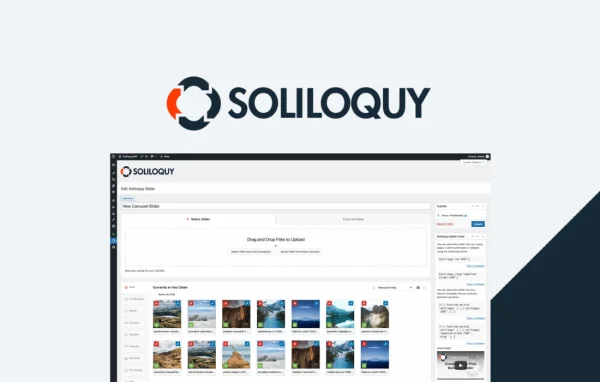
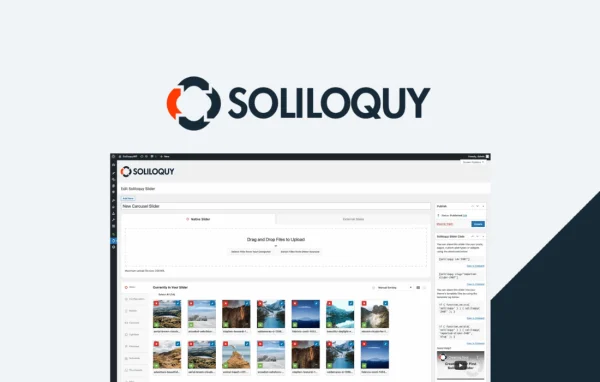
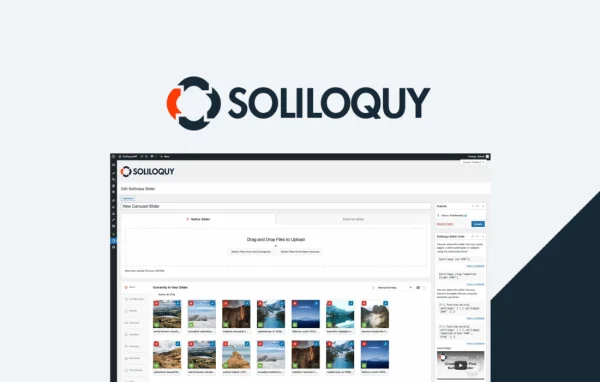
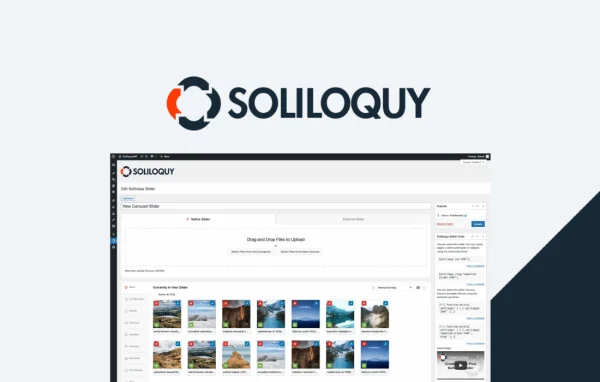
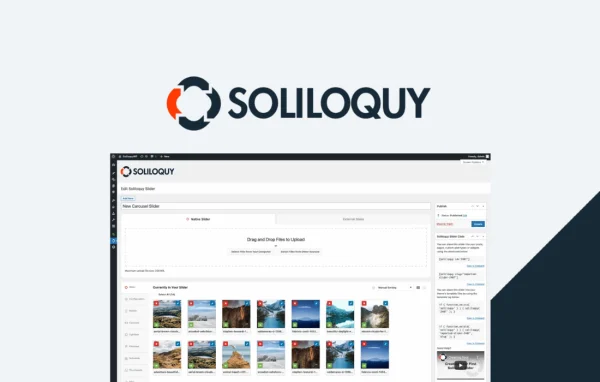
Soliloquy Responsive Slider by Soliloquy is a WordPress plugin for building image and content sliders. You upload and arrange images in a drag-and-drop builder, and the finished sliders adapt to desktop, tablet and phone screens without any coding.
- Version
- 2.7.5
- Released
- Aug 18, 2026
- Developer
- Soliloquy
- Type
- WordPress plugin
- Licence
- GPL
- Included in
- Every plan, or $5.59 a year on its own
What’s new in Soliloquy 2.7.5
Version 2.7.5 · Aug 18, 2026
Latest
- FixedThe slider dropdown in the Soliloquy block now closes correctly when you click outside it in the block editor.
What it does
Adding a slider to a WordPress site often means fiddling with code or settling for a layout that breaks on smaller screens. This plugin gives you a visual builder where you upload images, drag them into order and adjust the slider, then place it on your site. It also works in the block editor through its own block, so you can pick a slider from a dropdown and drop it into a post or page. Sliders are responsive, so they resize to fit whatever device a visitor uses.
It suits bloggers, businesses, agencies and online stores that want rotating images or content on their pages. Store owners can build product sliders with WooCommerce, and you can pull in Instagram galleries or Pinterest feeds. Addons such as Carousel, Lightbox, PDF Slider and Thumbnail Navigation extend what a slider can do. For site networks, it supports WordPress Multisite, and it ships with .mo and .po files for translation along with compatibility with multilingual plugins.
Best for
- Blogs and business sites that want image sliders
- WooCommerce stores featuring products in sliders
- Agencies managing sliders across Multisite networks
Features
Drag-and-drop slider builder
Upload images and arrange them by dragging them into place, then adjust your slider through a visual interface that needs no coding knowledge.
Responsive on every screen
Sliders resize to fit desktops, tablets and smartphones, so the same slider works across all the screen sizes your visitors use.
WooCommerce product sliders
Build dynamic sliders that feature products from your WooCommerce store, useful for highlighting items on a homepage or category page.
Instagram and Pinterest feeds
Display Instagram galleries and Pinterest feeds directly inside your sliders, bringing social content onto your WordPress pages.
Addons for extra slider types
Extend the plugin with addons including Carousel, Lightbox, PDF Slider and Thumbnail Navigation to build different kinds of sliders.
Image protection and scheduling
Help protect images from unauthorized downloads, and schedule slides so they appear or expire on dates you choose, such as for a seasonal promotion.
Custom CSS styling
Add your own CSS to change how sliders look and behave so they match the colors and style of your brand.
Multisite and translation ready
Manage sliders across a WordPress Multisite network, and translate the interface with included .mo and .po files or multilingual plugins.
Soliloquy older versions
- 2.7.4Jul 312 improvements, 10 fixes
- 2.7.3May 215 new, 3 improvements, 3 fixes
- 2.7.2Nov 14, 20251 improvement
- 2.7.1Jun 25, 2025
- 2.6.12Sep 20, 2024
- 2.6.11Sep 11, 2024
- 2.6.10Jul 25, 2024
- 2.6.9Jun 13, 2024
- 2.6.8May 5, 2024
- 2.6.7Mar 8, 2024
Members and buyers of this product can download older versions.
11 older versions in all. If you need one that is not listed, ask support.
Questions about Soliloquy
Can I make sliders without knowing how to code?
Yes. Sliders are built in a drag-and-drop interface where you upload images and arrange them visually. If you do want finer control over the look, you can add custom CSS, but it is optional.
Will my sliders work on phones and tablets?
The sliders are fully responsive, so they adapt to desktop, tablet and smartphone screens. You build one slider and it resizes to fit the device each visitor is using.
Does it work with WooCommerce?
Yes. It supports WooCommerce, so you can create dynamic sliders that display products from your store. This is a handy way to feature selected items on your homepage or other pages.
Can I use it in the block editor?
Yes. There is a dedicated Soliloquy block for the block editor. You add the block to a post or page and choose which slider to display from its dropdown menu.
Is Soliloquy free?
The code of Soliloquy is licensed under the GPL, so anyone may use, change and share it. GPL Feast is a paid service: a plan or a single purchase gives you the download and automatic updates. The developer's own support, licence key and online services are not included.
Which version of Soliloquy is this?
Version 2.7.5, released Aug 18, 2026. New versions appear here when the developer publishes them, and members get them as automatic updates.
How do I update Soliloquy?
Install the free GPL Feast Updater on your site and connect it with your API key. It installs new versions of Soliloquy automatically and keeps a backup, so you can roll back.
More from Soliloquy