Plugin
Updated
Download Monitor - Document Library Manager
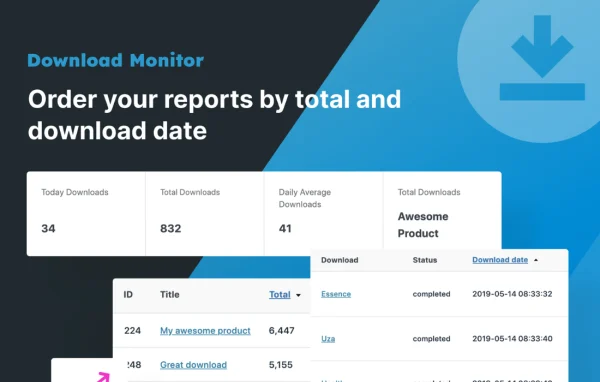
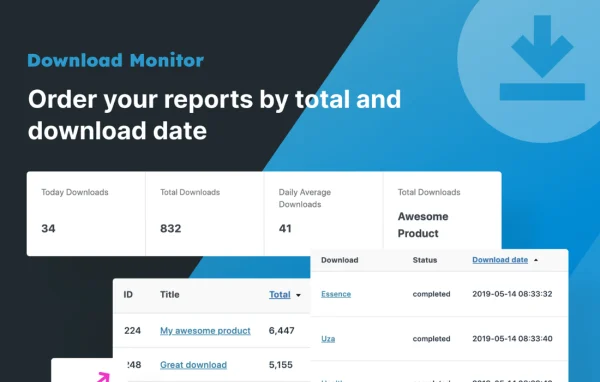
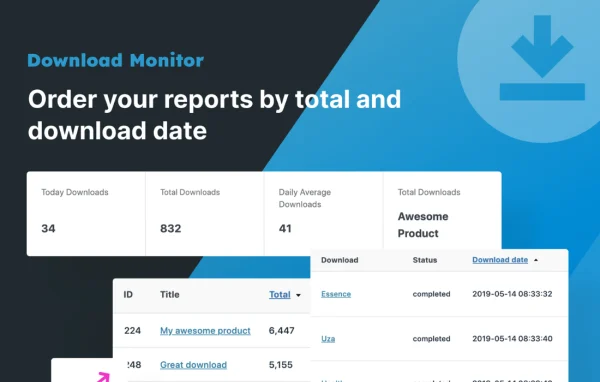
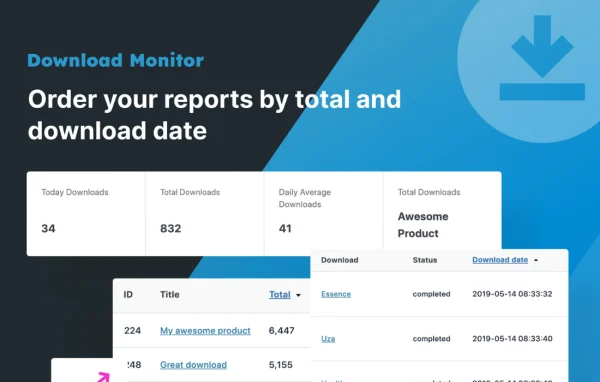
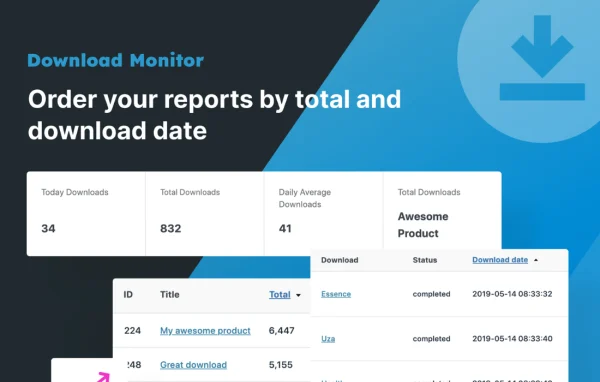
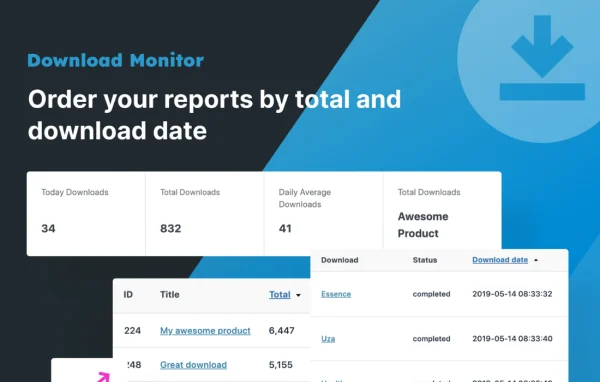
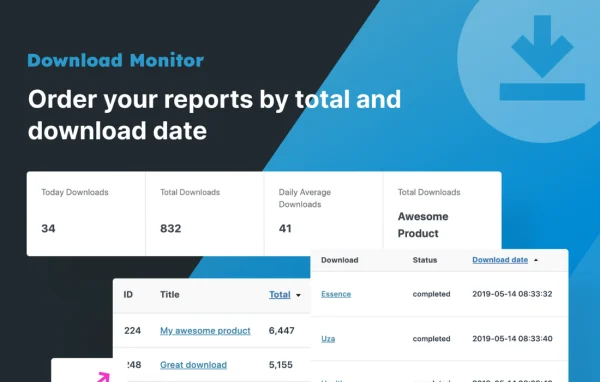
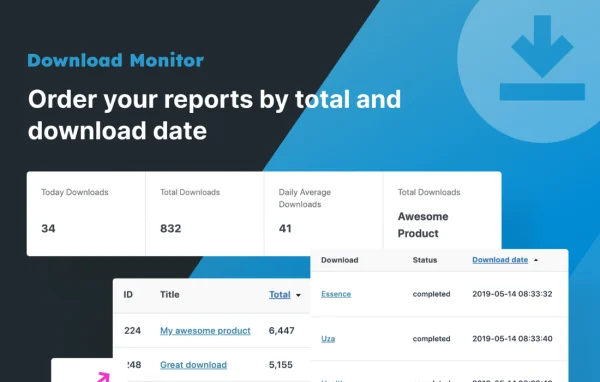
Download Monitor Page Addon by WPChill is an extension for the Download Monitor plugin. It adds a [download_page] shortcode that turns one page of your WordPress site into a browsable hub for your files, with categories, tags, featured downloads, a search box and a detail page for each item.
Install this firstPlease install the Download Monitor Pro Plugin from here before installing the extensions
Go to product- Version
- 4.6.5
- Released
- Sep 10, 2026
- Developer
- Download Monitor
- Type
- WordPress plugin
- Requires
- Download Monitor
- Licence
- GPL
- Included in
- Every plan, or $4.79 a year on its own
What’s new in Download Monitor - Document Library Manager 4.6.5
Version 4.6.5 · Sep 10, 2026
Latest
- NewFeatured Only option for the downloads listing.
What it does
Direct download links work fine for one or two files, but they get hard to manage once you have a growing library of documents, software or resources. Visitors end up scrolling through long lists or hunting for the right link. This addon gives your Download Monitor files a proper home: a dedicated page where people can browse by category or tag, check featured items, search, and open a detail page with context before they grab a file.
Setup centers on the [download_page] shortcode. Place it on a page and it builds the layout for you, with shortcode parameters that control how many featured downloads, categories, tags and search results appear in each section. Lists can be sorted and paginated, categories can be hierarchical, and you can choose to show only featured downloads in the listing. It requires Download Monitor, and developers can extend or customize it with code.
Best for
- Sites sharing documents, software or other downloadable files
- Digital product sellers with growing file catalogs
- Lead generation sites offering resources and lead magnets
Features
Download page shortcode
The [download_page] shortcode creates a self-contained page that gathers your downloads into one structured layout with categories, tags, featured files and search.
Adjustable section sizes
Shortcode parameters let you set how many featured downloads, categories, tags and search results are shown, so each section stays the size you want.
Categories and tags
Downloads are listed by tag and by hierarchical category in sortable, paginated lists, which helps visitors narrow down a large library.
Detailed download pages
Each file can have its own detail page with multiple versions, a description, a thumbnail, custom fields and a direct download link.
Built-in search box
A search box on the download page lets visitors filter across your downloads and find a specific file without browsing every category.
Featured only listing
An option for the downloads listing limits it to featured downloads, useful when you want to highlight a short selection of files.
Customizable with code
Developers can extend or adjust the addon to match a brand or workflow, while non-coders can use it through the shortcode alone.
Download Monitor - Document Library Manager older versions
- 4.6.4Aug 141 new
- 4.6.2Jul 252 new, 4 improvements, 3 fixes
- 4.5.3May 201 new
- 4.5.2Mar 19
- 4.4.0Aug 7, 2025
- 4.3.0Aug 25, 2024
- 4.2.0Oct 26, 2023
- 4.1.8Jul 9, 2023
- 4.1.7May 29, 2023
- 4.1.6Apr 18, 2023
Members and buyers of this product can download older versions.
Questions about Download Monitor - Document Library Manager
Does this work on its own or do I need another plugin?
It is an addon for Download Monitor, so that plugin needs to be on your site. The addon builds on the downloads you already manage there and presents them on a dedicated, browsable page.
Can I control how much shows up on the download page?
Yes. The [download_page] shortcode has parameters for the number of featured downloads, categories, tags and search results displayed. Lists are sortable and paginated, and you can set the listing to show featured downloads only.
What information can visitors see about each file?
Each download can have a detail page showing multiple versions, a description, a thumbnail, custom fields and a direct download link, which gives visitors context before they get the file.
Do I need coding skills to use it?
No. You add the shortcode to a page and adjust its parameters. If you do write code, the addon can be extended or customized further to fit your site.
Is Download Monitor - Document Library Manager free?
The code of Download Monitor - Document Library Manager is licensed under the GPL, so anyone may use, change and share it. GPL Feast is a paid service: a plan or a single purchase gives you the download and automatic updates. The developer's own support, licence key and online services are not included.
Which version of Download Monitor - Document Library Manager is this?
Version 4.6.5, released Sep 10, 2026. New versions appear here when the developer publishes them, and members get them as automatic updates.
How do I update Download Monitor - Document Library Manager?
Install the free GPL Feast Updater on your site and connect it with your API key. It installs new versions of Download Monitor - Document Library Manager automatically and keeps a backup, so you can roll back.
What does Download Monitor - Document Library Manager need?
Download Monitor - Document Library Manager needs Download Monitor installed and active.
More from Download Monitor