Plugin
Updated
Download Monitor
Download Monitor by WPChill is a WordPress plugin for managing downloadable files from your dashboard. You add files, place download links or buttons in posts and pages, and see how often each file gets downloaded. It also lets you limit access and ask visitors to fill in a form first.
Install this firstPlease install the Download Monitor Pro Plugin from here before installing the extensions
Go to product- Version
- 5.3.4
- Released
- Oct 9, 2026
- Developer
- Download Monitor
- Type
- WordPress plugin
- Licence
- GPL
- Included in
- Every plan
What’s new in Download Monitor 5.3.4
Version 5.3.4 · Oct 9, 2026
Latest
- FixedDownloads using relative file paths not being updated when the file is protected or unprotected from the Media Library.
- SecuritySecurity update.
What it does
Sites that offer files, such as guides, software, templates or other resources, often end up with loose links scattered across posts and no idea how many people use them. This plugin gives those files a home inside WordPress. You upload and organize each download in one place, then insert links into your existing posts and pages. A Gutenberg block lets you drop a download button straight into the editor, and you can style buttons to match your site.
Beyond organizing files, the plugin counts downloads so you can see which resources draw interest. You can set limits and restrictions per file or globally, serve files from dedicated download pages, and use files hosted on Google Drive. Gating works with Gravity Forms, Ninja Forms, WPForms and Contact Form 7, so visitors submit details before getting a file. Developers get actions, filters and a public GitHub repository for custom work.
Best for
- Bloggers sharing free guides, checklists or other resources
- Businesses collecting leads in exchange for downloadable files
- Developers distributing software or plugins from their own site
Features
Central file management
Add, organize and manage all your downloadable files from a single interface inside the WordPress dashboard, then link them into any post or page.
Download tracking and statistics
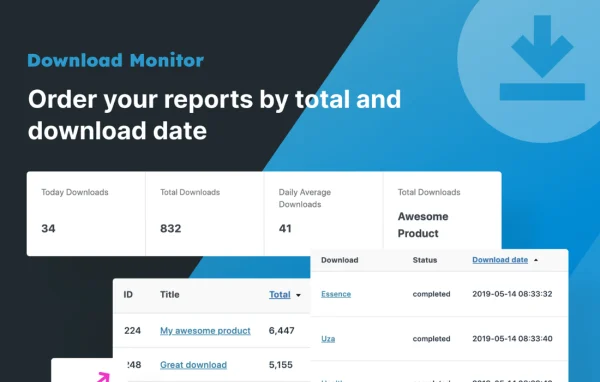
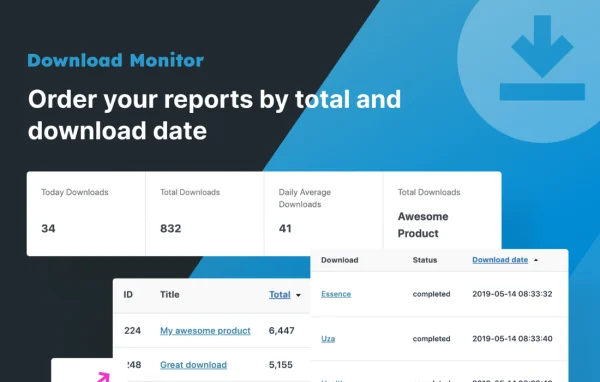
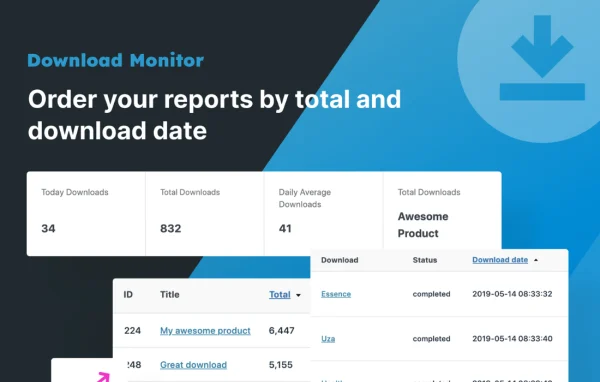
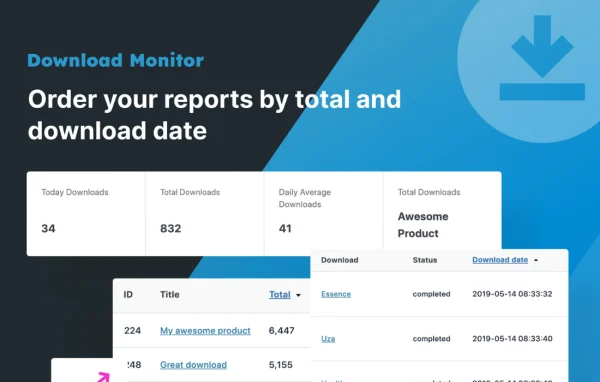
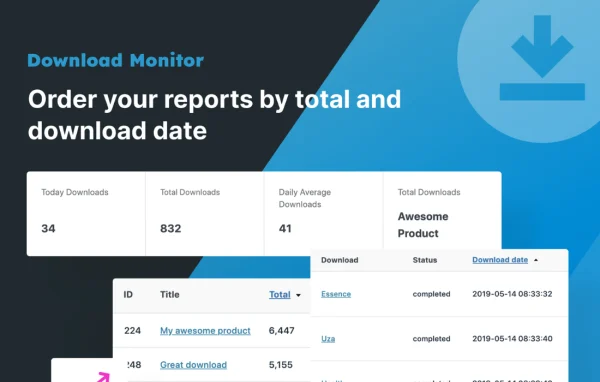
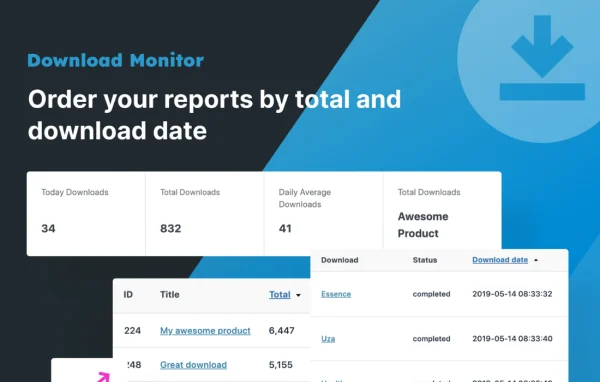
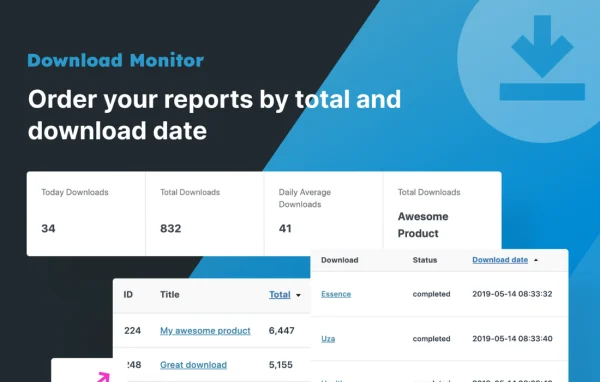
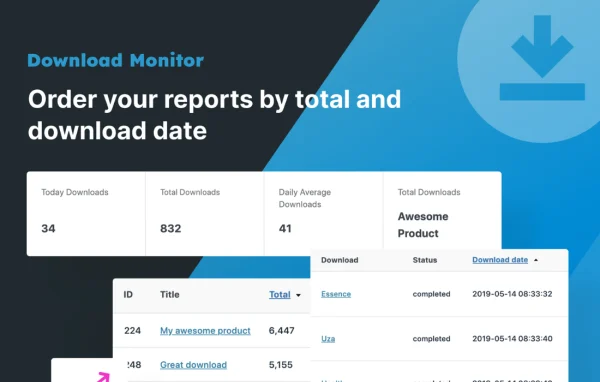
See how many times each file has been downloaded, which helps you understand what your visitors find useful and plan future content.
Customizable download buttons
Design download buttons that match your site's branding, and add them in the block editor using the included Gutenberg block.
Access restrictions and limits
Set download limits and restrictions on individual files or across the whole site to control who can reach your content.
Form gated downloads
Require visitors to submit a form before downloading, with support for Gravity Forms, Ninja Forms, WPForms and Contact Form 7.
Dedicated download pages
Serve files from separate download pages, giving visitors a cleaner page focused on the file they came for.
Google Drive files
Offer files that are hosted on Google Drive, so large resources do not need to live on your own server.
Email download alerts
Receive email notifications when files are downloaded so you stay informed about activity on your downloads.
Download Monitor older versions
- 5.3.3Oct 102 fixes
- 5.3.2Oct 81 improvement, 4 fixes
- 5.3.1Oct 11 fix
- 5.3.0Sep 29
- 5.2.10Sep 24
- 5.2.9Sep 8
- 5.2.8Sep 3
- 5.2.7Jul 30
- 5.2.6Jul 28
- 5.2.5Jul 20
Members and buyers of this product can download older versions.
55 older versions in all. If you need one that is not listed, ask support.
Questions about Download Monitor
Can I make people fill out a form before they download a file?
Yes. Download Monitor supports gating downloads behind forms, and it works with Gravity Forms, Ninja Forms, WPForms and Contact Form 7. Visitors submit their information first, then get access to the file.
Will I be able to see how many times a file was downloaded?
Yes. The plugin tracks downloads for each file and shows the counts, so you can tell which resources get the most interest. You can also turn on email alerts that notify you when files are downloaded.
Do my files have to be stored on my own server?
No. Along with files you upload to WordPress, you can use files hosted on Google Drive. It also handles remote files, including ones with spaces or special characters in the URL or file name.
Can developers customize how the plugin behaves?
Yes. It provides a range of actions and filters, and its code is available in a public GitHub repository, so developers can extend or adjust its behavior to suit a specific project.
Is Download Monitor free?
The code of Download Monitor is licensed under the GPL, so anyone may use, change and share it. GPL Feast is a paid service: a plan gives you the download and automatic updates. The developer's own support, licence key and online services are not included.
Which version of Download Monitor is this?
Version 5.3.4, released Oct 9, 2026. New versions appear here when the developer publishes them, and members get them as automatic updates.
How do I update Download Monitor?
Install the free GPL Feast Updater on your site and connect it with your API key. It installs new versions of Download Monitor automatically and keeps a backup, so you can roll back.
More from Download Monitor