Plugin
Updated
Soliloquy Lightbox
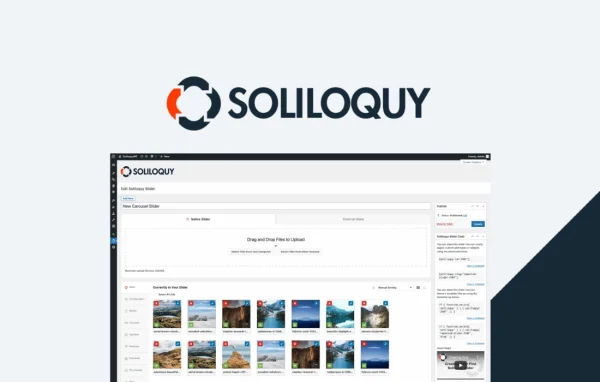
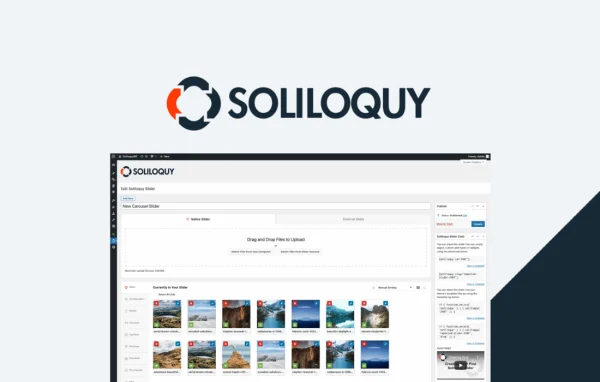
Soliloquy Lightbox is an addon plugin by Soliloquy that adds lightbox functionality to your Soliloquy sliders. When a visitor clicks a slide, the image opens in a larger overlay that can use the browser's native fullscreen mode, so photos get the full screen space.
- Version
- 2.3.7
- Released
- May 19, 2026
- Developer
- Soliloquy
- Type
- WordPress plugin
- Licence
- GPL
- Included in
- Every plan, or $3.99 a year on its own
What’s new in Soliloquy Lightbox 2.3.7
Version 2.3.7 · May 19, 2026
Latest
- ImprovedUpdated internal links to use https:// for soliloquywp.com.
What it does
Sliders are good at fitting many images into a small space, but that same compact size can make detailed photos hard to appreciate. This addon solves that by letting slider images open in a lightbox overlay. Visitors see the picture at a larger size without the rest of the page competing for attention, and they can switch to native browser fullscreen for an edge to edge view on larger displays.
The addon works inside your existing Soliloquy sliders, so you turn the lightbox on or off from the Soliloquy interface rather than building a separate gallery. You can adjust styling and animation options to fit your site's design, and visitors can move between multiple images within a single lightbox. It suits portfolios, photo galleries and any site where images carry the content.
Best for
- Photographers and creatives using Soliloquy sliders for portfolios
- Sites with photo galleries built inside Soliloquy sliders
- Agencies adding larger image views to client sliders
Features
Native browser fullscreen
Uses the browser's own fullscreen mode so lightbox images can fill the screen edge to edge, giving visitors a distraction-free view of your photos.
Works with existing sliders
Adds lightbox functionality directly to the Soliloquy sliders you already have, so you do not need to rebuild your slides or create a separate gallery.
Simple on and off toggle
Enable or disable the lightbox for a slider with a few clicks in the Soliloquy plugin interface, making it easy to use only where it fits.
Gallery navigation
Visitors can browse through multiple images within a single lightbox, moving from photo to photo without closing the overlay and returning to the slider.
Styling and animation options
Choose from styling and animation settings to adjust how the lightbox looks and behaves so it matches your site's design and branding.
Responsive display
The lightbox adapts to different screen sizes, so images and galleries display properly on desktops, tablets and smartphones.
Modern browser support
Built to work across modern browsers, giving visitors consistent lightbox display and behavior regardless of which browser they use.
Soliloquy Lightbox older versions
- 2.3.6Apr 18, 2023
Members and buyers of this product can download older versions.
Questions about Soliloquy Lightbox
Do I need the Soliloquy slider plugin to use this?
Yes. This is an addon for Soliloquy, so it works with Soliloquy sliders. It adds lightbox functionality to sliders you create with that plugin, and you enable it from within the Soliloquy interface.
Can visitors view images in fullscreen?
Yes. The addon uses the browser's native fullscreen capability, so a slider image can open in a lightbox overlay and then fill the screen edge to edge for a larger, distraction-free view.
Can visitors flip through several images in the lightbox?
Yes. Gallery support lets visitors navigate through multiple images within a single lightbox, so they can browse a set of photos without closing the overlay and going back to the slider.
Can I make the lightbox match my site's design?
The addon includes styling and animation options that let you adjust the lightbox's appearance and behavior. That way the overlay can follow your site's colors, design and branding rather than looking out of place.
Is Soliloquy Lightbox free?
The code of Soliloquy Lightbox is licensed under the GPL, so anyone may use, change and share it. GPL Feast is a paid service: a plan or a single purchase gives you the download and automatic updates. The developer's own support, licence key and online services are not included.
Which version of Soliloquy Lightbox is this?
Version 2.3.7, released May 19, 2026. New versions appear here when the developer publishes them, and members get them as automatic updates.
How do I update Soliloquy Lightbox?
Install the free GPL Feast Updater on your site and connect it with your API key. It installs new versions of Soliloquy Lightbox automatically and keeps a backup, so you can roll back.
More from Soliloquy