Plugin
Updated
Bulk Edit GiveWP Forms Pro
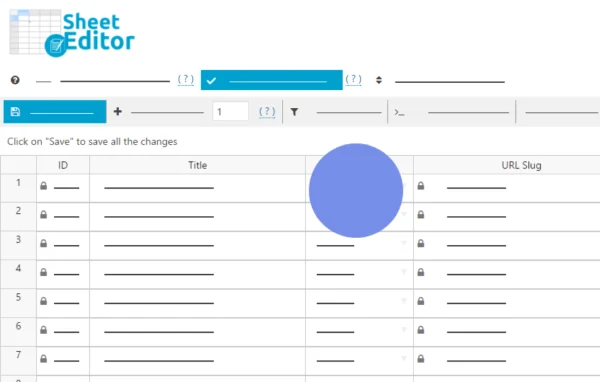
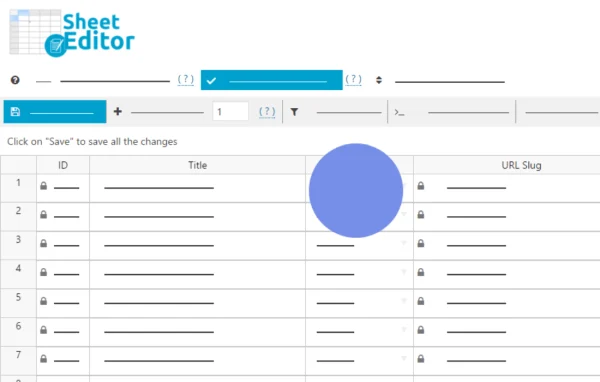
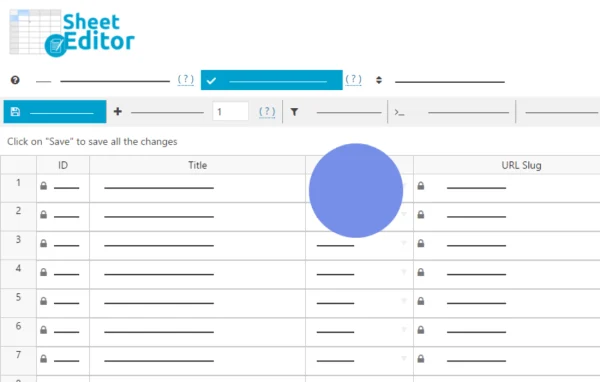
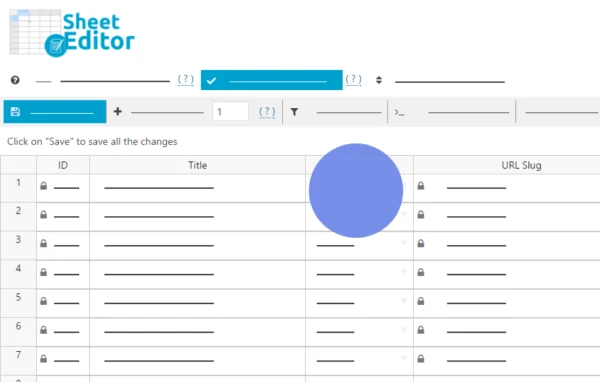
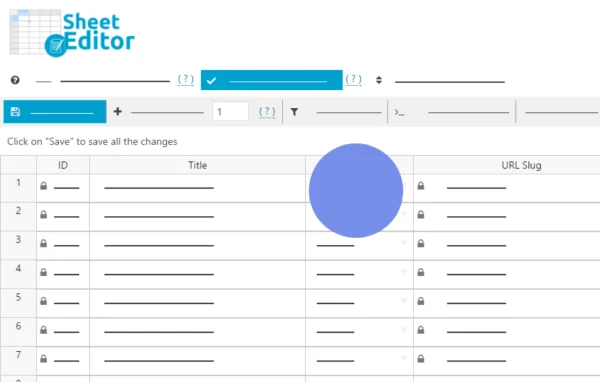
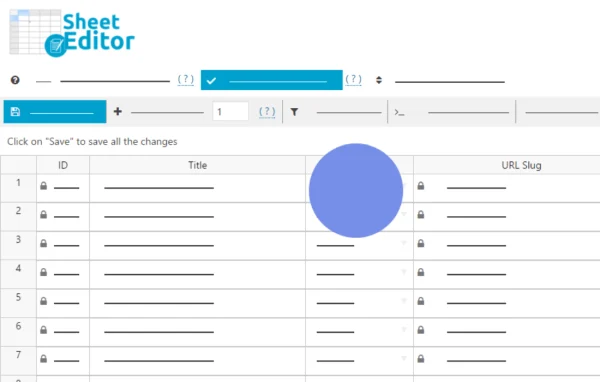
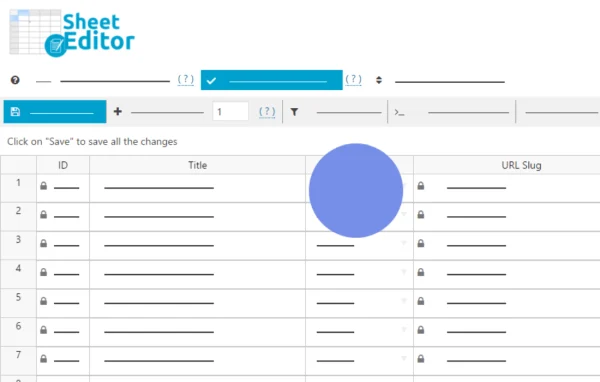
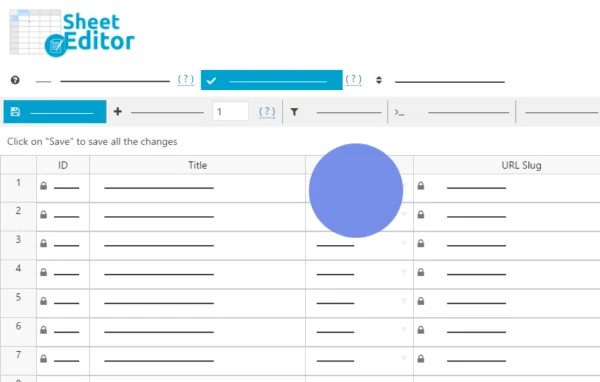
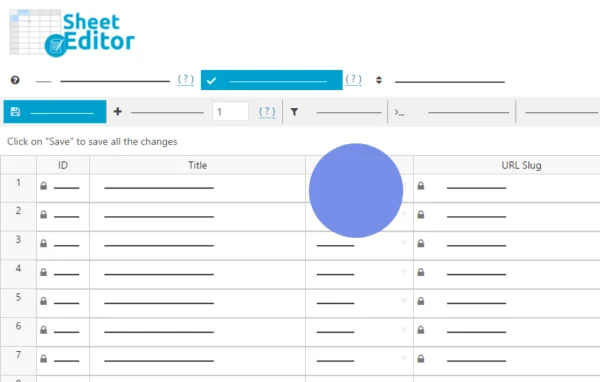
WP Sheet Editor - Bulk Edit GiveWP Forms Pro is a WordPress plugin by WP Sheet Editor that puts your GiveWP donation forms into a spreadsheet grid in the admin area. You can change titles, descriptions, goals and other fields across many forms at once instead of opening each one.
- Version
- 1.0.69
- Released
- Jul 9, 2026
- Developer
- WP Sheet Editor
- Type
- WordPress plugin
- Requires
- GiveWP
- Licence
- GPL
- Included in
- Every plan, or $7.19 a year on its own
What’s new in Bulk Edit GiveWP Forms Pro 1.0.69
Version 1.0.69 · Jul 9, 2026
Latest
- ImprovedUpdated to CORE v2.27.0
What it does
Editing GiveWP forms one at a time means a lot of page loads and clicks, especially once a site runs many campaigns. This plugin requires GiveWP and adds a spreadsheet-style editor to your WordPress admin where each form is a row and each field is a column. Changes you make in the grid are saved straight to your site, so there is no import or export step for routine edits. It works with GiveWP form fields and custom fields added by other plugins, including serialized data.
For larger jobs, you can filter forms with multiple search conditions and operators, then apply bulk changes such as appending text, using formulas or running regex replacements. The developer states it is built to handle sites with over 100,000 forms or entries, with backend settings to tune resource use. You can also export to Excel or Google Sheets and import the file back with automatic field recognition, use a Google Sheets sync addon, call on an AI assistant for content tasks, and manage multilingual forms with WPML and Polylang.
Best for
- Nonprofits running many GiveWP donation forms
- Agencies managing fundraising sites for clients
- Multilingual charity sites using WPML or Polylang
Features
Spreadsheet grid for forms
View and edit all your GiveWP forms in an Excel-like grid inside WordPress, with each form shown as a row you can change directly.
Live saving to your site
Edits made in the sheet apply to your website right away, so routine changes do not require exporting and importing files.
Bulk edits with formulas
Update many forms at once by appending text, changing values with custom formulas or applying regex replacements across the selected rows.
Advanced search filters
Find specific forms or donation data using multiple search conditions and operators, then work only on the rows that match.
Support for custom fields
Edit GiveWP form fields along with custom fields added by other plugins, including serialized and complex data types.
Export and import files
Export forms for offline editing in Excel or Google Sheets, then import them back with automatic field recognition to apply your changes.
Google Sheets and AI options
Use the Google Sheets sync addon for scheduled one-way or two-way syncs, or an AI assistant to generate, edit or translate form content.
Multilingual form management
Works with WPML and Polylang so you can manage donation forms in several languages from the same spreadsheet editor.
Bulk Edit GiveWP Forms Pro older versions
- 1.0.68Jan 191 improvement
- 1.0.67Jan 61 improvement
- 1.0.66Jul 15, 20251 improvement
- 1.0.65Jun 4, 2025
- 1.0.64Feb 20, 2025
- 1.0.63Jan 23, 2025
- 1.0.62Nov 2, 2024
- 1.0.61Aug 9, 2024
- 1.0.60Mar 28, 2024
- 1.0.56Jan 29, 2024
Members and buyers of this product can download older versions.
16 older versions in all. If you need one that is not listed, ask support.
Questions about Bulk Edit GiveWP Forms Pro
Do I need GiveWP for this to work?
Yes. The plugin is an editor for GiveWP donation forms, so GiveWP must be active on your site. It reads your existing forms and lets you edit them in a spreadsheet view in the WordPress admin.
Can it edit custom fields on my donation forms?
It supports all GiveWP form fields as well as custom fields added by other plugins, including serialized and complex data types. Those fields appear as columns you can edit individually or in bulk.
Will it handle a site with a very large number of forms?
The developer states it handles sites with over 100,000 forms or entries. Bulk edits are processed without server timeouts, and backend settings let you tune resource usage for large datasets.
Can I work on my forms in Google Sheets or Excel?
You can export forms to edit offline in Excel or Google Sheets, then import the file back with automatic field recognition. A Google Sheets sync addon also supports scheduled one-way or two-way syncs.
Is Bulk Edit GiveWP Forms Pro free?
The code of Bulk Edit GiveWP Forms Pro is licensed under the GPL, so anyone may use, change and share it. GPL Feast is a paid service: a plan or a single purchase gives you the download and automatic updates. The developer's own support, licence key and online services are not included.
Which version of Bulk Edit GiveWP Forms Pro is this?
Version 1.0.69, released Jul 9, 2026. New versions appear here when the developer publishes them, and members get them as automatic updates.
How do I update Bulk Edit GiveWP Forms Pro?
Install the free GPL Feast Updater on your site and connect it with your API key. It installs new versions of Bulk Edit GiveWP Forms Pro automatically and keeps a backup, so you can roll back.
What does Bulk Edit GiveWP Forms Pro need?
Bulk Edit GiveWP Forms Pro needs GiveWP installed and active.
More from WP Sheet Editor