Plugin
Updated
WP Sheet Editor Courses
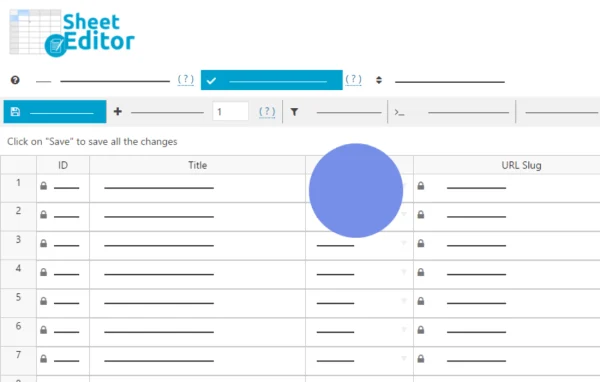
This plugin from WP Sheet Editor adds a spreadsheet view for your LMS content in the WordPress dashboard. It works with LearnPress, LearnDash and Tutor LMS, so you can edit courses, lessons, quizzes and questions in bulk from one screen.
- Version
- 1.1.1
- Released
- Jul 9, 2026
- Developer
- WP Sheet Editor
- Type
- WordPress plugin
- Licence
- GPL
- Included in
- Every plan, or $3.99 a year on its own
What’s new in WP Sheet Editor Courses 1.1.1
Version 1.1.1 · Jul 9, 2026
Latest
- ImprovedUpdated to CORE v2.27.0
What it does
Managing an online course catalog in WordPress usually means opening each course, lesson or quiz on its own page, making a change, saving and moving on. That gets slow once you have dozens or hundreds of items. WP Sheet Editor Courses replaces that routine with a spreadsheet layout where every record sits in a row and every field sits in a column. You can change titles, categories, prices and durations across many records at once, and edits made inline are saved to your live LMS content.
The plugin fits sites built on LearnPress, LearnDash or Tutor LMS, and it covers courses, lessons, quizzes and questions. Filtering and search options help you narrow a large catalog down to the items you want to change. Custom fields and metadata can be edited alongside the default fields. You can also export content to a spreadsheet file for offline work or backups and import it again. No coding is needed, which makes it usable for instructors and administrators as well as site owners.
Best for
- Course sites running LearnPress, LearnDash or Tutor LMS
- Administrators maintaining large catalogs of lessons and quizzes
- Instructors who prefer spreadsheets over editing pages one by one
Features
Spreadsheet view for LMS content
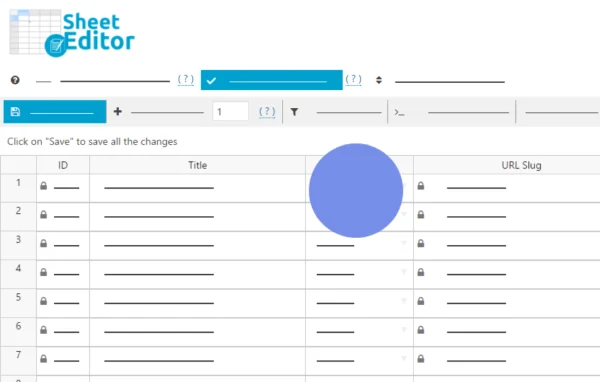
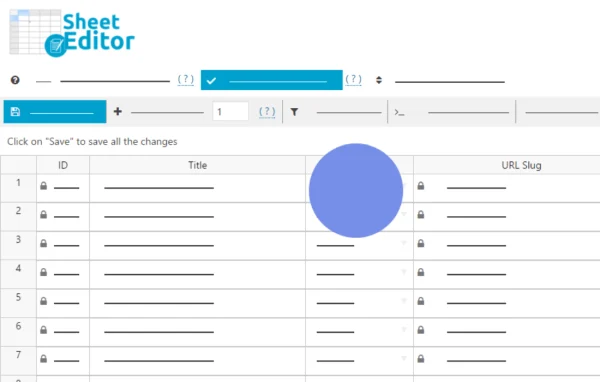
Courses, lessons, quizzes and questions appear in a spreadsheet inside the WordPress dashboard, so you can review and edit them without opening separate pages.
Works with three LMS plugins
Built for LearnPress, LearnDash and Tutor LMS, letting you manage content from any of these course platforms in one central place.
Bulk edit many records
Update titles, categories, prices, durations and other fields across many records at the same time to keep your course library consistent.
Inline editing
Click into a cell, make a change and it is applied to your live LMS content, without leaving the spreadsheet screen.
Filtering and search
Find specific courses or lessons using different criteria, which makes targeted edits practical in large catalogs.
Export and import
Export LMS content to spreadsheet files for offline edits or backups, then import the files back into your site when you are done.
Custom fields and metadata
Edit extra course information stored in custom fields and metadata, in addition to the standard fields each LMS provides.
WP Sheet Editor Courses older versions
- 1.1.0Jan 191 new
- 1.0.5Jan 64 improvements, 1 fix
- 1.0.4Jul 15, 20251 improvement
- 1.0.3Jun 4, 2025
- 1.0.2Feb 20, 2025
- 1.0.1Jan 23, 2025
Members and buyers of this product can download older versions.
Questions about WP Sheet Editor Courses
Which LMS plugins does this work with?
It is built to work with LearnPress, LearnDash and Tutor LMS. You can manage courses, lessons, quizzes and questions from those plugins through the spreadsheet interface in your WordPress dashboard.
What kinds of fields can I change in bulk?
You can bulk edit titles, categories, prices, durations and other fields across many records at once. Custom fields and metadata are supported too, so extra course information can be edited alongside the default fields.
Can I work on my course data outside WordPress?
Yes. You can export your LMS content to spreadsheet files for offline editing or backups, then import the edited files back into your site.
Do I need coding skills to use it?
No coding is required. The layout works like a familiar spreadsheet, so instructors, administrators and site owners can filter, search and edit content directly in the cells.
Is WP Sheet Editor Courses free?
The code of WP Sheet Editor Courses is licensed under the GPL, so anyone may use, change and share it. GPL Feast is a paid service: a plan or a single purchase gives you the download and automatic updates. The developer's own support, licence key and online services are not included.
Which version of WP Sheet Editor Courses is this?
Version 1.1.1, released Jul 9, 2026. New versions appear here when the developer publishes them, and members get them as automatic updates.
How do I update WP Sheet Editor Courses?
Install the free GPL Feast Updater on your site and connect it with your API key. It installs new versions of WP Sheet Editor Courses automatically and keeps a backup, so you can roll back.
More from WP Sheet Editor