Plugin
Updated
Enhanced Metrics
Enhanced Metrics by WPChill is an extension for the Download Monitor plugin on WordPress. It adds detailed statistics about your file downloads, so you can see download counts, trends, user location and where downloads come from, all inside your WordPress dashboard.
Install this firstPlease install the Download Monitor Pro Plugin from here before installing the extensions
Go to product- Version
- 2.1.1
- Released
- Sep 10, 2025
- Developer
- Download Monitor
- Type
- WordPress plugin
- Requires
- Download Monitor
- Licence
- GPL
- Included in
- Every plan, or $4.79 a year on its own
What’s new in Enhanced Metrics 2.1.1
Version 2.1.1 · Sep 10, 2025
Latest
- NewDownload ID and user email columns to detailed downloads table.
What it does
If you offer files on your site, such as software, documents or media, the core Download Monitor plugin handles serving them. Knowing how people use those files is a separate question. This extension answers it by recording each download and turning that data into readable statistics, so you can tell which files get attention and which ones sit unused without setting up a third-party analytics tool.
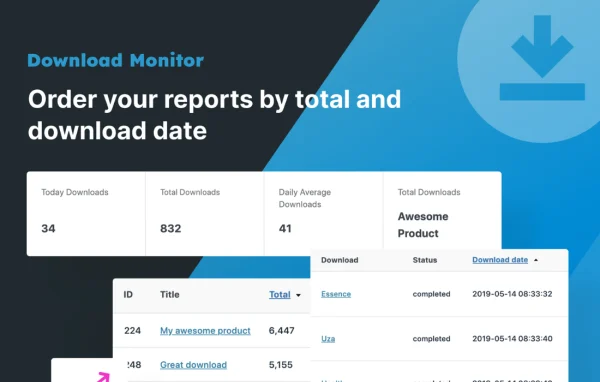
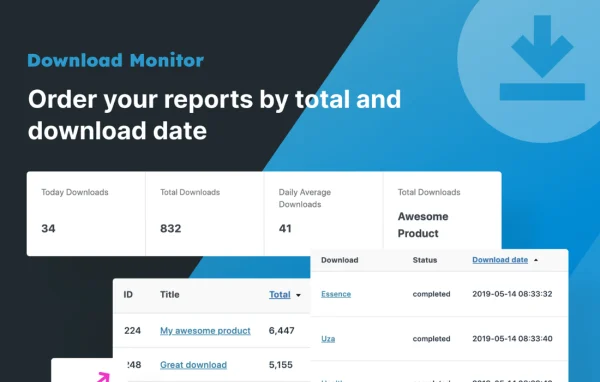
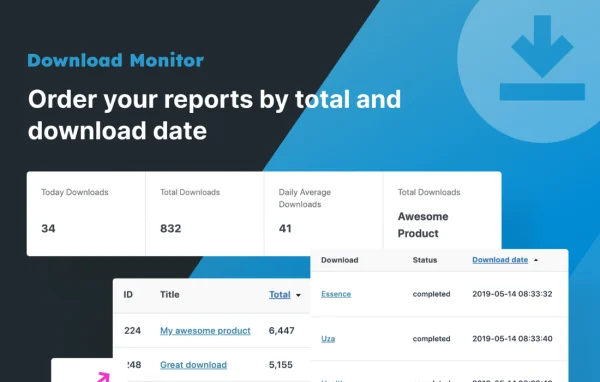
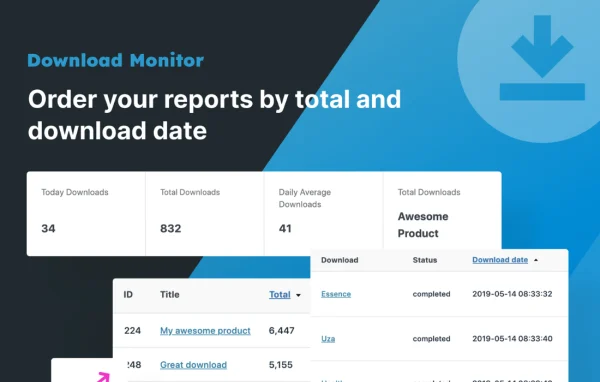
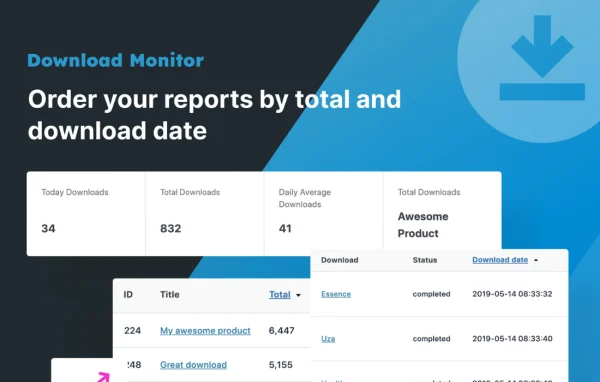
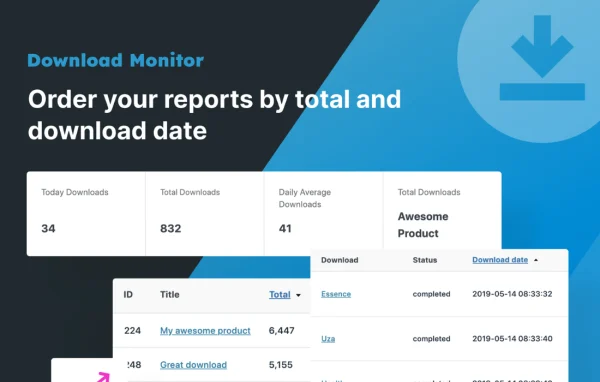
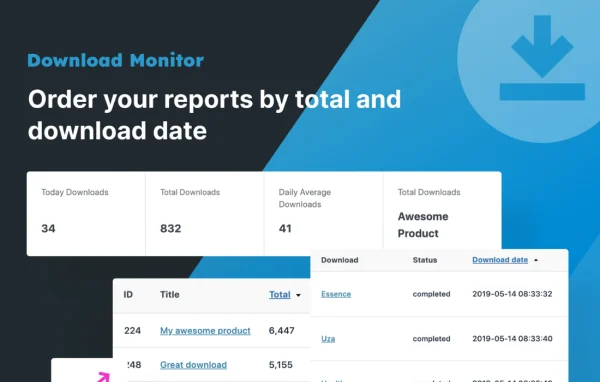
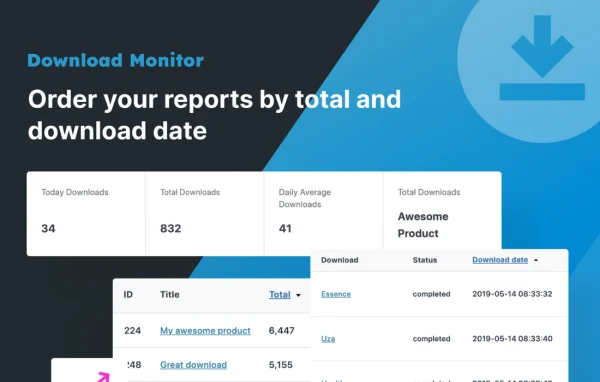
The stats live in your WordPress admin area, where you can review download counts, trends over time, user and source information, and daily and monthly reports. A detailed downloads table includes columns such as download ID and user email. When you need the numbers elsewhere, you can export them as CSV files for offline analysis or reporting. It fits sites that already run Download Monitor and want clearer reporting on their downloadable content.
Best for
- Sites already using the Download Monitor plugin
- Creators offering documents, media or software files
- Businesses reporting on downloadable content performance
Features
Per-download tracking
Records every file download handled by Download Monitor, giving you an accurate count of how often each file is retrieved by visitors.
Dashboard statistics
Shows download stats directly in the WordPress admin area, so you can check figures without leaving your site or opening another tool.
Download trends over time
Highlights popular downloads and shows how interest changes over time, which helps you judge the effect of campaigns that point people to your files.
User and source attribution
Shows where downloads come from, including user location, and which users engage most with your downloadable content.
Daily and monthly reports
Provides daily and monthly views of download activity, making it easier to spot patterns and compare periods.
Detailed downloads table
Lists individual downloads in a table with columns such as download ID and user email, so you can look at specific records.
CSV export
Exports your download data as CSV files for offline analysis, spreadsheets or reports you share with clients or colleagues.
Enhanced Metrics older versions
- 2.1.0Aug 29, 20251 improvement
- 2.0.3Aug 8, 20251 new
- 2.0.2Jul 28, 20251 improvement
- 1.1.2Oct 26, 2023
- 1.1.1Sep 5, 2023
- 1.0.4Jul 9, 2023
- 1.0.0Apr 18, 2023
Members and buyers of this product can download older versions.
Questions about Enhanced Metrics
Do I need Download Monitor for this to work?
Yes. This is an extension for the core Download Monitor plugin and is built to work alongside it and its other extensions. It adds statistics and reporting on top of the downloads that Download Monitor manages.
Can I see who downloaded a file?
The extension includes user and source attribution, and its detailed downloads table has columns for download ID and user email. This lets you see which users are engaging with your files and where downloads come from, including user location.
Can I get the data out of WordPress?
Yes. You can export your download metrics as CSV files, which open in spreadsheet programs. That is useful for offline analysis or for building reports for clients or your team.
What kind of reports does it provide?
You get download counts, trends over time, user and source information, and daily and monthly reports, all viewable from the WordPress dashboard. Together these help you identify your most popular files and track changes in interest.
Is Enhanced Metrics free?
The code of Enhanced Metrics is licensed under the GPL, so anyone may use, change and share it. GPL Feast is a paid service: a plan or a single purchase gives you the download and automatic updates. The developer's own support, licence key and online services are not included.
Which version of Enhanced Metrics is this?
Version 2.1.1, released Sep 10, 2025. New versions appear here when the developer publishes them, and members get them as automatic updates.
How do I update Enhanced Metrics?
Install the free GPL Feast Updater on your site and connect it with your API key. It installs new versions of Enhanced Metrics automatically and keeps a backup, so you can roll back.
What does Enhanced Metrics need?
Enhanced Metrics needs Download Monitor installed and active.
More from Download Monitor