Plugin
Updated
Taxonomy Terms Pro
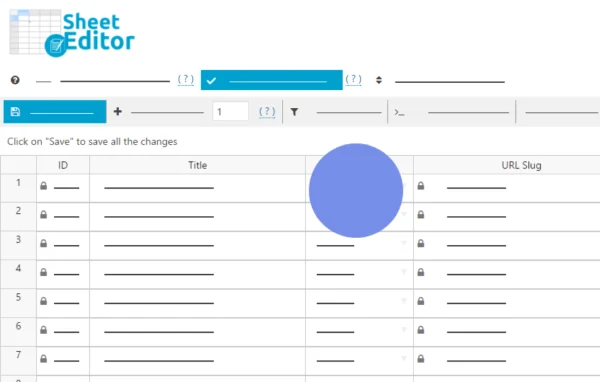
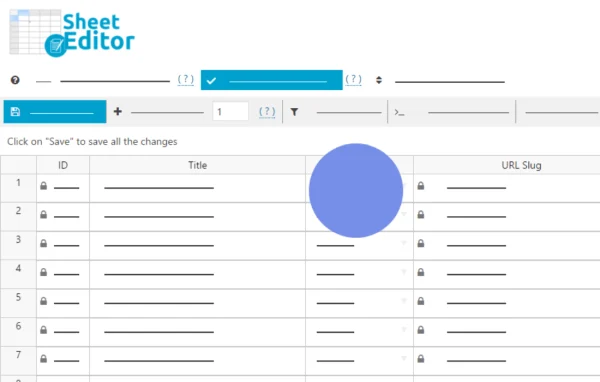
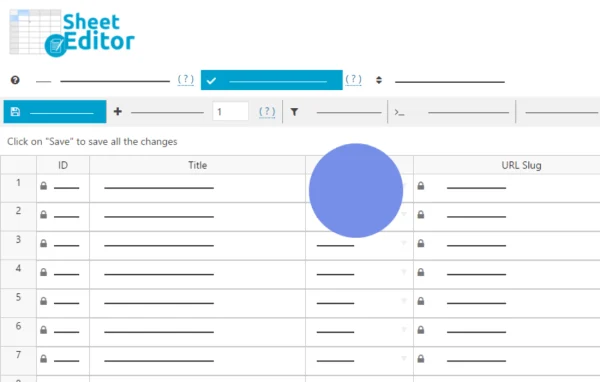
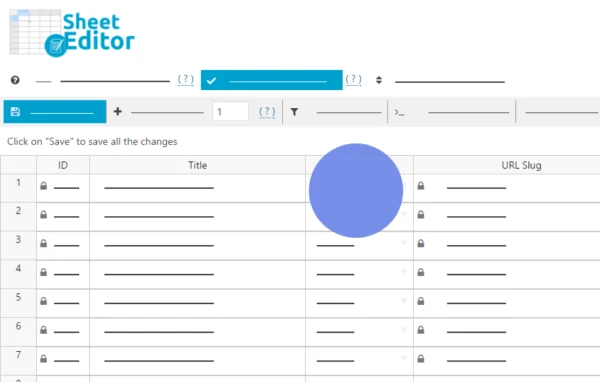
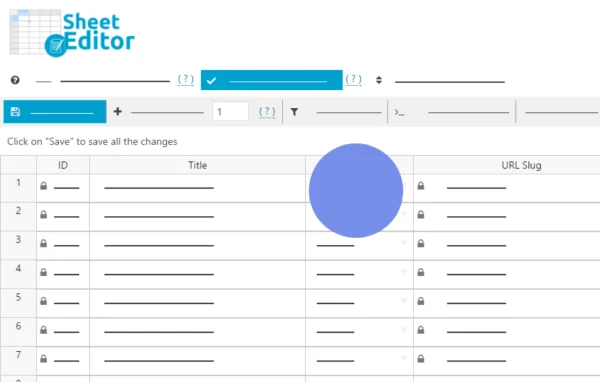
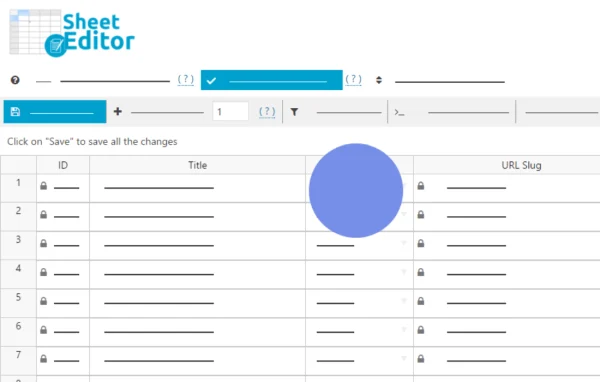
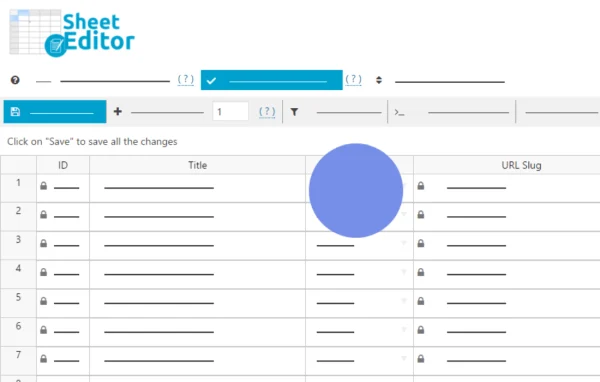
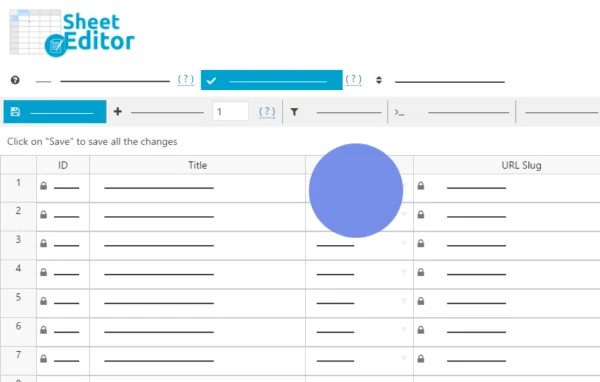
WP Sheet Editor - Taxonomy Terms Pro by WP Sheet Editor is a WordPress plugin that puts your categories, tags, product attributes and other taxonomy terms into a spreadsheet. You can find, edit, add and delete terms in bulk, and changes apply live on your site.
- Version
- 1.7.24
- Released
- Jul 9, 2026
- Developer
- WP Sheet Editor
- Type
- WordPress plugin
- Licence
- GPL
- Included in
- Every plan, or $7.19 a year on its own
What’s new in Taxonomy Terms Pro 1.7.24
Version 1.7.24 · Jul 9, 2026
Latest
- ImprovedUpdated to CORE v2.27.0
What it does
The native WordPress taxonomy screens handle one term at a time and offer only basic search. That gets slow when you need to add descriptions to hundreds of categories or adjust a long list of product attributes. This plugin replaces that routine with a spreadsheet view where each taxonomy gets its own sheet. You edit cells directly, and the changes save straight to your site with no import or export step in between.
It fits blogs, WooCommerce stores, event listing sites and portfolios, anywhere terms pile up. A multi-condition search narrows down the terms you want, and a formula engine applies changes across many rows at once. Custom fields added by other plugins or Advanced Custom Fields show up automatically as columns. You can also convert terms between taxonomies, duplicate terms and move them between parent categories, which helps when you are cleaning up an older site structure.
Best for
- WooCommerce stores with many product attributes
- Blogs with large category and tag lists
- Agencies reorganizing taxonomy on client sites
Features
Live spreadsheet editing
Manage categories, tags and product attributes in a spreadsheet, with every change applied live on your site and no import or export step required.
Multi-condition search
Find terms by keyword, parent category, description, SEO metadata, images or custom fields, combining several conditions to narrow results precisely.
Formulas for bulk updates
Replace words or phrases in descriptions, move many terms to a new parent category or mass update attributes using formulas across selected rows.
A sheet for each taxonomy
Open separate spreadsheets for post categories, tags, WooCommerce attributes like colors and sizes, event categories and portfolio categories.
Excel import and copy-paste
Create or update terms by typing into cells, importing Excel files or pasting data from sources such as supplier lists.
Custom fields support
Custom fields from other plugins or Advanced Custom Fields appear automatically, so you can edit extended term metadata without extra setup.
Term conversion and duplication
Turn tags into categories or attributes into tags, and duplicate terms while their assigned posts are reassigned automatically.
Adjustable columns
Show, hide, reorder or deactivate spreadsheet columns so the sheet displays only the data you work with.
Taxonomy Terms Pro older versions
- 1.7.23Jan 191 fix
- 1.7.22Jan 61 improvement
- 1.7.21Jul 15, 20251 fix
- 1.7.20Jun 4, 2025
- 1.7.19Feb 20, 2025
- 1.7.18Jan 23, 2025
- 1.7.17Nov 2, 2024
- 1.7.16Aug 9, 2024
- 1.7.15Mar 28, 2024
- 1.7.11Jan 29, 2024
Members and buyers of this product can download older versions.
17 older versions in all. If you need one that is not listed, ask support.
Questions about Taxonomy Terms Pro
Does it work with WooCommerce product attributes?
Yes. It creates spreadsheets for WooCommerce product attributes such as colors and sizes, alongside post categories, tags, event categories and portfolio categories. Each taxonomy gets its own sheet, so you can bulk edit attribute terms the same way you edit categories.
Can I edit custom fields attached to my categories?
Yes. The plugin automatically detects custom fields added by other plugins or by Advanced Custom Fields and shows them as editable columns. No extra configuration is needed to start working with that term metadata.
Can I turn my tags into categories?
Yes. You can convert terms between taxonomies, such as tags into categories or attributes into tags. You can also duplicate terms, and the posts assigned to them are reassigned automatically during the process.
Can I update SEO titles and descriptions for many categories at once?
Yes. You can add or change SEO titles, descriptions and images for hundreds of categories or attributes in one pass, and you can also search terms by their SEO metadata to find the ones that need work.
Is Taxonomy Terms Pro free?
The code of Taxonomy Terms Pro is licensed under the GPL, so anyone may use, change and share it. GPL Feast is a paid service: a plan or a single purchase gives you the download and automatic updates. The developer's own support, licence key and online services are not included.
Which version of Taxonomy Terms Pro is this?
Version 1.7.24, released Jul 9, 2026. New versions appear here when the developer publishes them, and members get them as automatic updates.
How do I update Taxonomy Terms Pro?
Install the free GPL Feast Updater on your site and connect it with your API key. It installs new versions of Taxonomy Terms Pro automatically and keeps a backup, so you can roll back.
More from WP Sheet Editor