Plugin
Updated
WooCommerce Products
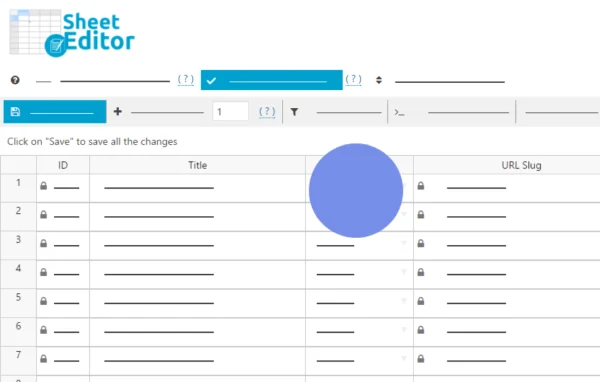
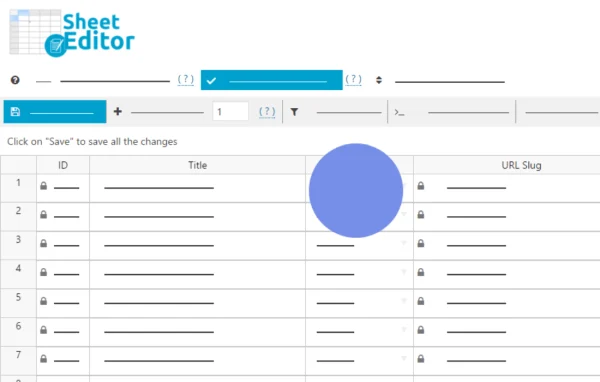
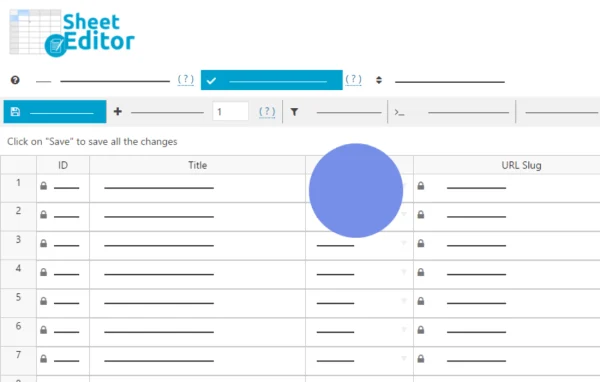
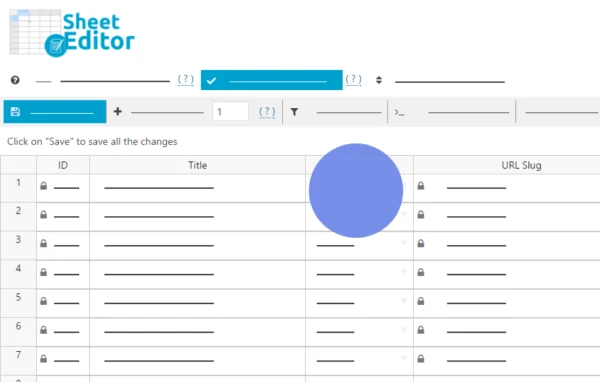
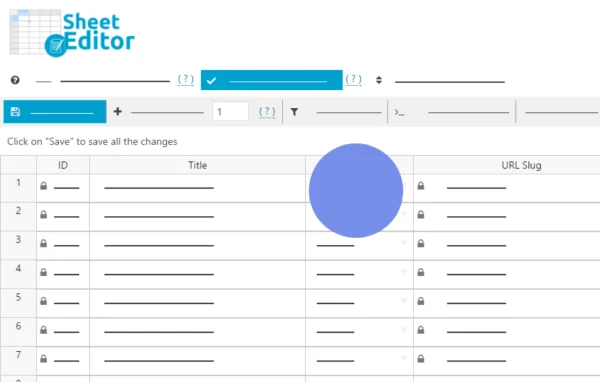
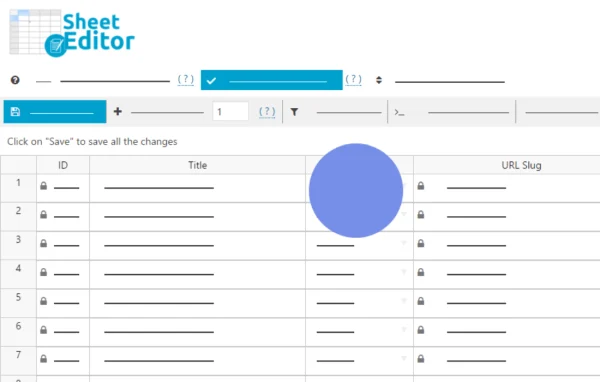
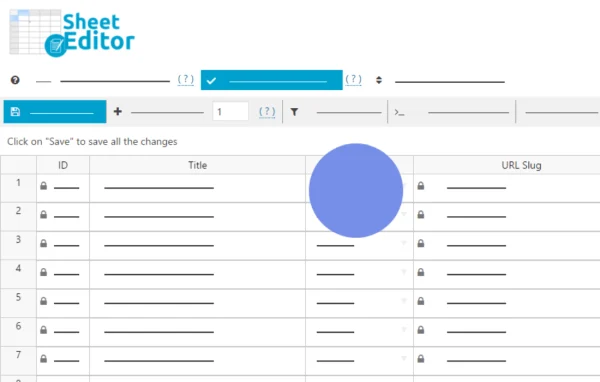
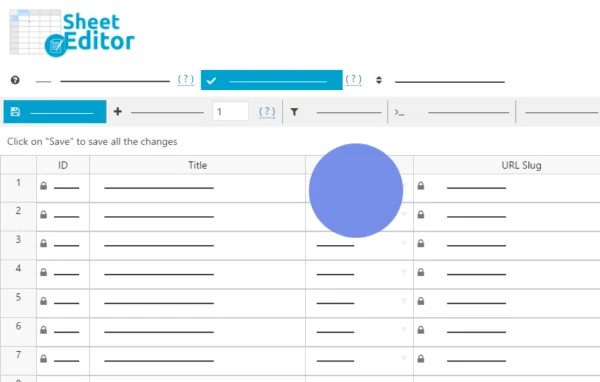
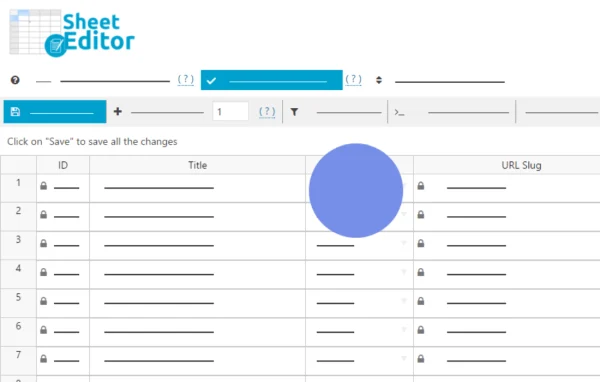
This plugin, WooCommerce Products by WP Sheet Editor, turns your product catalog into a spreadsheet inside the WordPress admin. You can edit prices, stock, SKUs, variations, images and other fields for many products at once, and changes apply to your store as you save them.
- Version
- 1.8.22
- Released
- Jul 9, 2026
- Developer
- WP Sheet Editor
- Type
- WordPress plugin
- Requires
- WooCommerce
- Licence
- GPL
- Included in
- Every plan, or $7.19 a year on its own
What’s new in WooCommerce Products 1.8.22
Version 1.8.22 · Jul 9, 2026
Latest
- FixedWC Products - WPML - Variations are created without a language sometimes
What it does
Editing products one at a time in the standard WooCommerce screens gets slow once a catalog grows past a few dozen items. This plugin loads your products into rows and columns that feel like Excel, so you can scan, filter and change many products in one view. Edits are saved directly to your store, which means there is no import and export cycle to run. It requires WooCommerce and works with simple, variable, downloadable and affiliate products.
The tool is built with larger catalogs in mind. You can search using any field, apply Excel-like formulas to update prices or stock in bulk, and copy or combine field values. Variations and attributes can be created and edited from the sheet, and simple products can be converted to variable ones. Batch saving settings let you choose how many products save at a time and add delays between saves, which helps keep server load in check during big edits.
Best for
- WooCommerce stores with large or growing product catalogs
- Store managers who regularly update prices and stock levels
- Agencies maintaining product data for client shops
Features
Spreadsheet product editing
View and edit hundreds of WooCommerce products in a single spreadsheet-style screen inside the WordPress admin instead of opening each product page.
Live saving to your store
Changes made in the sheet are applied directly to your products, so you skip exporting files, editing them elsewhere and importing them back.
Search by any field
Find the exact products you want to edit by using any product field as a search parameter before making bulk changes.
Formulas for bulk updates
Use Excel-like formulas on numeric fields such as prices and stock, apply price increases, or copy and combine values between fields.
Variation and attribute management
Create and modify variable products, bulk edit variations and attributes, and convert between simple and variable product types from the sheet.
Bulk images and galleries
Add or replace featured images and product galleries across many products at once, which helps when refreshing catalog photos.
Adjustable batch saving
Set how many products are saved per batch and add delays between saves to reduce strain on your server during large edits.
Field conversion tools
Turn global attributes into categories or tags, copy data between custom fields, and update URLs or descriptions across products in bulk.
WooCommerce Products older versions
- 1.8.21Jan 194 fixes
- 1.8.20Jan 63 improvements, 1 fix
- 1.8.19Jul 15, 20251 improvement, 1 fix
- 1.8.18Jun 4, 2025
- 1.8.17Feb 20, 2025
- 1.8.16Jan 23, 2025
- 1.8.15Nov 2, 2024
- 1.8.14Aug 9, 2024
- 1.8.13Mar 28, 2024
- 1.8.9Jan 29, 2024
Members and buyers of this product can download older versions.
17 older versions in all. If you need one that is not listed, ask support.
Questions about WooCommerce Products
Which WooCommerce product types can I edit with it?
It works with simple, variable, downloadable and affiliate products. It also supports additional product types added by other plugins, such as those for memberships, subscriptions and courses, so those items can appear in the spreadsheet too.
Do I need to export and import files to make changes?
No. Edits you make in the spreadsheet are saved directly to your WooCommerce products. That removes the step of exporting a CSV, editing it in another program and importing it back into your store.
Can I raise all my prices by a set amount at once?
Yes. The plugin supports Excel-like formulas for numeric fields like prices and stock. You can filter the products you want, then apply a formula to increase prices or adjust stock across all of them in one action.
Will large edits overload my server?
The plugin includes batch saving controls. You can set how many products are saved in each batch and add a delay between batches, which spreads the work out when you are editing thousands of products.
Is WooCommerce Products free?
The code of WooCommerce Products is licensed under the GPL, so anyone may use, change and share it. GPL Feast is a paid service: a plan or a single purchase gives you the download and automatic updates. The developer's own support, licence key and online services are not included.
Which version of WooCommerce Products is this?
Version 1.8.22, released Jul 9, 2026. New versions appear here when the developer publishes them, and members get them as automatic updates.
How do I update WooCommerce Products?
Install the free GPL Feast Updater on your site and connect it with your API key. It installs new versions of WooCommerce Products automatically and keeps a backup, so you can roll back.
What does WooCommerce Products need?
WooCommerce Products needs WooCommerce installed and active.
More from WP Sheet Editor