Plugin
Updated
WP Sheet Editor - Polylang
This is an extension for WP Sheet Editor, made by WP Sheet Editor, built for sites that run the Polylang multilingual plugin. It lets you export posts, pages or custom post types in one language as CSV, hand them to a translator, then import the translated files back in bulk.
- Version
- 1.0.8
- Released
- Sep 25, 2025
- Developer
- WP Sheet Editor
- Type
- WordPress plugin
- Requires
- Polylang
- Licence
- GPL
- Included in
- Every plan, or $2.39 a year on its own
What’s new in WP Sheet Editor - Polylang 1.0.8
Version 1.0.8 · Sep 25, 2025
Latest
What it does
Translating a multilingual site one post at a time is slow work. You open each item, create the translation, paste in the text and link it to the original, then repeat for every page and every language. This extension moves that work into a spreadsheet. You export content in a single language as a CSV file, send it to a translator or team, and import the finished file into any target language to create or update many translations at once.
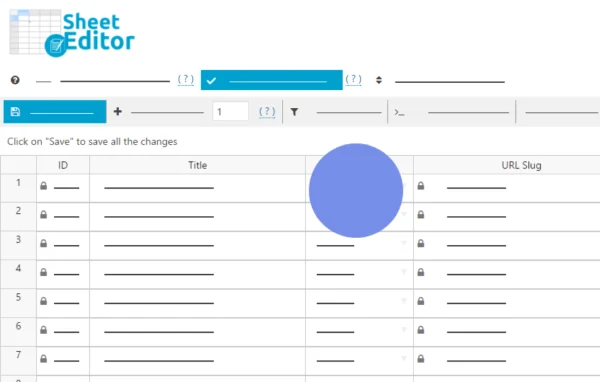
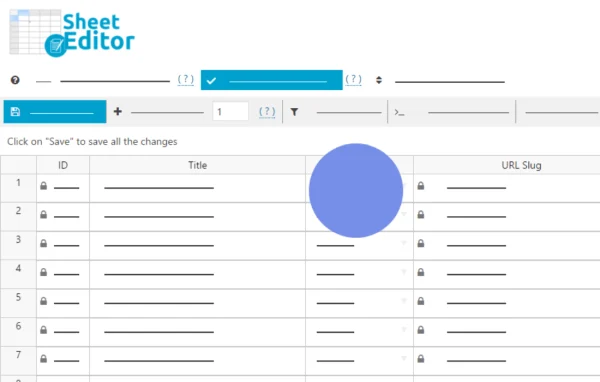
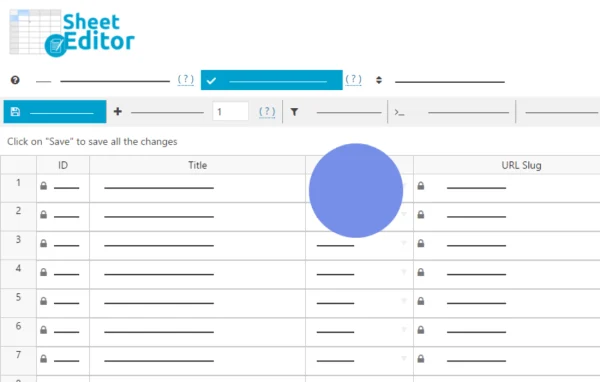
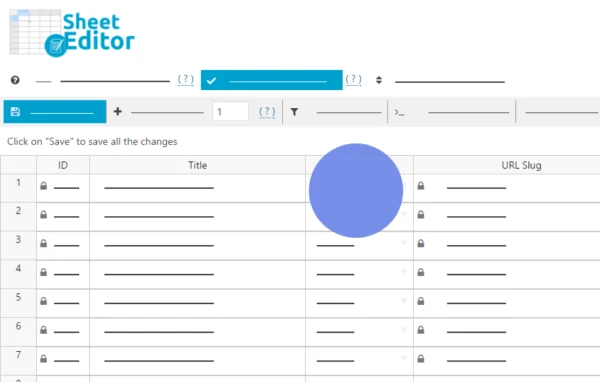
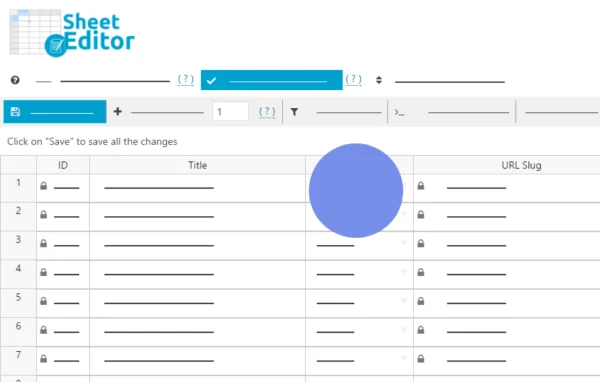
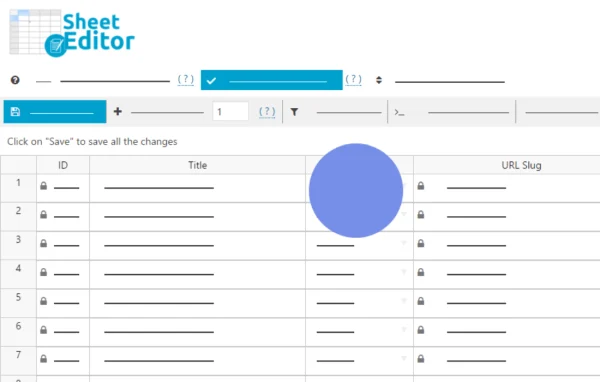
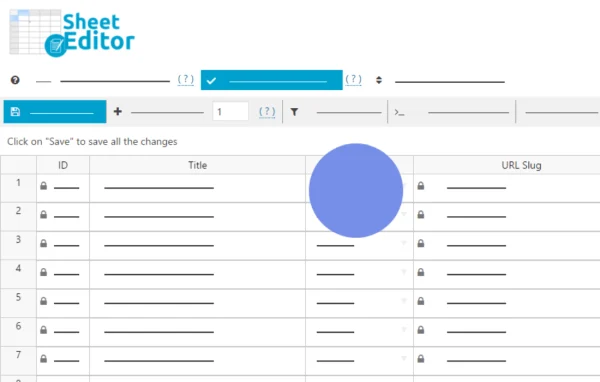
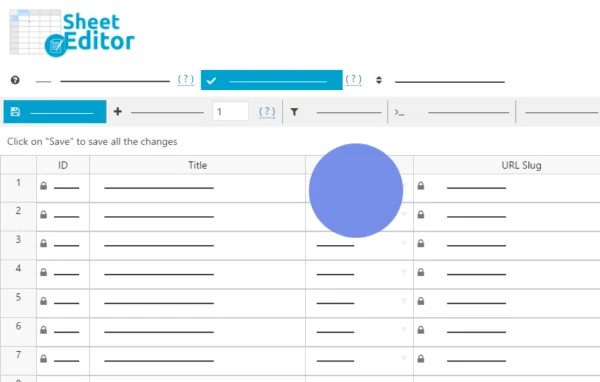
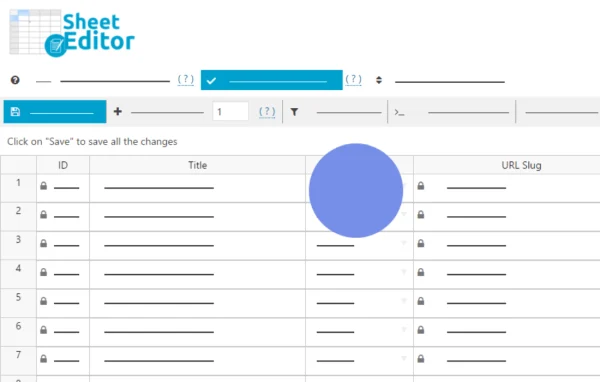
Inside WordPress, your content appears in a spreadsheet view organized per language. Polylang columns such as "Translation of" and "Language" sit alongside your regular fields, and you map them during import so each translated row connects to its original item. It works with posts, pages and custom post types linked with Polylang, and it runs on top of WP Sheet Editor, so it suits sites already using that spreadsheet editor.
Best for
- Multilingual WordPress sites running Polylang
- Agencies sending content to outside translators
- Content managers updating many translations at once
Features
CSV export per language
Export posts, pages and custom post types in one language as a CSV file that you can pass along to a translator or translation team.
Bulk translation import
Import translated CSV files into any target language to create new translations or update existing ones without editing each item by hand.
Spreadsheet view by language
See your site content laid out in a spreadsheet, organized per language, so you can review and work through translations in a table.
Polylang language columns
Use the "Translation of" and "Language" columns from Polylang to tell the import which original item each row translates and which language it belongs to.
Column mapping on import
Map the columns in your CSV file to the right fields so original content and its translations stay correctly linked after the import.
Works with Polylang post types
Handle any post type linked with Polylang, including custom post types, along with standard posts and pages.
Familiar format for translators
Translators work in a regular spreadsheet file, which means they do not need access to your WordPress dashboard to do their part.
Questions about WP Sheet Editor - Polylang
Does this work on its own or do I need other plugins?
It is an extension for WP Sheet Editor and is built for sites that use the Polylang multilingual plugin. It adds Polylang translation handling to the WP Sheet Editor spreadsheet, so your site needs Polylang in place for it to be useful.
Can my translator work without logging into WordPress?
Yes. You export the content in one language as a CSV file and send it to the translator, who works in a spreadsheet. When the file comes back, you import it into the target language from inside WordPress.
How does the import know which post a translation belongs to?
The spreadsheet includes Polylang columns such as "Translation of" and "Language". You map these during import, which links each translated row to its original item and assigns the correct language.
Can I translate custom post types as well as posts and pages?
Yes. Export and import cover posts, pages and custom post types, and the extension supports post types that are linked with Polylang on your site.
Is WP Sheet Editor - Polylang free?
The code of WP Sheet Editor - Polylang is licensed under the GPL, so anyone may use, change and share it. GPL Feast is a paid service: a plan or a single purchase gives you the download and automatic updates. The developer's own support, licence key and online services are not included.
Which version of WP Sheet Editor - Polylang is this?
Version 1.0.8, released Sep 25, 2025. New versions appear here when the developer publishes them, and members get them as automatic updates.
How do I update WP Sheet Editor - Polylang?
Install the free GPL Feast Updater on your site and connect it with your API key. It installs new versions of WP Sheet Editor - Polylang automatically and keeps a backup, so you can roll back.
What does WP Sheet Editor - Polylang need?
WP Sheet Editor - Polylang needs Polylang installed and active.
More from WP Sheet Editor