Plugin
Updated
WP Sheet Editor - Post Types (Premium)
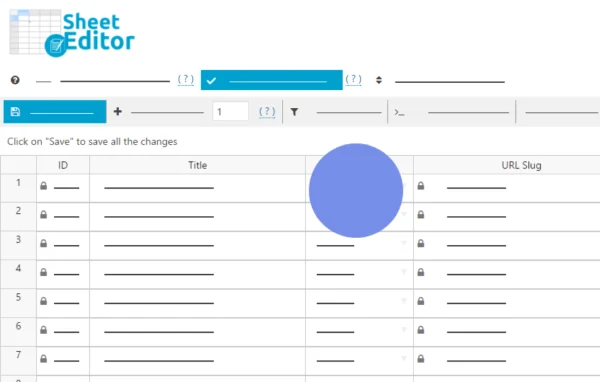
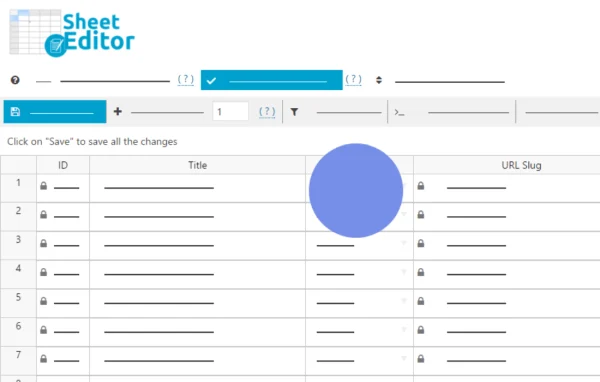
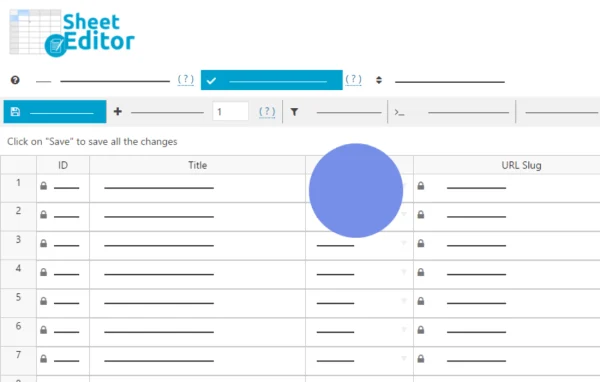
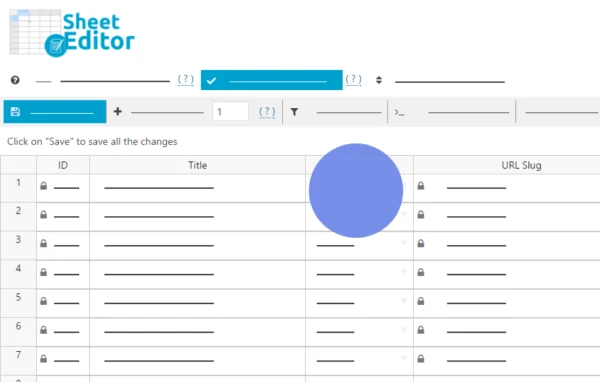
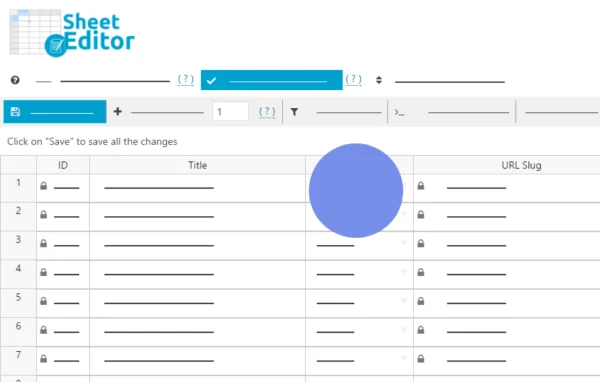
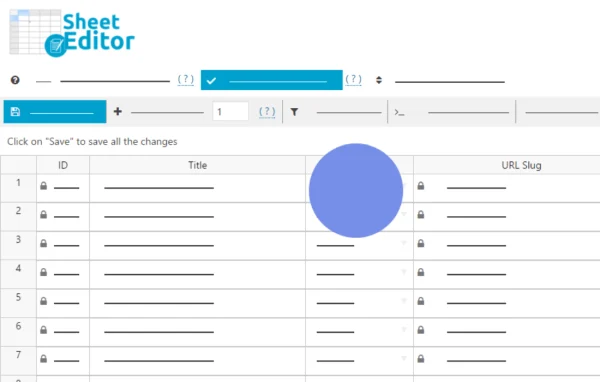
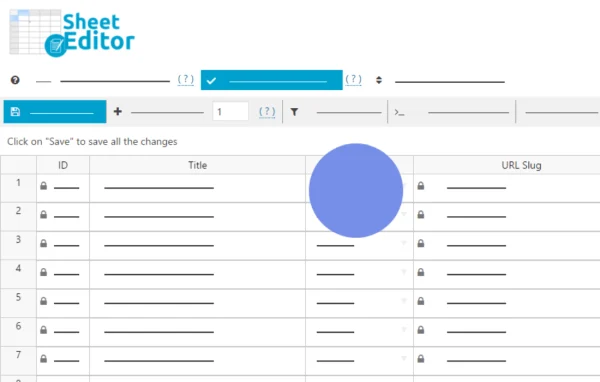
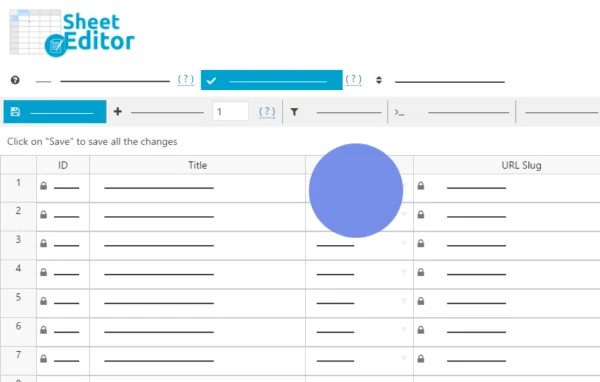
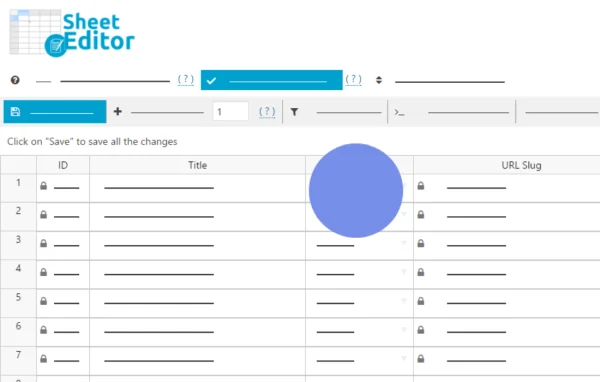
WP Sheet Editor - Post Types (Premium) is a WordPress plugin by WP Sheet Editor that shows your site content as a spreadsheet inside the admin area. You can edit posts, pages and custom fields in bulk, with changes saved directly to your site.
- Version
- 2.27.0
- Released
- Jul 9, 2026
- Developer
- WP Sheet Editor
- Type
- WordPress plugin
- Licence
- GPL
- Included in
- Every plan, or $7.19 a year on its own
What’s new in WP Sheet Editor - Post Types (Premium) 2.27.0
Version 2.27.0 · Jul 9, 2026
Latest
- NewCOLUMNS MANAGER - Add data validation options
- NewCORE - Added "no conflict mode"
- ImprovedIMPORT - Allow to import XML files
- ImprovedCORE - Improve UI
- ImprovedCORE - Improve resiliency of the saving process
- ImprovedCORE - Performance improvements
- FixedCORE - Global sort by meta data doesn't work well when having multiple meta filters
- FixedCORE - Small bug fixes
What it does
Editing WordPress content one entry at a time gets slow once a site has hundreds or thousands of posts. This plugin places a spreadsheet editor in your dashboard, so each row is an entry and each column is a field. You can change titles, content, custom fields and other data across many entries at once, and the edits apply live on your site. That removes the need to export a file, edit it elsewhere and import it again just to fix a batch of entries.
Beyond direct cell editing, it includes search with multiple conditions and operators, so you can isolate exactly the entries you want to change. It reads native and custom fields, including serialized data and fields added by other plugins, and works with WPML and Polylang for multilingual content. Formulas, regex replacements and duplicate removal handle larger cleanup jobs. It is designed to cope with very large sites, and import and export options are there when you prefer working in Excel or Google Sheets.
Best for
- Blogs and content sites with large post archives
- Site administrators managing many custom fields
- Multilingual sites running WPML or Polylang
Features
Spreadsheet editor in the admin
Your posts, pages and other content appear as rows in a spreadsheet inside WordPress, and edits you make in cells are applied live to the site.
Bulk editing at scale
Update large numbers of entries in one action, with the editor built to avoid server timeouts and errors on sites with big datasets.
Advanced search and filters
Combine multiple search conditions with different operators to find and segment the exact set of entries you want to edit.
Custom and serialized fields
Native fields, custom fields, serialized data and fields created by third-party plugins are recognized and editable as spreadsheet columns.
Formulas and regex updates
Apply math formulas, run advanced find and replace, use regex updates and remove duplicate entries directly from the spreadsheet view.
Copy, fill and sort cells
Familiar spreadsheet actions let you copy values, auto-fill cells across columns and sort data to speed up repetitive edits.
Import and export
Export content to edit in Excel or Google Sheets, then import the changes back with automatic field recognition. XML files can also be imported.
Multilingual plugin support
Works with WPML and Polylang, so translated content can be viewed and edited in the same spreadsheet format.
WP Sheet Editor - Post Types (Premium) older versions
- 2.26.1Jan 194 fixes
- 2.26.0Jan 62 new, 8 improvements, 1 fix
- 2.25.19Jul 15, 20252 improvements, 2 fixes
- 2.25.18Jun 4, 2025
- 2.25.17Feb 20, 2025
- 2.25.16Jan 23, 2025
- 2.25.15Nov 2, 2024
- 2.25.14Aug 9, 2024
- 2.25.13Mar 28, 2024
- 2.25.9Jan 29, 2024
Members and buyers of this product can download older versions.
17 older versions in all. If you need one that is not listed, ask support.
Questions about WP Sheet Editor - Post Types (Premium)
Can I edit custom fields added by other plugins?
Yes. The plugin supports native and custom fields, including serialized data and fields created by third-party plugins, and shows them as columns you can edit in bulk alongside standard post data.
Do my changes go live right away?
Yes. Edits made in the spreadsheet are applied to your site directly, so you do not need to export and re-import a file to update content. Import and export remain available if you want to work offline in Excel or Google Sheets.
Will it handle a site with a lot of content?
It is built for large datasets. The developer describes it handling stores with over 100,000 products and communities with more than 300,000 users, and bulk updates are designed to avoid server timeouts.
Does it work on a multilingual site?
It is compatible with WPML and Polylang, so multilingual content can be edited in the spreadsheet view just like your other entries.
Is WP Sheet Editor - Post Types (Premium) free?
The code of WP Sheet Editor - Post Types (Premium) is licensed under the GPL, so anyone may use, change and share it. GPL Feast is a paid service: a plan or a single purchase gives you the download and automatic updates. The developer's own support, licence key and online services are not included.
Which version of WP Sheet Editor - Post Types (Premium) is this?
Version 2.27.0, released Jul 9, 2026. New versions appear here when the developer publishes them, and members get them as automatic updates.
How do I update WP Sheet Editor - Post Types (Premium)?
Install the free GPL Feast Updater on your site and connect it with your API key. It installs new versions of WP Sheet Editor - Post Types (Premium) automatically and keeps a backup, so you can roll back.
More from WP Sheet Editor