Plugin
Updated
WP Sheet Editor - Redirection
This plugin is an extension for WP Sheet Editor, made by WP Sheet Editor, that lets you rename files in your WordPress Media Library from a spreadsheet-style screen. When a filename changes, it creates a 301 redirect from the old file URL to the new one, so existing links keep working.
- Version
- 1.0.1
- Released
- Sep 23, 2025
- Developer
- WP Sheet Editor
- Type
- WordPress plugin
- Licence
- GPL
- Included in
- Every plan, or $2.39 a year on its own
What’s new in WP Sheet Editor - Redirection 1.0.1
Version 1.0.1 · Sep 23, 2025
Latest
What it does
Renaming media files in WordPress usually means handling them one at a time, and every rename can break links that point to the old URL. Images embedded on other websites, backlinks and old references all stop working when a filename changes. This extension addresses both problems. You edit filenames in a spreadsheet layout, change many rows at once, and the extension sets up 301 redirects from each old URL to its new address.
The redirects depend on the Redirection plugin, plus the matching Redirection extension, which is what triggers a redirect whenever a filename is changed. The extension is built to work with the core WP Sheet Editor plugin, so it fits sites already using that tool or planning to. It suits site owners, marketers and developers who look after large media libraries and want to clean up filenames without leaving broken image links behind.
Best for
- Sites with large WordPress Media Libraries
- Marketers cleaning up image filenames without breaking backlinks
- Developers already using WP Sheet Editor
Features
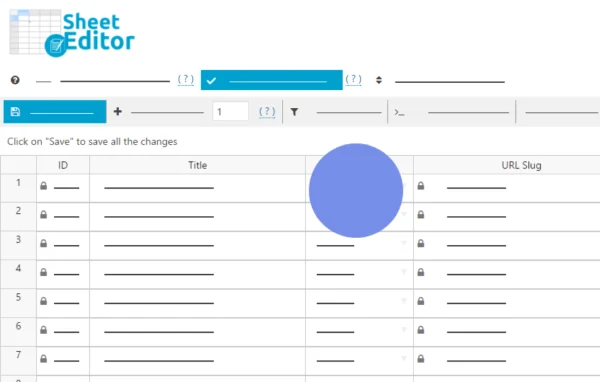
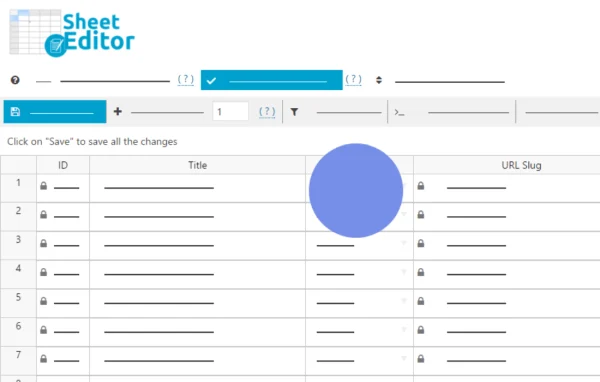
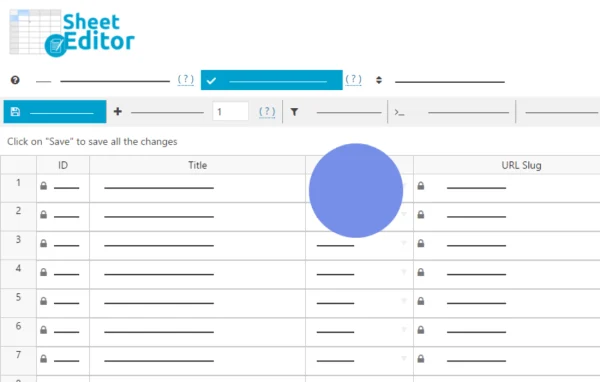
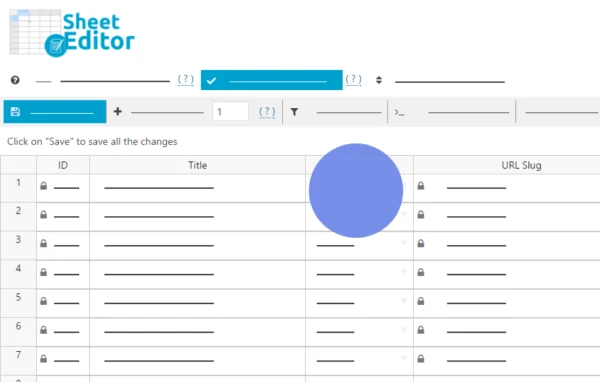
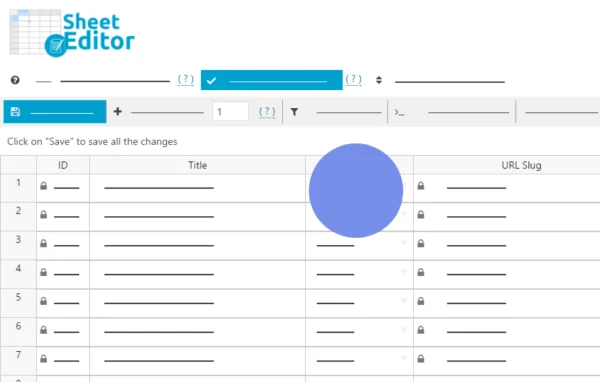
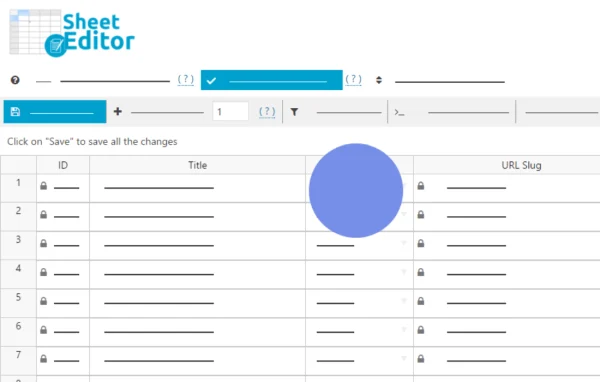
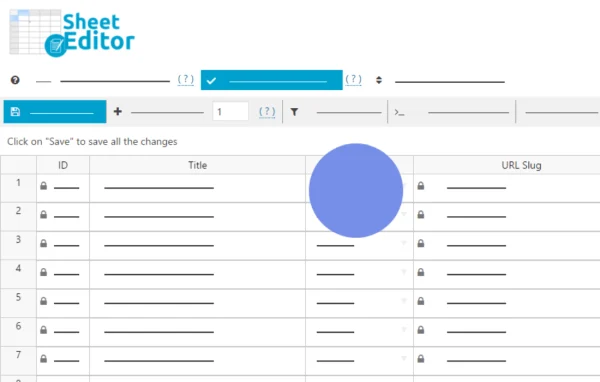
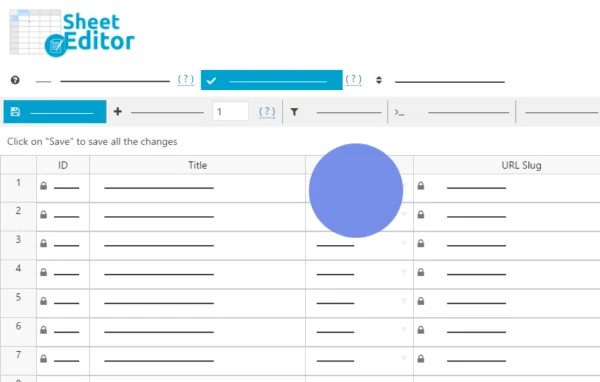
Spreadsheet view of media
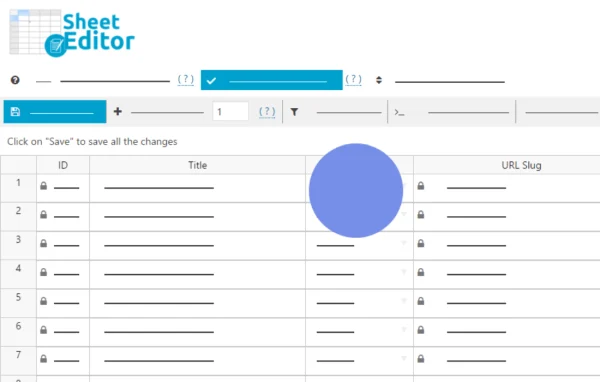
Your Media Library files appear in rows and columns, so you can read and edit filenames in a familiar spreadsheet layout instead of opening each file separately.
Bulk filename editing
Change the names of many media files in one session, which saves a lot of repetitive work on sites that hold large numbers of images and documents.
Automatic 301 redirects
When a filename changes, a 301 redirect is created from the old file URL to the new one, so visitors and search engines reach the renamed file.
Works with Redirection
The extension connects with the Redirection plugin and its extension, which handle triggering the redirects each time you rename a file in the sheet.
Protects external image links
Images embedded on other websites or linked through backlinks keep resolving after a rename, because the old address forwards to the updated file.
One place for media edits
Filename changes happen inside a single interface, which keeps media housekeeping organized for WordPress administrators managing many files.
Questions about WP Sheet Editor - Redirection
What else do I need for the redirects to work?
You need the core WP Sheet Editor plugin, the Redirection plugin and the Redirection extension. The Redirection plugin and its extension are what trigger a redirect whenever a filename is changed in the spreadsheet.
Will renaming my images break links on other websites?
The extension creates a 301 redirect from each old file URL to its new one. Images embedded elsewhere or reached through backlinks should forward to the renamed file instead of returning a broken link.
Can I rename many files at once?
Yes. The spreadsheet layout lets you edit filenames across many rows in one go, which is much faster than renaming media items one by one on sites with large libraries.
Is WP Sheet Editor - Redirection free?
The code of WP Sheet Editor - Redirection is licensed under the GPL, so anyone may use, change and share it. GPL Feast is a paid service: a plan or a single purchase gives you the download and automatic updates. The developer's own support, licence key and online services are not included.
Which version of WP Sheet Editor - Redirection is this?
Version 1.0.1, released Sep 23, 2025. New versions appear here when the developer publishes them, and members get them as automatic updates.
How do I update WP Sheet Editor - Redirection?
Install the free GPL Feast Updater on your site and connect it with your API key. It installs new versions of WP Sheet Editor - Redirection automatically and keeps a backup, so you can roll back.
More from WP Sheet Editor