Plugin
Updated
WP Sheet Editor - WPFusion
This plugin by WP Sheet Editor is an extension that adds WP Fusion tag columns to the WP Sheet Editor spreadsheet. It lets WooCommerce store owners view, search, update and remove WP Fusion tag settings across many products at once instead of opening each product.
- Version
- 1.0.3
- Released
- Sep 25, 2025
- Developer
- WP Sheet Editor
- Type
- WordPress plugin
- Licence
- GPL
- Included in
- Every plan, or $2.39 a year on its own
What’s new in WP Sheet Editor - WPFusion 1.0.3
Version 1.0.3 · Sep 25, 2025
Latest
What it does
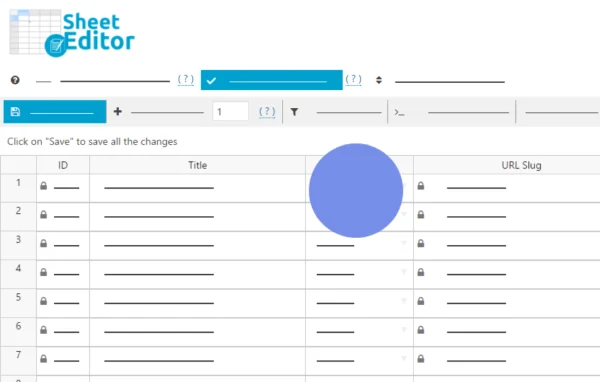
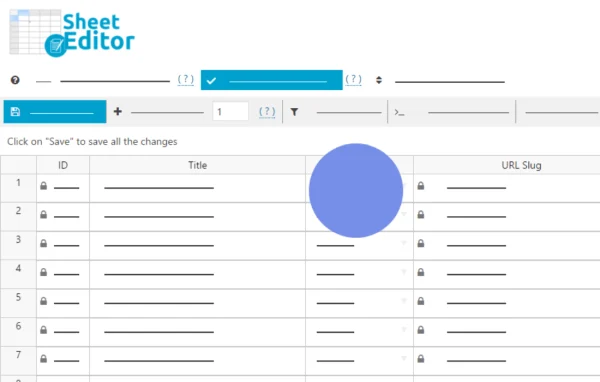
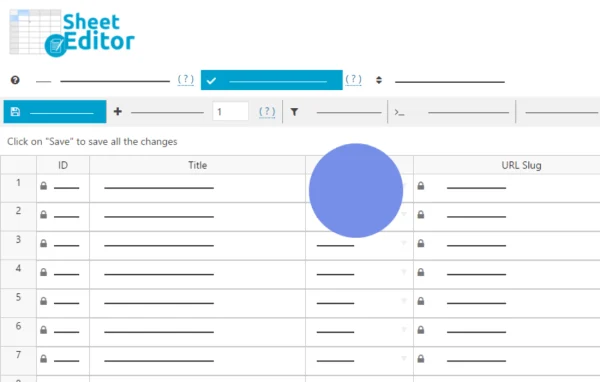
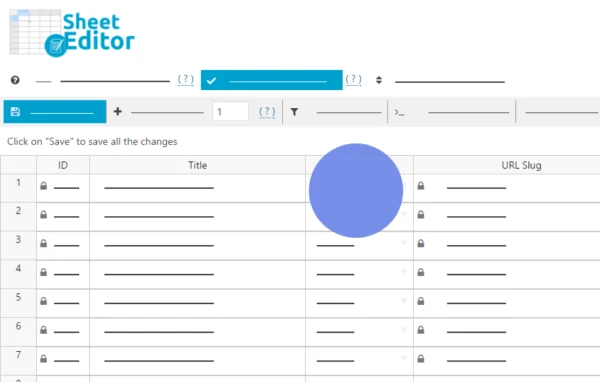
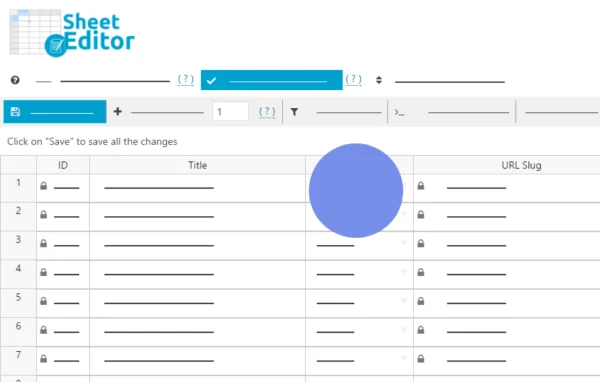
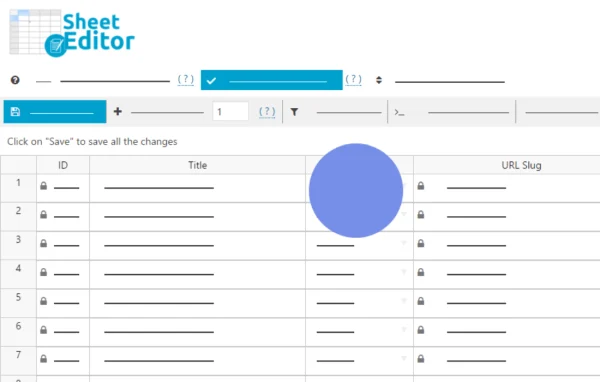
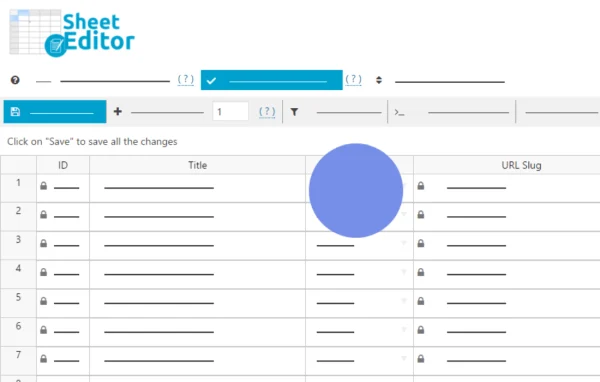
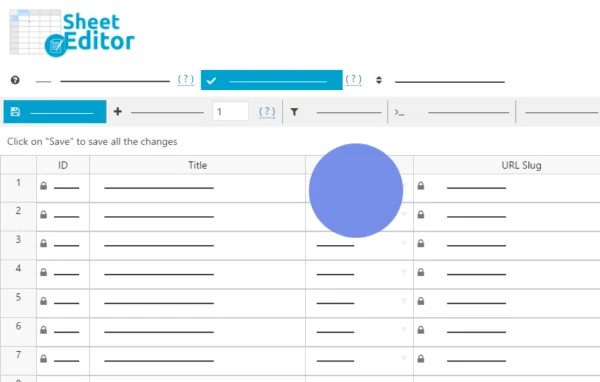
WP Fusion lets you apply CRM tags when customers buy WooCommerce products, but those tag rules live on each product's edit screen. For a store with hundreds or thousands of products, changing them one product at a time is slow and easy to get wrong. This extension moves those settings into a spreadsheet view, so you can see tag rules for your whole catalog in rows and columns and change them in bulk.
It works inside WordPress as part of WP Sheet Editor. It adds columns such as Apply tags when purchased and Apply tags when transaction failed, which you can search and edit like spreadsheet cells. That makes it practical to tag buyers of certain products for email campaigns, or flag customers with failed transactions for follow-up, while keeping tags consistent across every product type in your store.
Best for
- WooCommerce stores using WP Fusion for CRM tagging
- Shops with large catalogs and complex tag rules
- Marketing teams managing customer segmentation from WordPress
Features
Bulk tag editing
Edit WP Fusion tag settings across hundreds of WooCommerce products in one spreadsheet, without opening and saving each product separately.
Tags when purchased column
A dedicated Apply tags when purchased column shows and sets the CRM tags applied to customers who complete a purchase of each product.
Failed transaction tags column
The Apply tags when transaction failed column lets you set tags for customers whose payment fails, so you can segment them for follow-up.
Search, update or remove tags
Find products by their tag settings, then update or remove tags on many products at once from the spreadsheet view.
Works inside WordPress
All tag management happens in the WordPress dashboard through WP Sheet Editor, with no separate platform needed for editing these settings.
Consistent tagging across catalog
Seeing every product's tag rules side by side helps keep tags uniform across your catalog and reduces mistakes from manual edits.
All WooCommerce product types
The tag columns work with all types of WooCommerce products, so the extension fits a wide range of store setups.
Questions about WP Sheet Editor - WPFusion
What do I need for this extension to work?
It is an extension for WP Sheet Editor, so it runs inside that spreadsheet editor. It manages WP Fusion tag settings on WooCommerce products, which means your site should use WooCommerce and WP Fusion as well.
Which tag settings can I edit in bulk?
The extension adds columns such as Apply tags when purchased and Apply tags when transaction failed. You can search, update or remove the tags in these columns across many products at once.
Does it work with variable or other product types?
Yes. The extension is compatible with all types of WooCommerce products, so you can manage WP Fusion tag settings across your whole catalog regardless of how each product is set up.
Is it suitable for very large stores?
It is built for stores with hundreds or thousands of products and complex tagging needs. The spreadsheet view lets you change tag rules for many products together instead of editing each one by hand.
Is WP Sheet Editor - WPFusion free?
The code of WP Sheet Editor - WPFusion is licensed under the GPL, so anyone may use, change and share it. GPL Feast is a paid service: a plan or a single purchase gives you the download and automatic updates. The developer's own support, licence key and online services are not included.
Which version of WP Sheet Editor - WPFusion is this?
Version 1.0.3, released Sep 25, 2025. New versions appear here when the developer publishes them, and members get them as automatic updates.
How do I update WP Sheet Editor - WPFusion?
Install the free GPL Feast Updater on your site and connect it with your API key. It installs new versions of WP Sheet Editor - WPFusion automatically and keeps a backup, so you can roll back.
More from WP Sheet Editor